The agent does its best work when it has good documents, a clear brief and room to check its own work. These habits come from how builders, estimators and PMs use it day to day.
Start with good documents
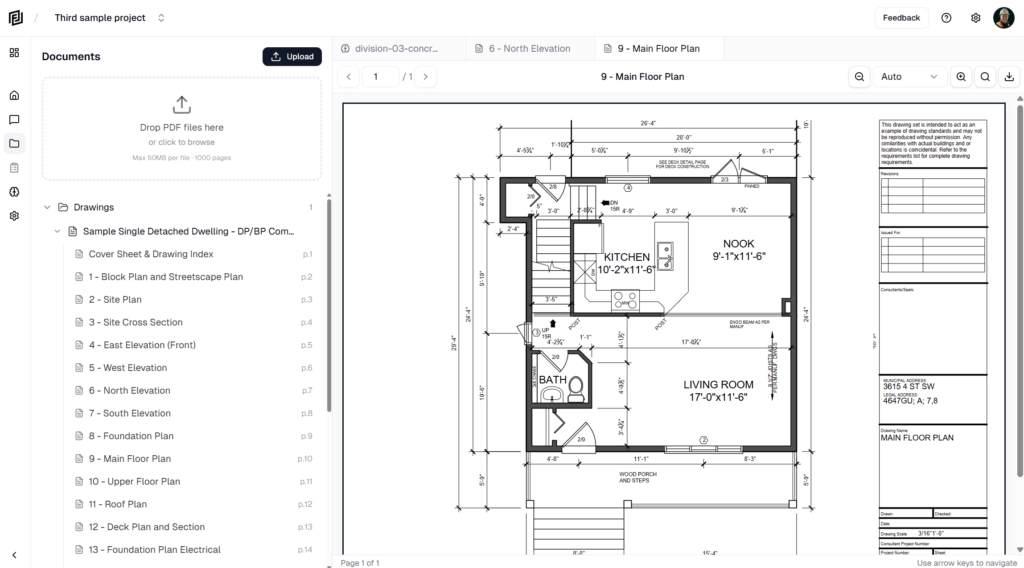
- Upload the full set. The agent can only use what’s in Files. Missing sheets mean missing answers.
- Use CAD-exported PDFs where you can. They read better than scans, and the agent can only take off quantities on vector drawings.
- Wait for processing to finish before asking about a new upload.
- Remove old revisions you don’t want used, or tell the agent which one is current.
Write a clear request
- Say what you want back. “List the window types with sizes and U-values as a table” beats “Tell me about the windows.”
- Narrow the search. Name the sheet, level, room, grid line or spec section if you know it.
- Give the purpose. “For a framing takeoff” or “for the owner meeting” changes how much detail is right.
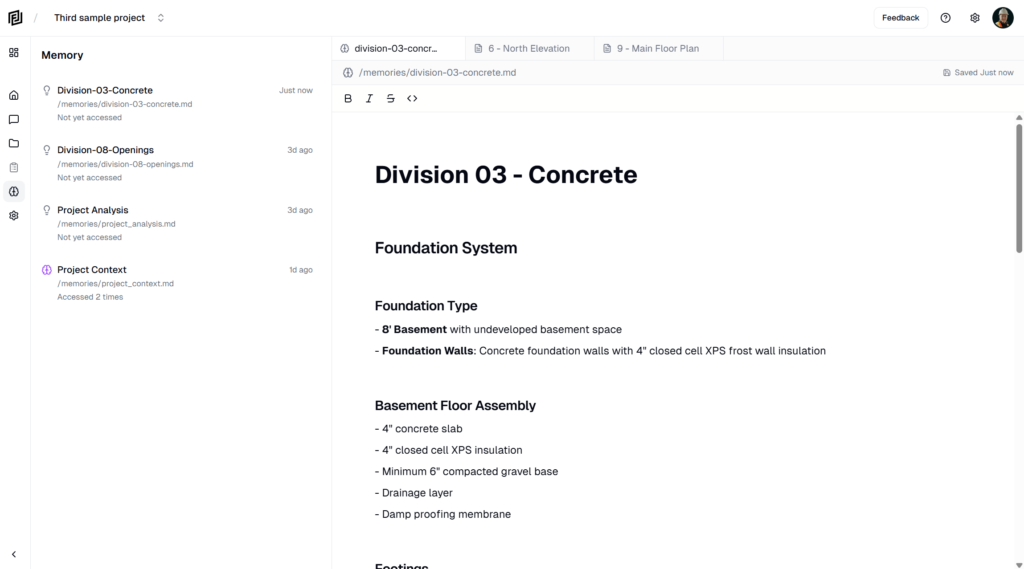
- State your rules up front. Rates, markups, exclusions, units, format. The agent can save these as memories so you only say them once.
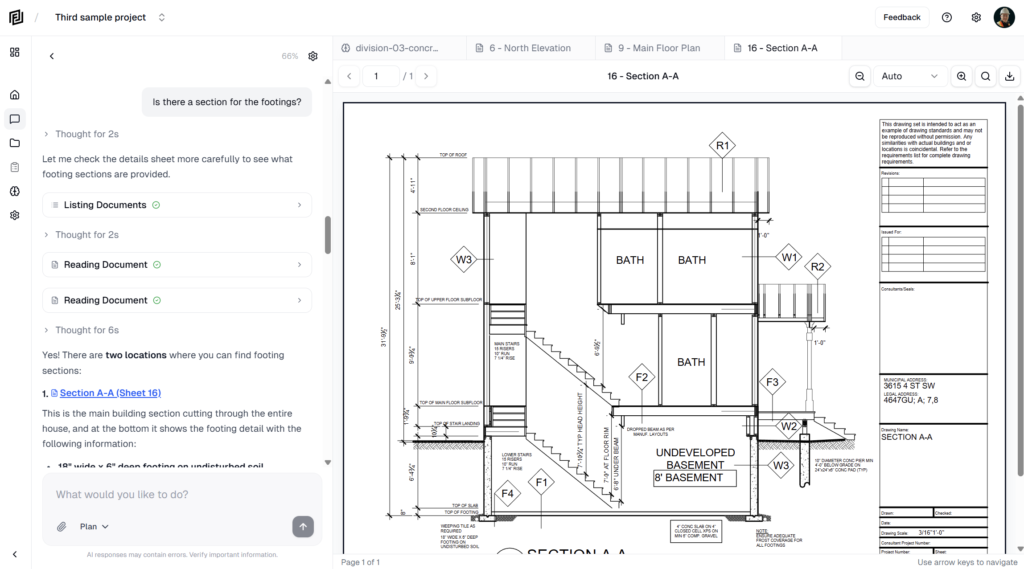
- Attach what matters with + or @ — a sheet, an estimate, the last meeting’s minutes.

Use the right setup
- Research in Ask, build in Auto. Ask mode can’t change anything, so it’s safe for exploring. Switch to Auto (or Review) when you’re ready for the deliverable.
- Use Review for big jobs. Agreeing the plan first saves rework on estimates and schedules.
- Start from a playbook for standard deliverables. Playbooks carry proven steps and templates.
- Match the model to the job. A smaller model for quick lookups, a larger one for long, complex work. See Choosing a Model.
Keep chats focused
- One job per chat. Start a new chat for an unrelated topic rather than switching mid-thread.
- Build in steps. “Take off the main floor walls” → “Now price them” → “Add the upper floor.”
- Answer its questions. When the agent asks which option you mean, a quick answer avoids a wrong guess.
Check the work
- Click the citations. Confirm key dimensions and quantities against the sheet.
- Read the assumptions. The agent lists what it assumed or couldn’t find — that’s where to look first.
- Correct it in the chat. “The ceiling board is 5/8″, not 1/2″ — redo the drywall.” It updates the work instead of starting over.
- Rate answers. Thumbs up and down help us improve the agent.
Watch your credits
Long chats, big document sets and larger models all use more AI credits. Attaching the right sheet and keeping chats focused keeps costs down. See Usage & AI Credits.