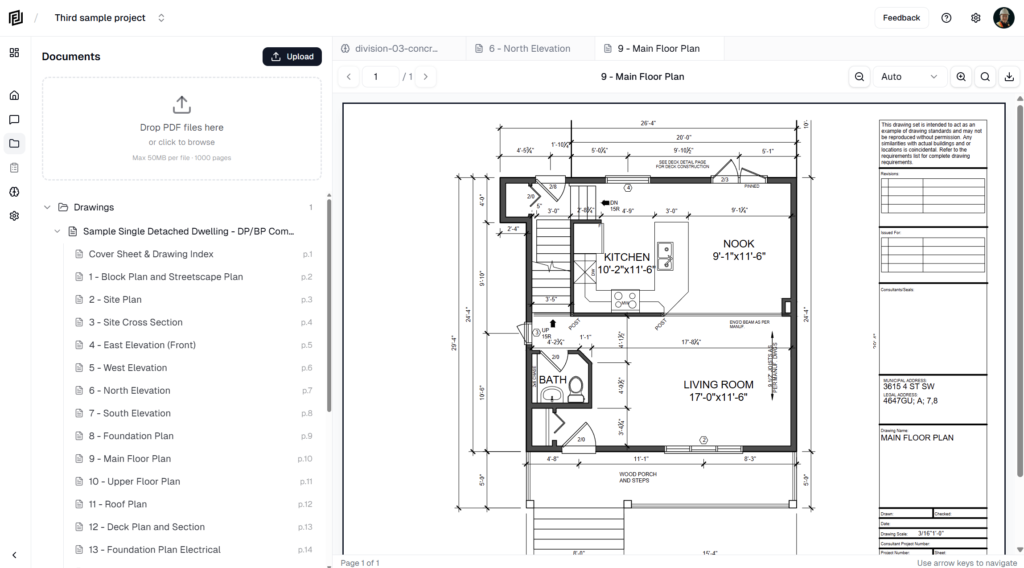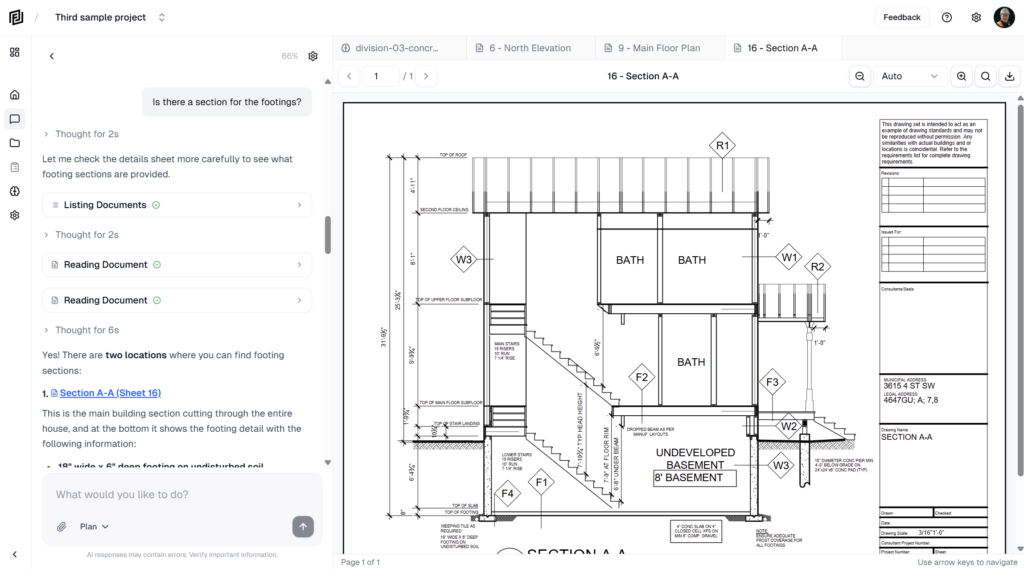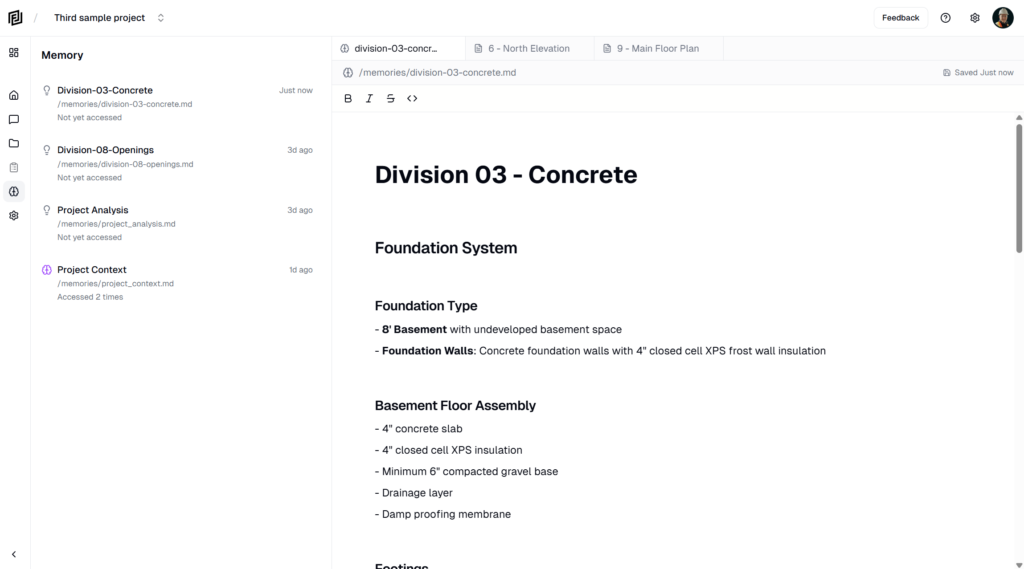
Templates give you a head start: the right headings, columns or tasks already in place. Every template makes an ordinary item you can edit freely afterwards.
Use the template picker
- Open the Workspace panel and click + Page (or the + next to General).
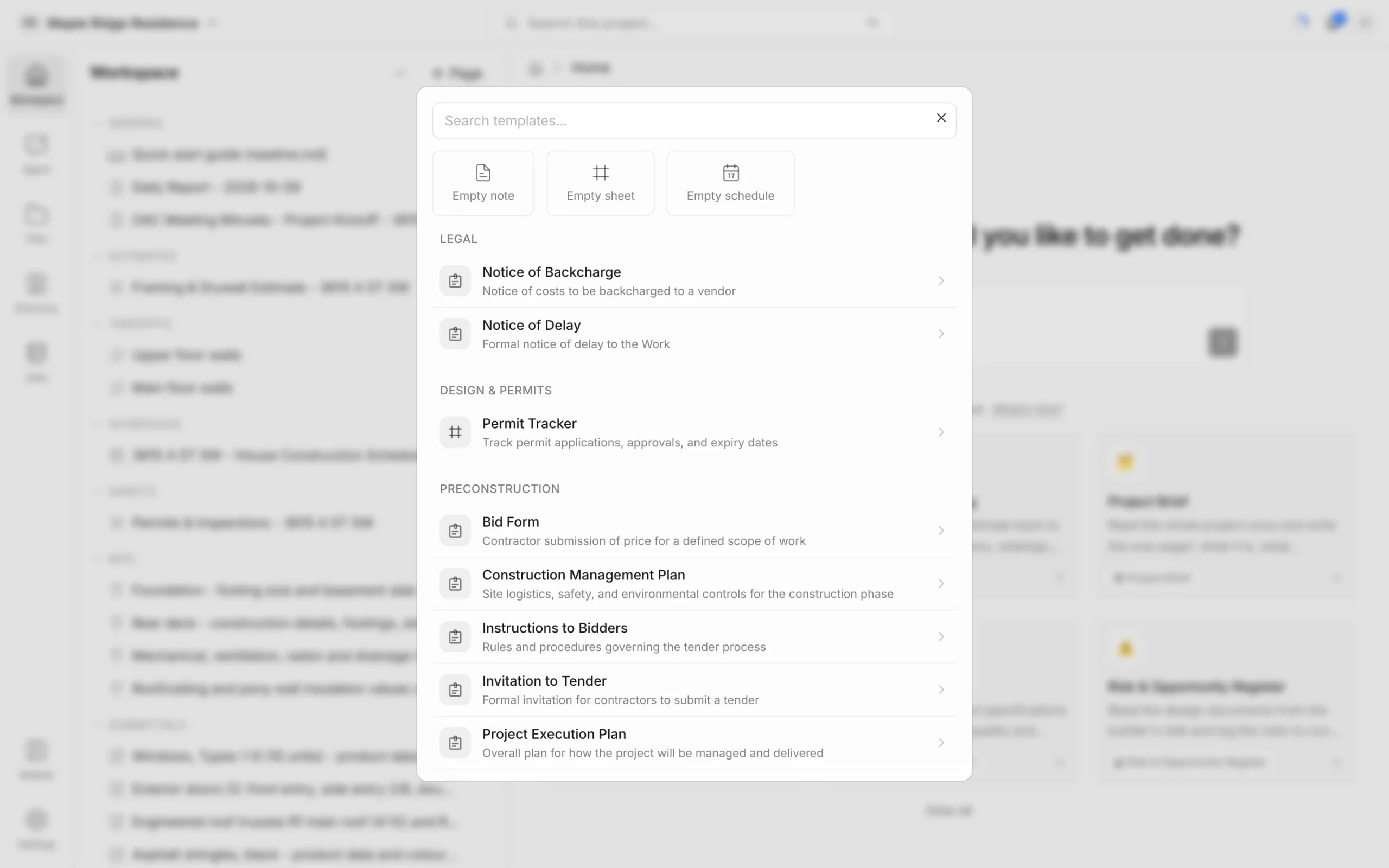
- Pick Empty note, Empty sheet or Empty schedule to start blank, or click a template in the list below.
- Type in Search templates… to filter. Searching a trade word like “safety” or “closeout” also finds the templates in that group.
The new item opens straight away and appears in the Workspace panel.
What’s in the picker
Templates are grouped by area. A few examples:
- Legal — Notice of Delay, Notice of Backcharge.
- Design & Permits — Permit Tracker.
- Preconstruction — Trade estimate, Construction Management Plan, Project Execution Plan.
- Project Admin — Memo, Letter, Transmittal, Site Instruction, RFI, Submittal.
- Reporting — meeting minutes, Weekly Report, Monthly Report, Manpower Tracker, Site Visit Report.
- HSE — Toolbox Talk, Incident Report, Near Miss Report, Stop Work Notice.
- Quality — Project Quality Plan, Mockup Log.
- Project Closeout — Punch List, Warranty Letter, Certificate of Substantial Completion.
Picking RFI or Submittal creates a single numbered entry in that log, not a new log.
Templates on a log’s New button
Each log’s New button (and the + on its Workspace heading) offers the templates for that kind of item:
- New estimate — Trade estimate (by MasterFormat trade), Elemental estimate (by building element, for early budgets) or Blank estimate.
- New schedule — Blank schedule, Master schedule, Contract milestones, Three-week lookahead, Procurement schedule, Single-family house or Mid-rise residential. These come with a starting set of tasks.
- New sheet — Blank Sheet plus trackers such as Permit Tracker, Risk & Opportunity Register, Value Engineering Log, Design Review Log, Submittal Requirements Log, Procurement Log and Punch List.
- New note — Blank Note, Memo or Letter.
- Minutes — Blank Meeting Minutes, OAC Meetings, Design Meetings, Coordination Meetings.
- Daily reports — Full Report, Quick Report or Blank Note.
- Progress reports — Weekly Report, Monthly Report, Monthly Internal Report.
A log with only one template creates from it directly, without a picker. Minutes, daily reports and progress reports don’t have their own Workspace heading — open their logs with ⌘K (Ctrl+K on Windows) and type the name.
Let the agent fill one in
Templates are a starting point for the agent too. Ask it to “write the OAC meeting minutes from today’s notes” or “start a permit tracker for this project” and it builds the item from your drawings and documents.