✏️
Documents Analyzed

From drawings to answers in minutes

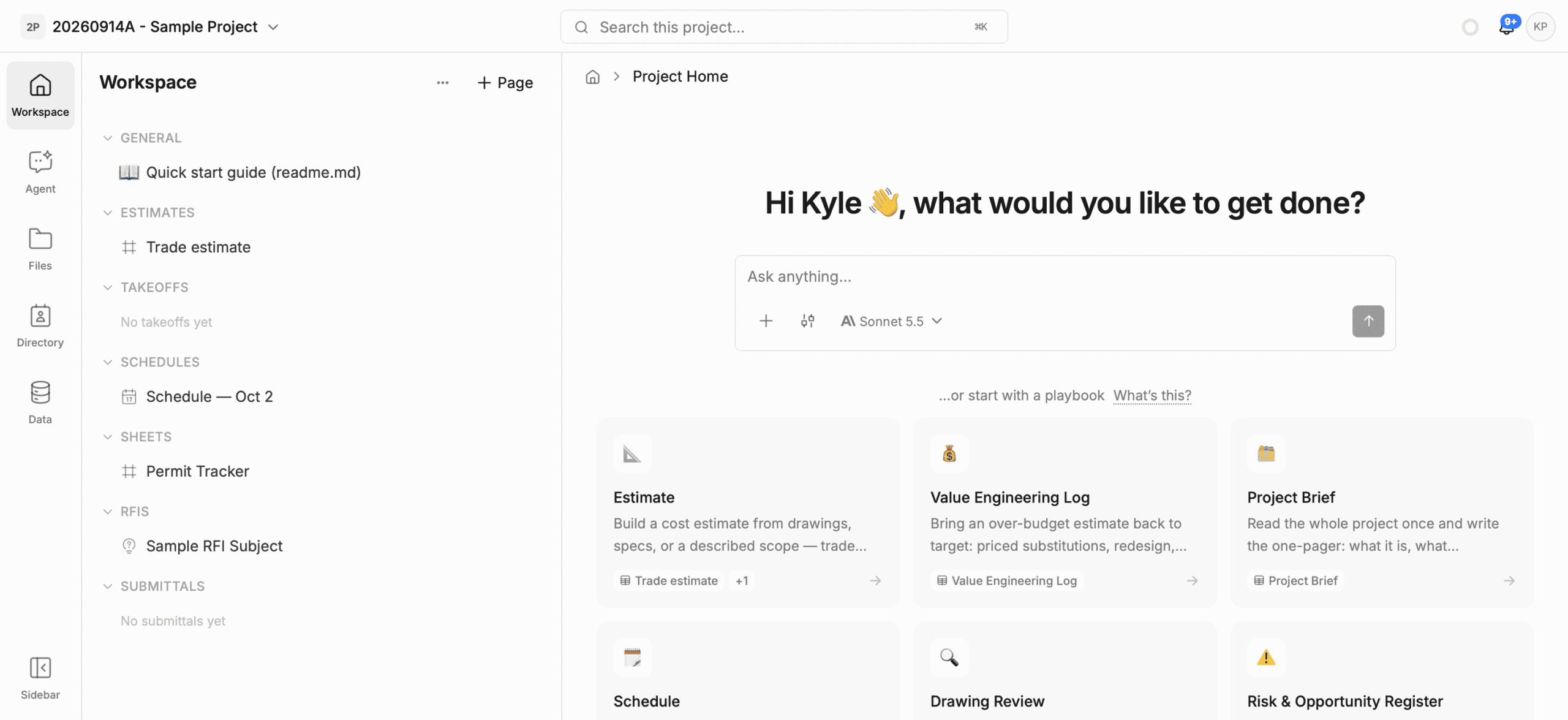
A unified, AI native workspace for your construction project
Framework - AI chat for construction
01 – BENEFITS

A flexible workspace for construction. Purpose built for agentic workflows – Framework let’s teams focus on building.
02 – EDITORS

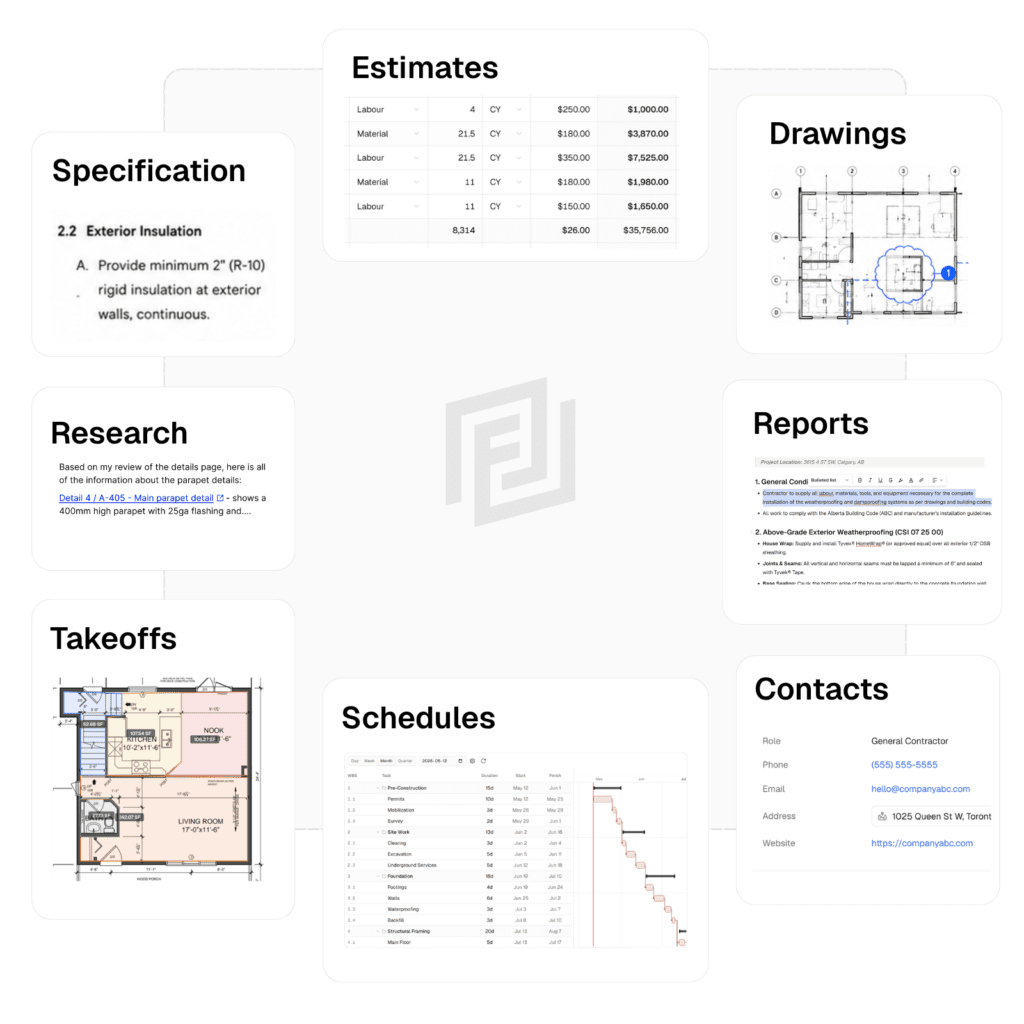
One tool to run your projects

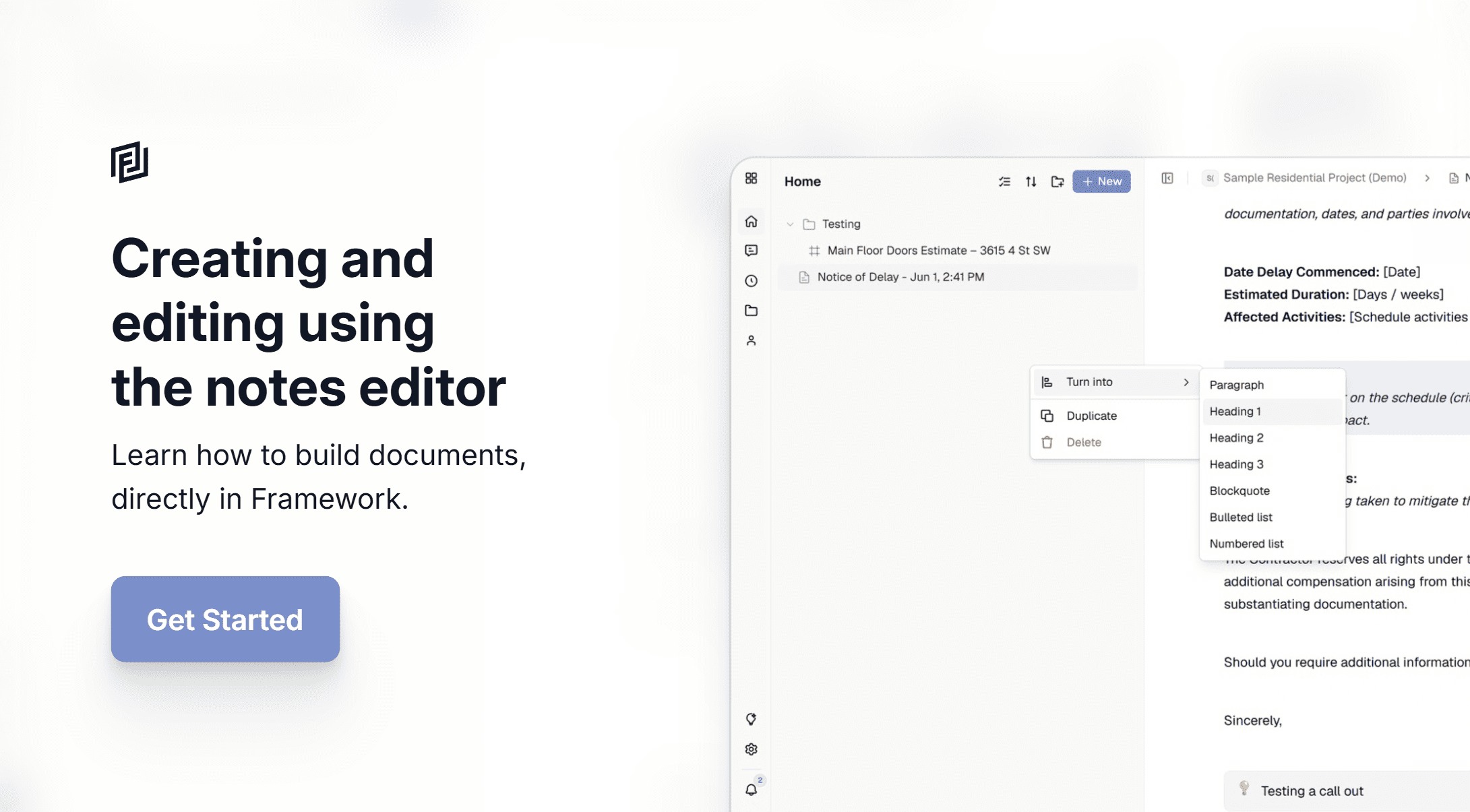
Notes

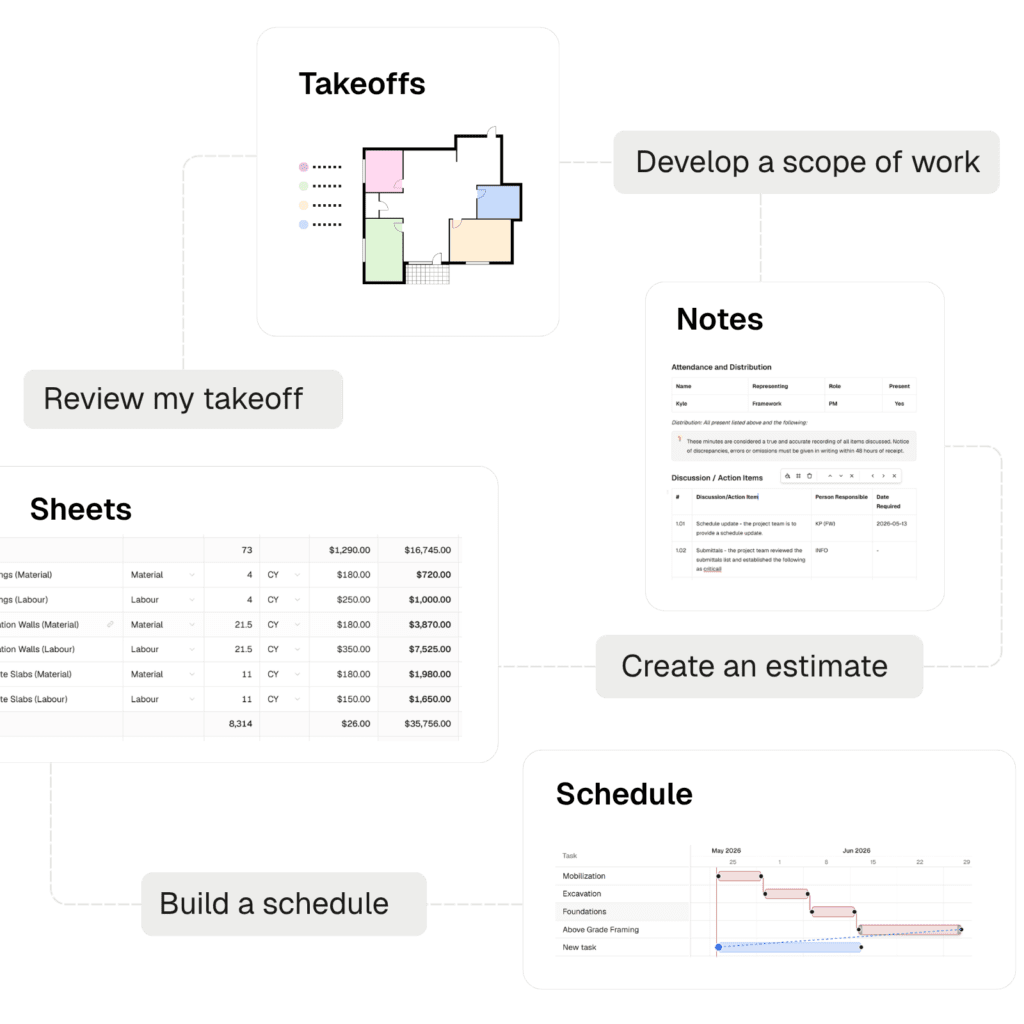
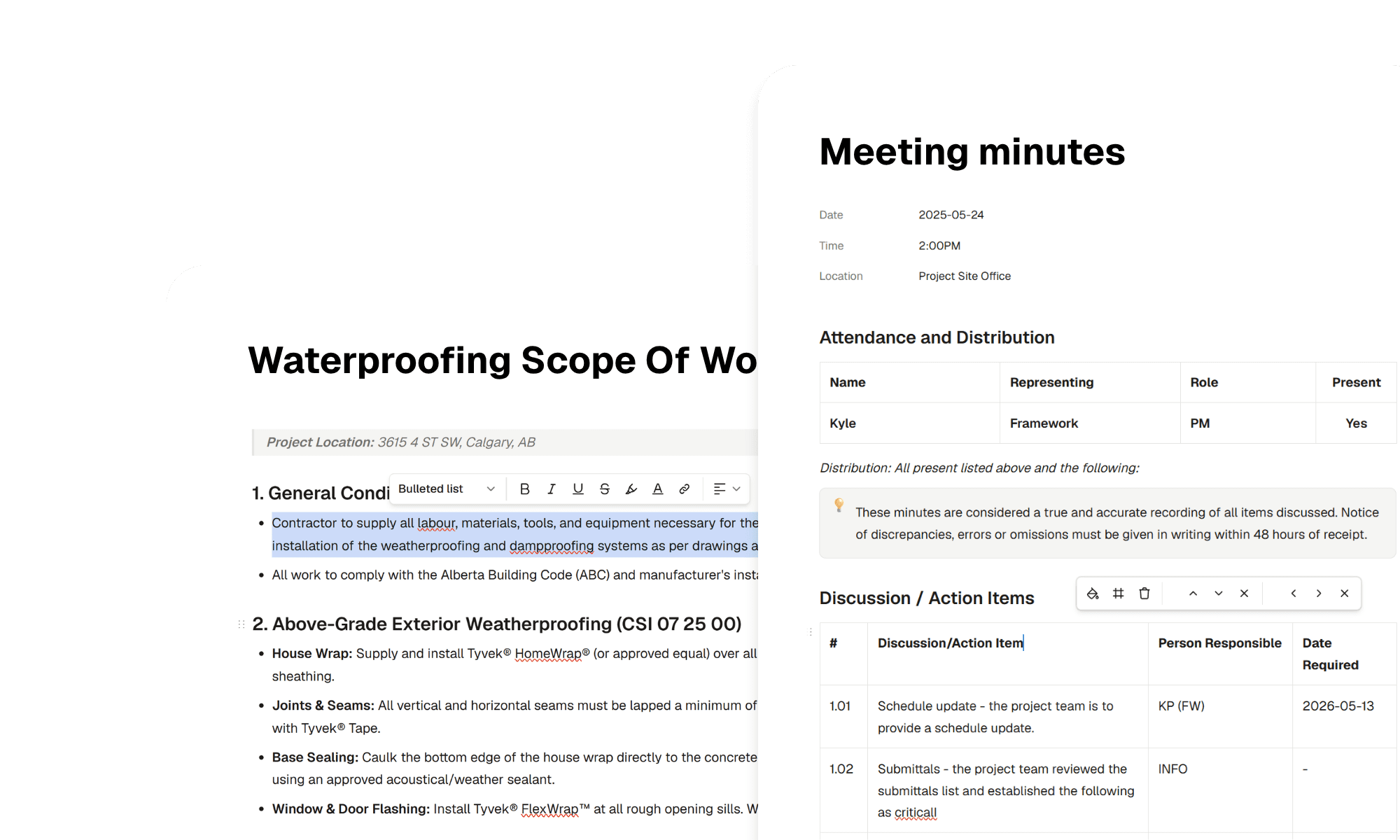
Simple and easy to use – the note editor is perfect for reports and text documents.

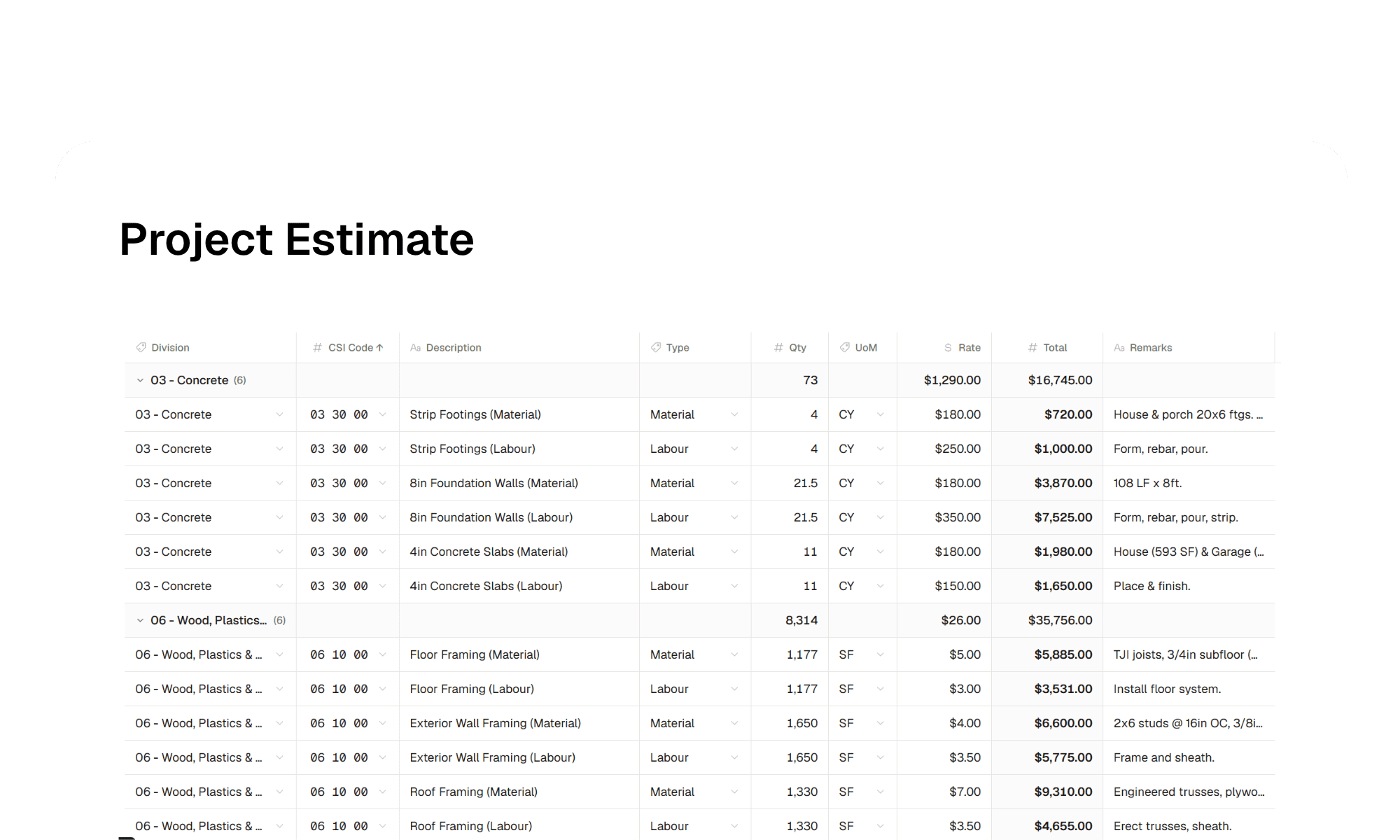
Sheets

A powerful data sheet view – perfect for creating estimates, logs, and working with structured data.

Measurements

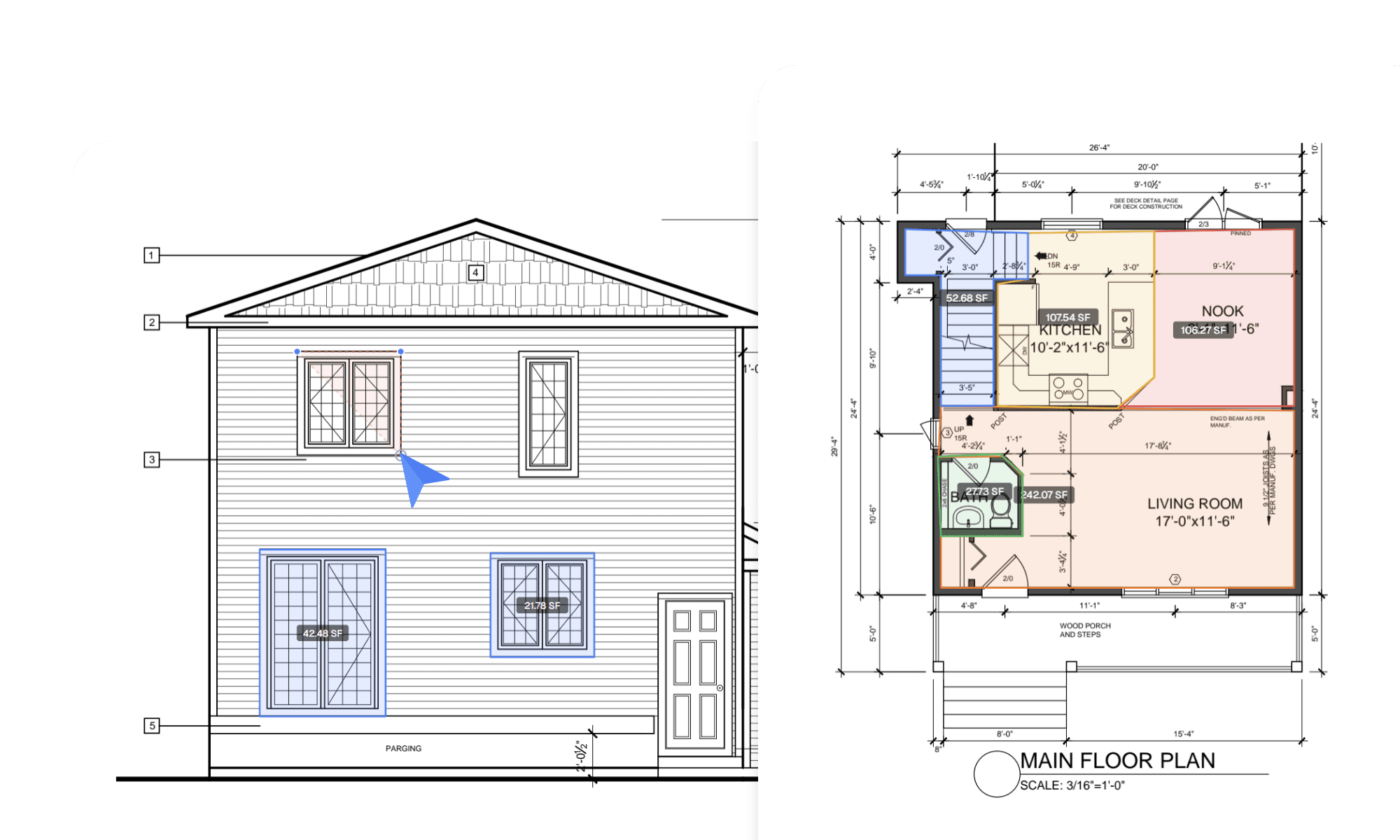
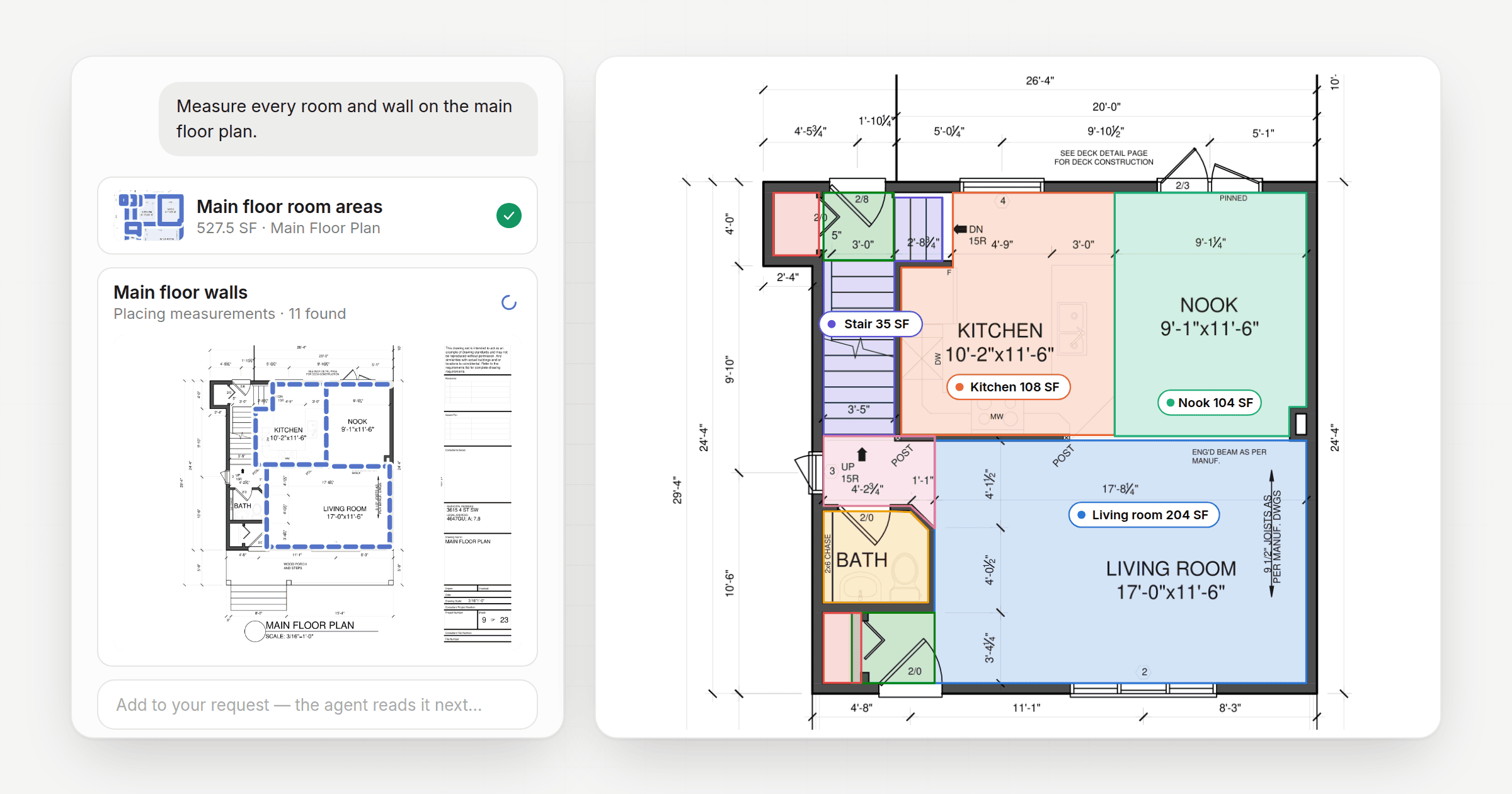
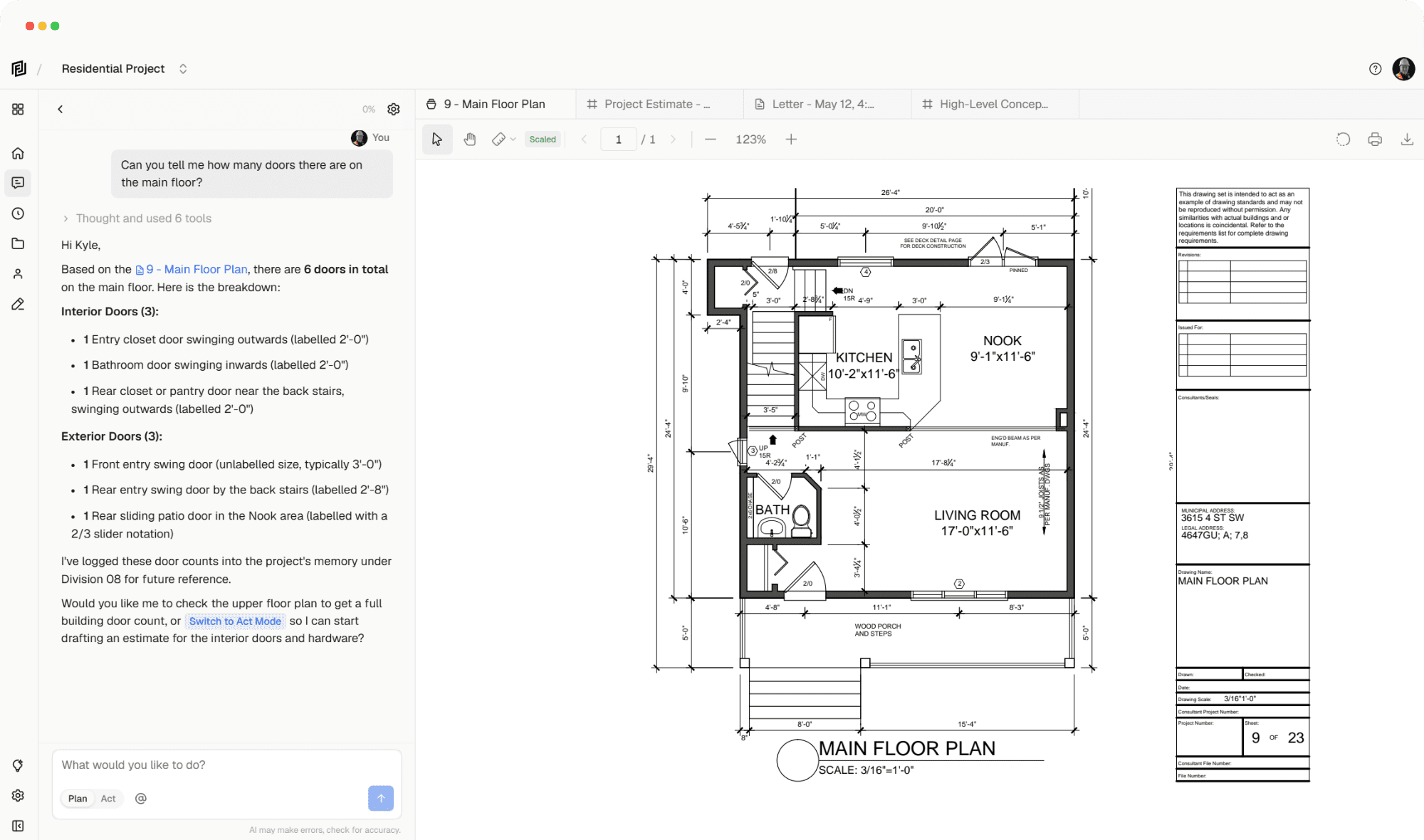
Perform takeoffs using our measurements tool directly on your drawings.

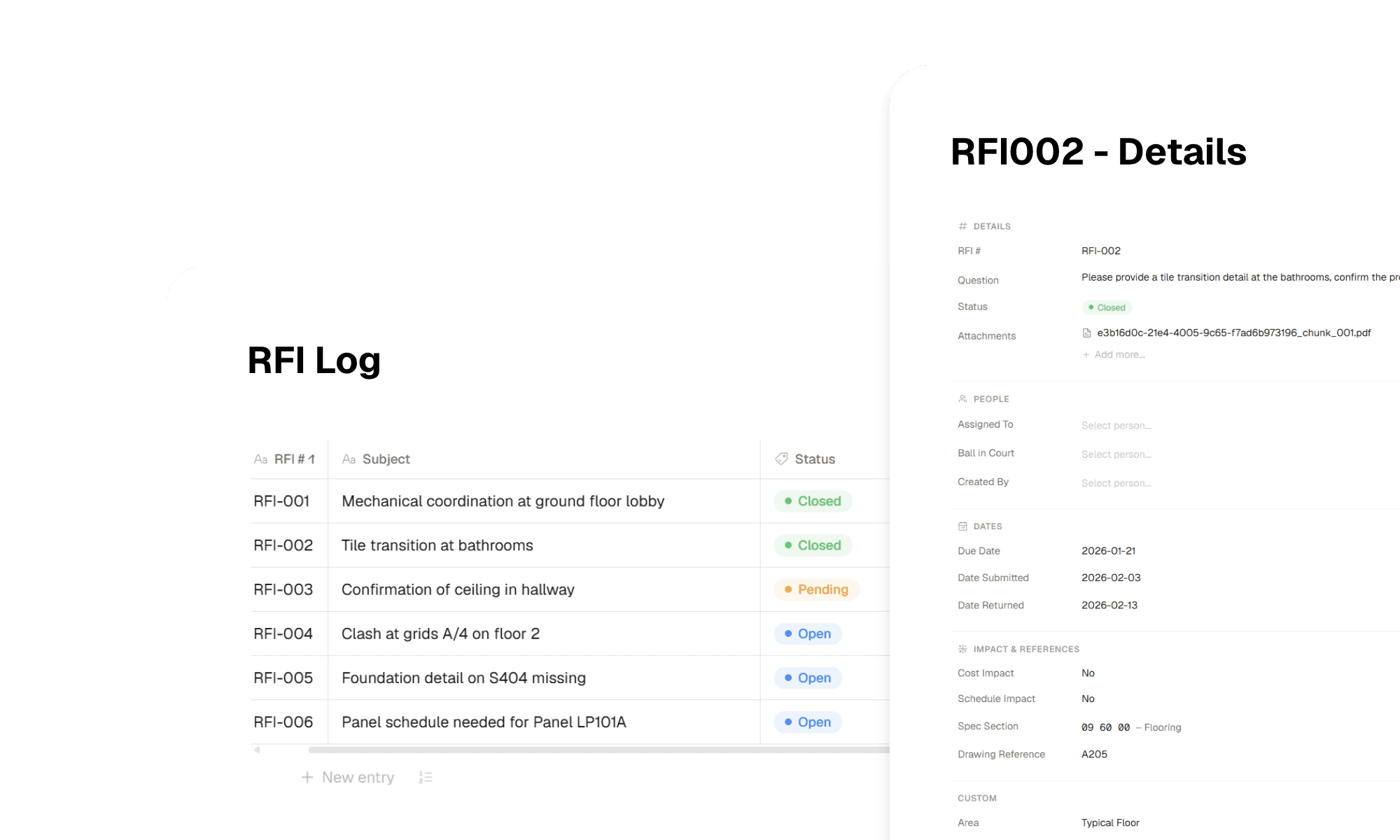
Registries

Track submittals, RFIs, changes and complex workflows that require templates responses.

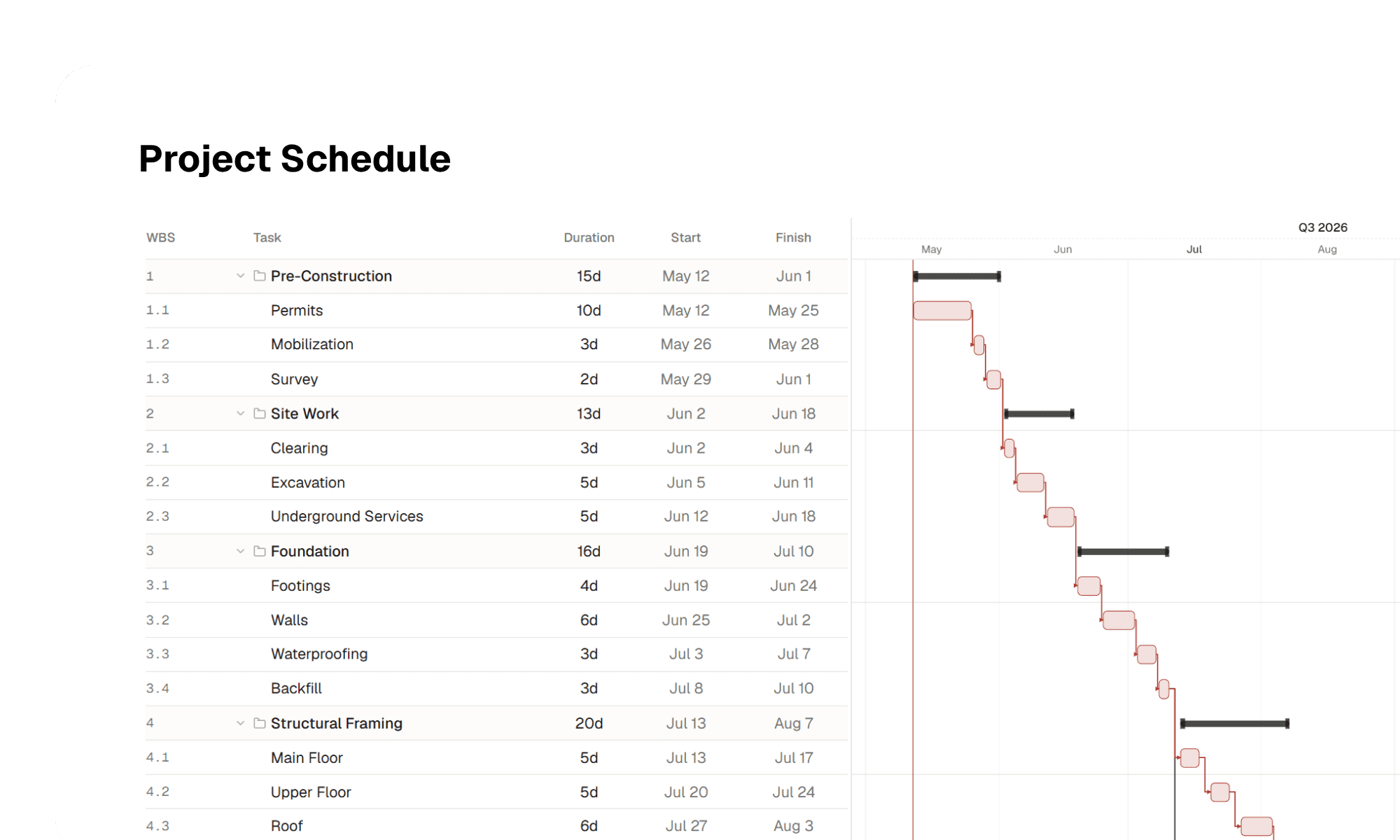
Schedules

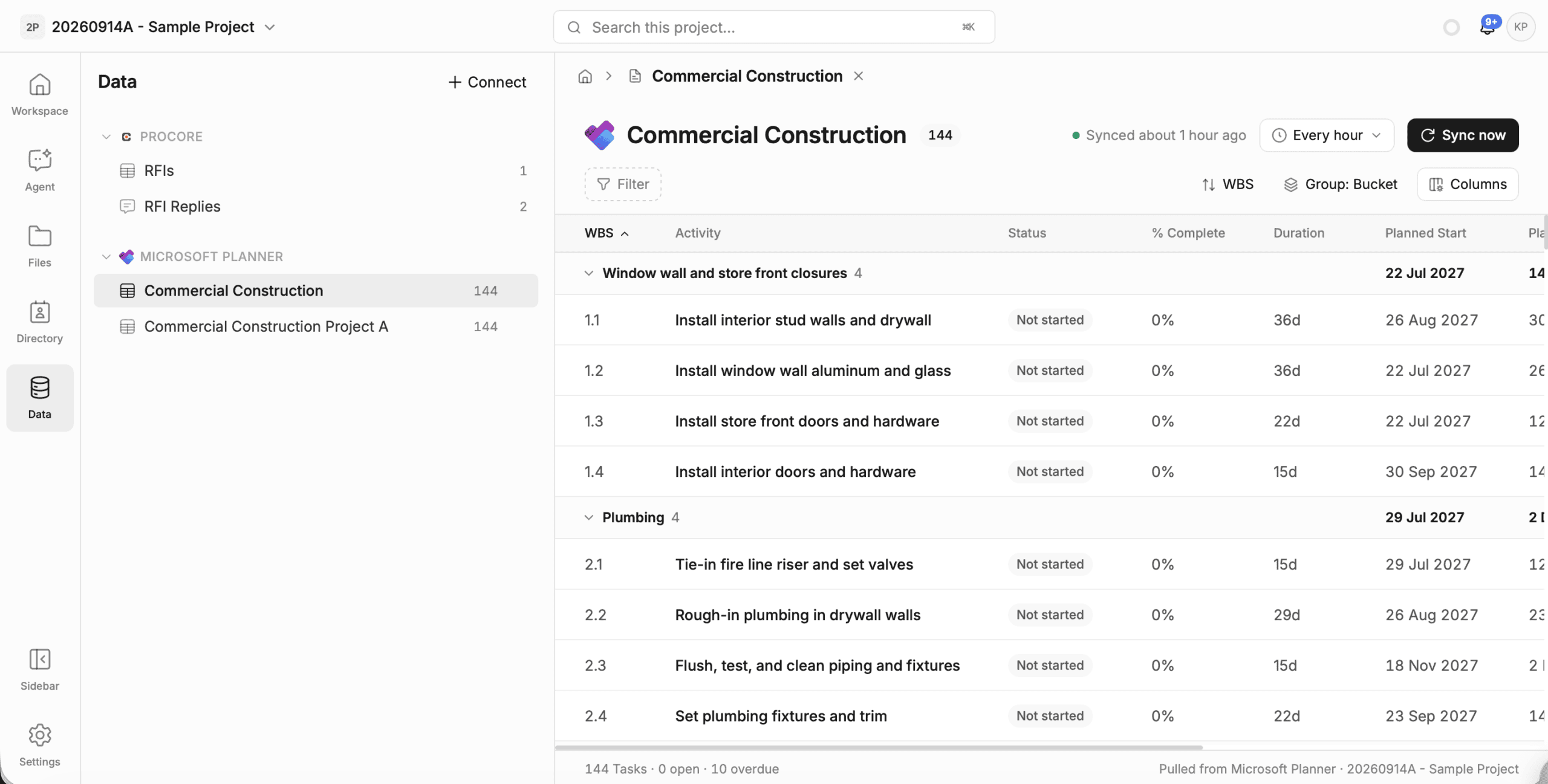
Create and edit your schedules with a professional grade gantt editor.

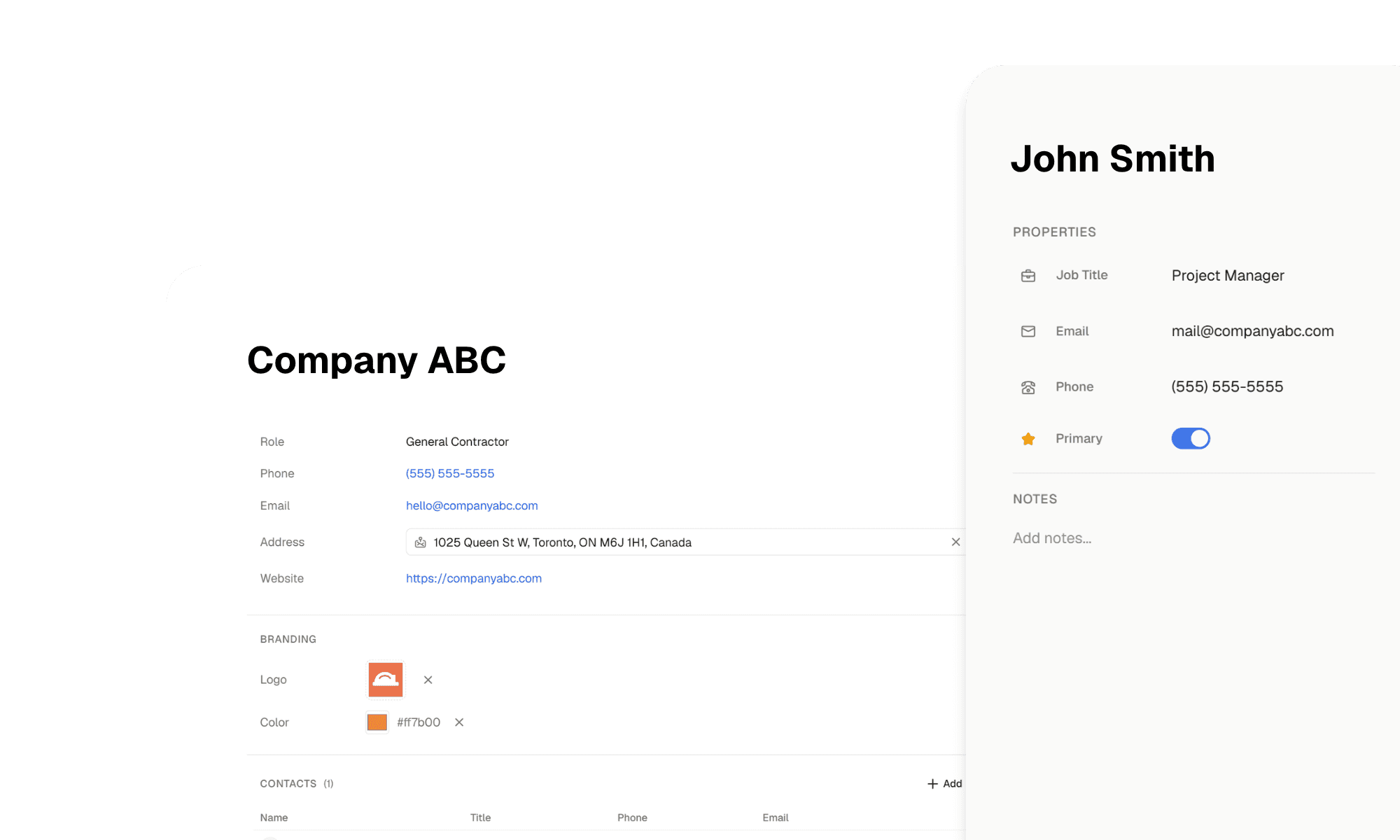
CRM

Track project company, and contact data, enriched and extracted by AI.
03 – WHAT YOU CAN BUILD

Build what you need, when you need it

04 – AI AGENTS

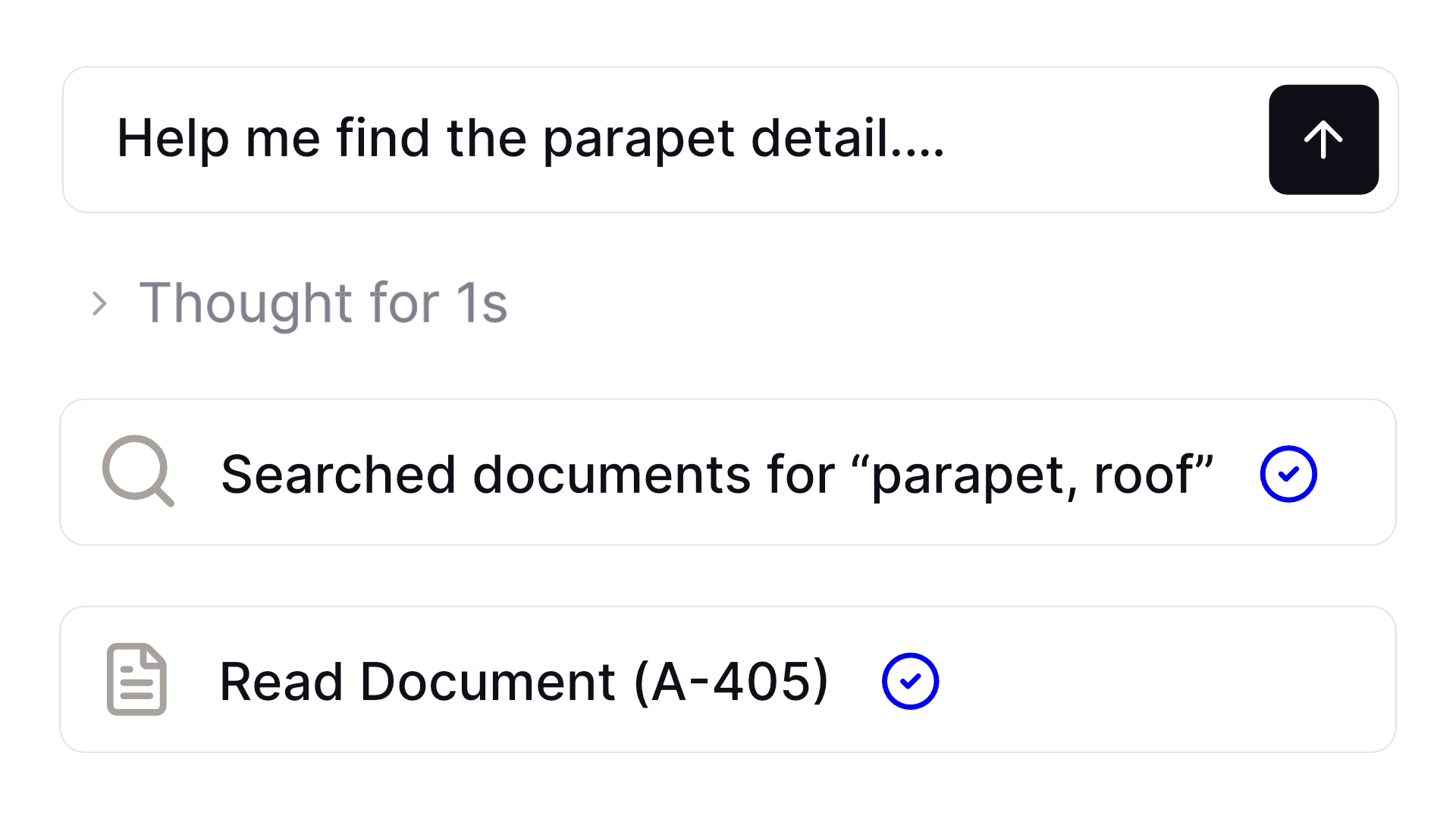
Need something done? Just ask

IMG 3986

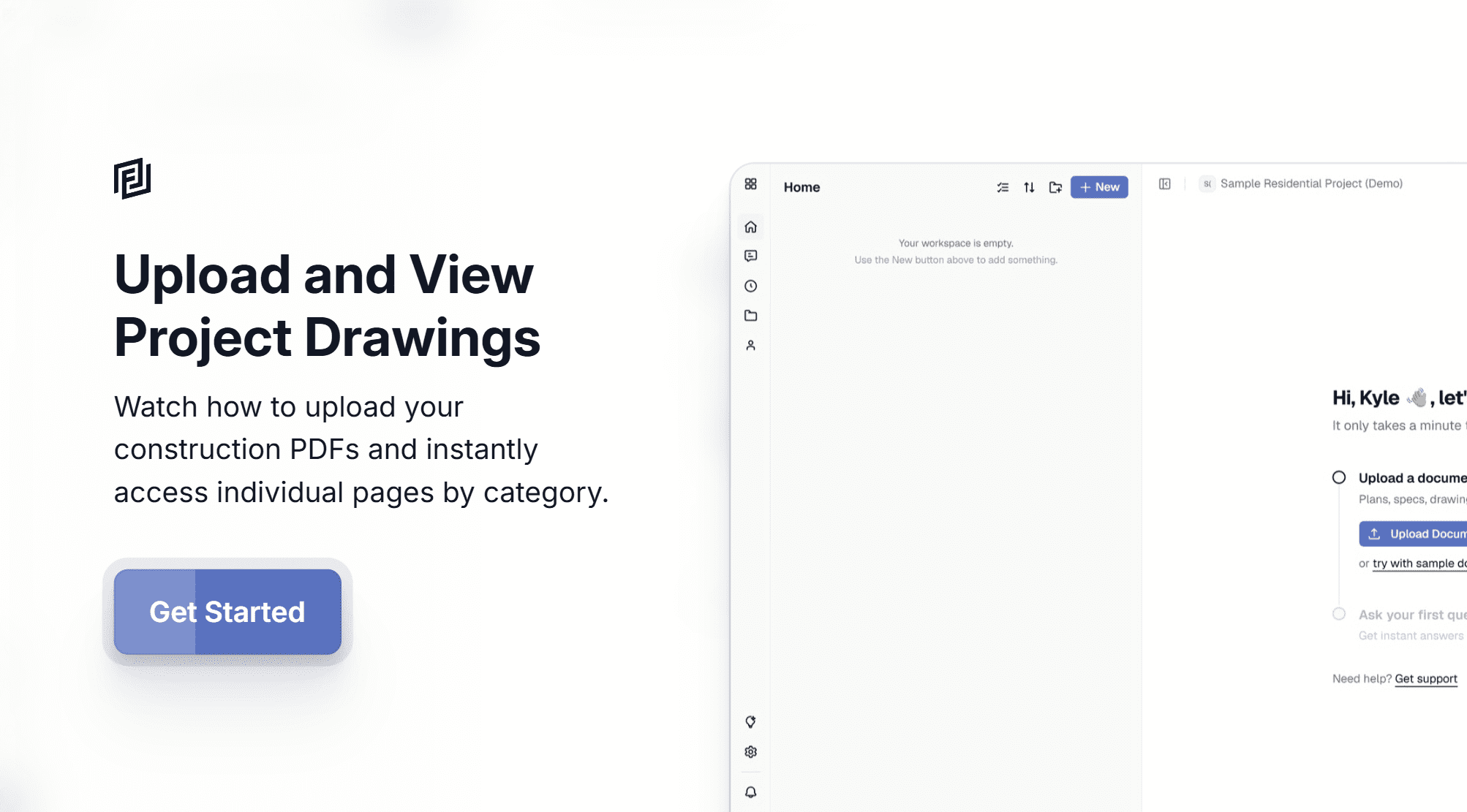
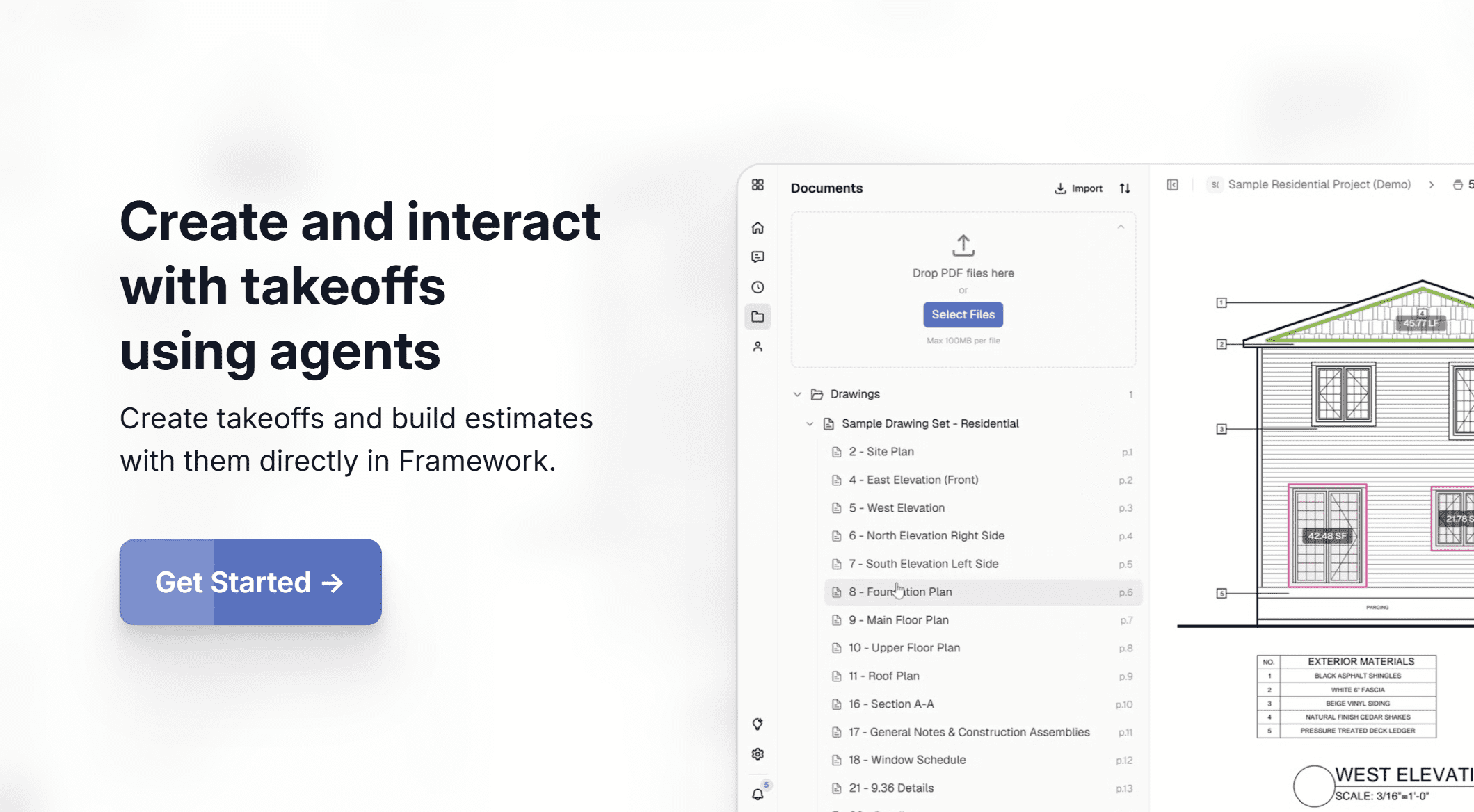
Upload your documents

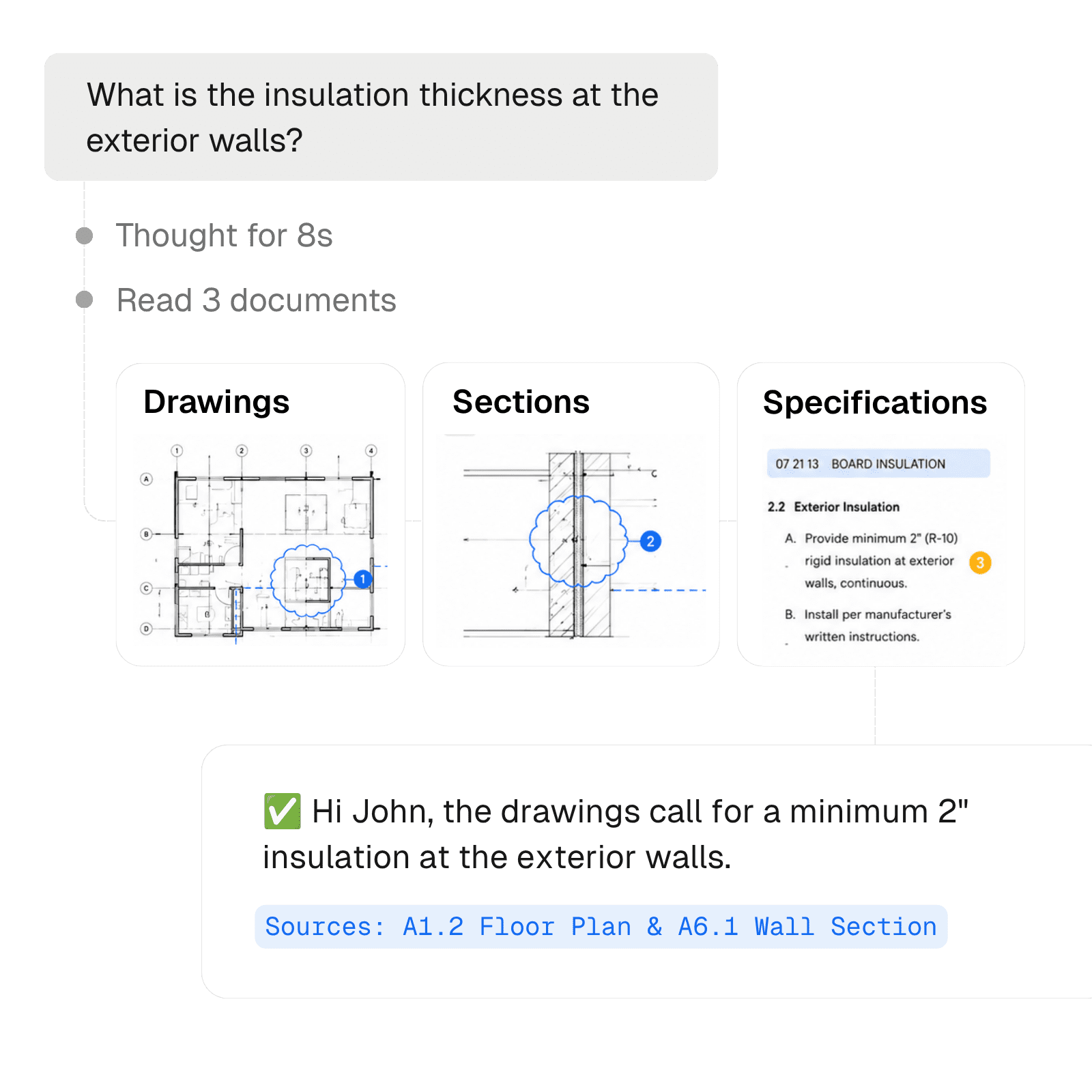
Framework optimizes your construction documents for AI exploration.
question

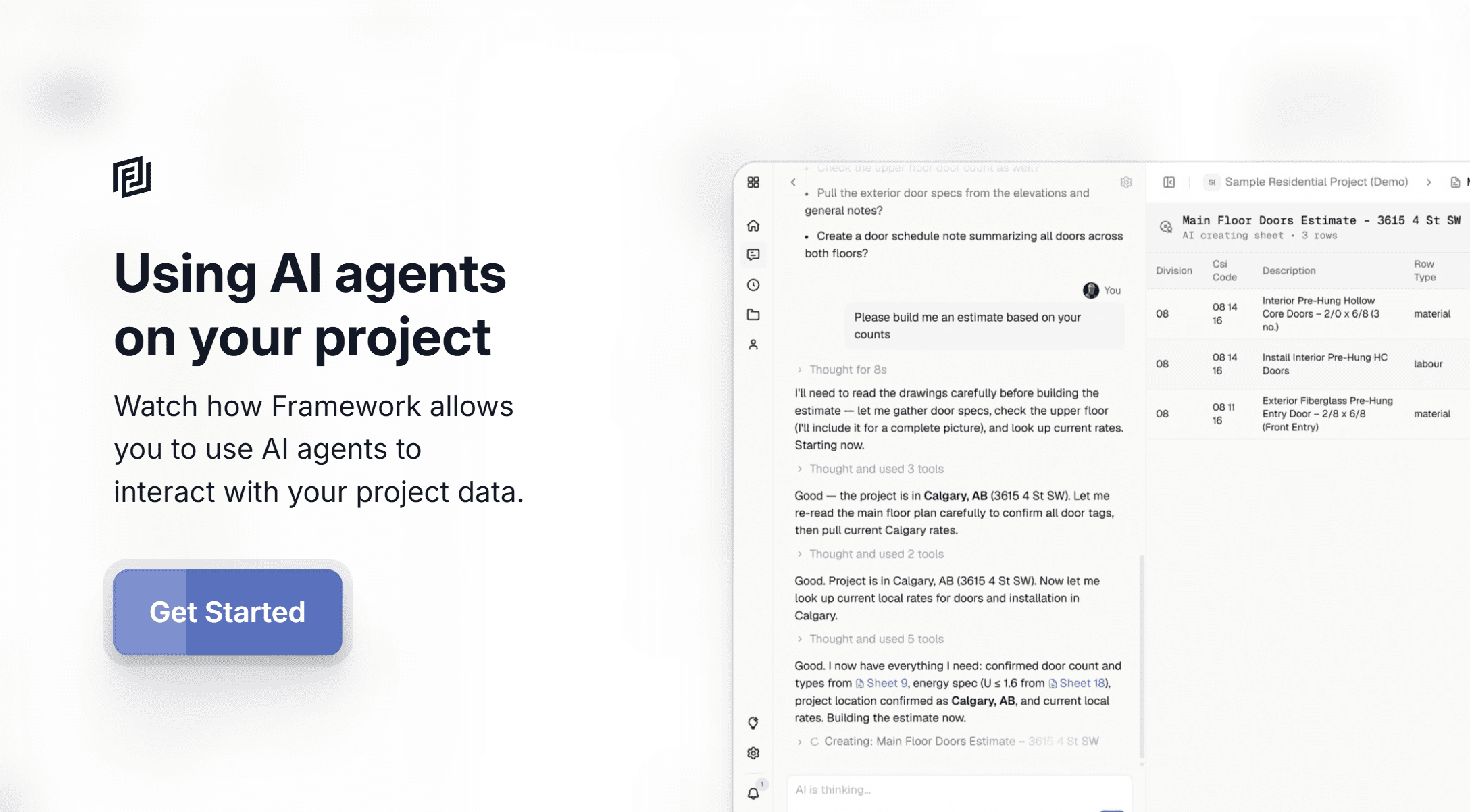
Ask and explore

Agents explore your documents naturally, finding the information they need to answer your query.
Create

Start building

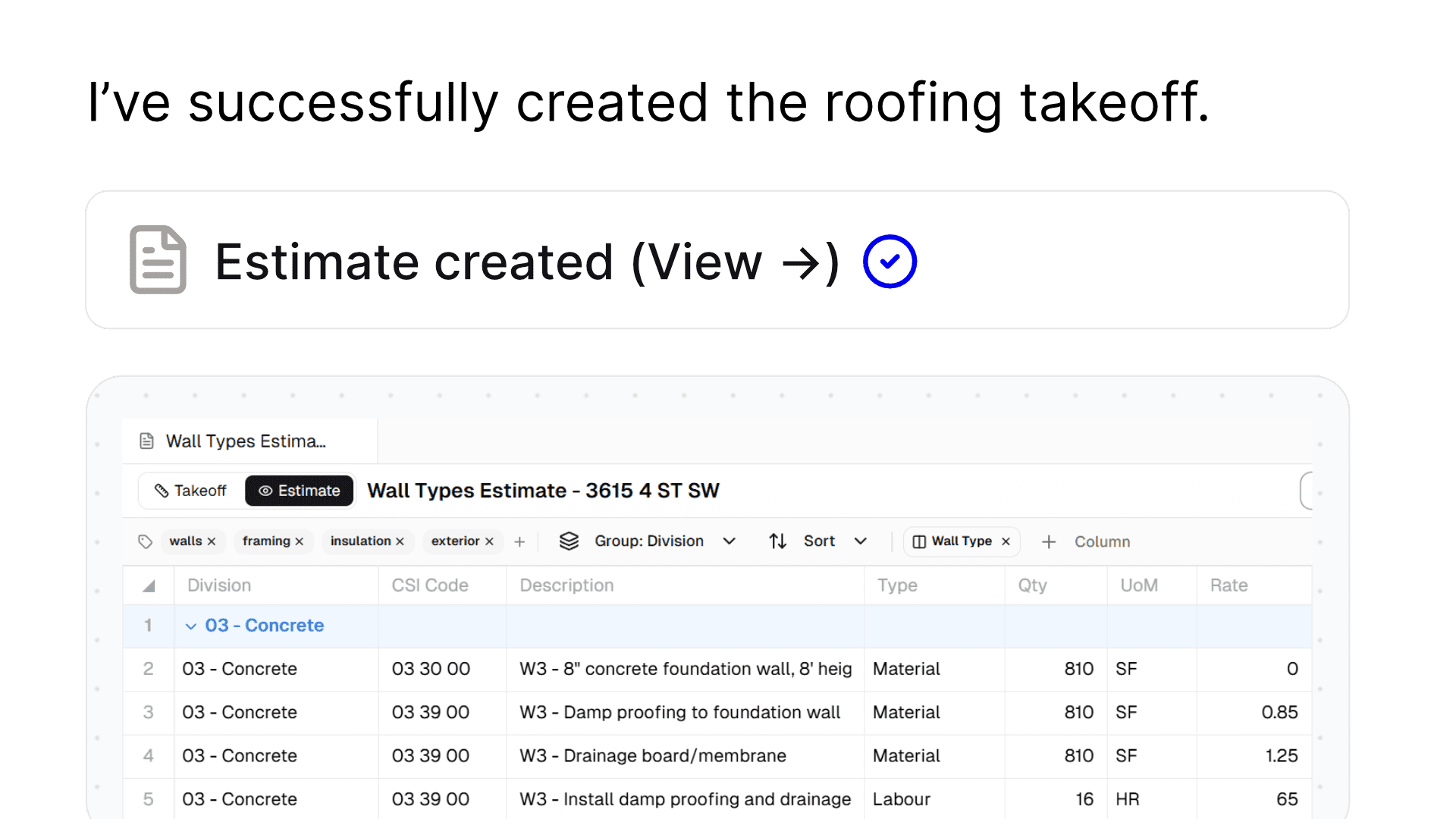
From schedules to estimates to procedures, agents create what you need right in Framework.
05 – ADDITIONAL FEATURES

Made for construction

Upload Optimization

We optimize each file you upload to make it easily readable by AI models.

Visual Intelligence

AI visually reads and understands construction drawings.

Plan Mode

Strategize and search for information using AI before creating documents.

Act Mode

Use AI to create reports, estimates, procedures, takeoffs, and more.

Inline Citations

Agents provide references in answers so you can check for accuracy.

Branded Reporting

Generate branded documents by setting your company logo and color.

Collaboration

Team members can collaborate across documents, conversations and more.

Persistent Memory

Agents record memories, improving project understanding overtime.
06 – USE CASES

Common tasks, simplified with AI agents

Developers

List all of the units in the building, include bedroom, washroom count and square footage.

Quote Reviews

Review the contractor quote against the change notice and confirm if its fair.

Claim Assistance

Review the two schedules and correspondence and confirm if this claim is legitimate.

Estimates

Review the drawings and give me a preliminary estimate for the building.

Executives

Report Analysis

Review the financial reports across the 12 months and identify any major changes.

Quick Understanding

What is the roofing material on the Noble House project?

Staff Planning

Review each of the project schedules and identify when we might have people sitting around.

Risk Analysis

Review the drawing sets and existing condition reports and identify any risks you see.

Operations

Technical Advice

Are there any risks related to installing the lobby flooring in high humidity?

Constructability Advice

If you were building this, what would you change about the detail?

Design Coordination

Make sure our ceiling plans aren’t missing any lights vs the electrical plans.

Submittal Reviews

How does the alternative submitted compare to our specified products?

Estimators

Material Takeoffs

Confirm the total quantity of roofing, break it down by roof type.

Estimate Preparation

Prepare an estimate for division 5 for the building. Exclude the penthouse structure.

Scopes of Work

Review the drawings and create a detailed scope of work for the drywaller.

Site Conditions

Are there any areas that still need to be inspected from the reports vs the drawings?

Consultants

Quality Reviews

Review my drawing set and point out any missing detail references?

Constructability Advice

If you were building this, what would you change about the detail?

Design Coordination

Make sure our ceiling plans aren’t missing any lights vs the electrical plans.

Submittal Reviews

How does the alternative submitted compare to our specified products?
ChatGPT Image May 6 2026 09 03 13 PM
07 – REVIEWS

They loved us, you will too

08 – PRICING

Simple, transparent pricing

Essentials for
getting things done

Free

$0 per member / mo
For individuals to organize their projects and workflow.
Start For Free
Includes:
One (1) active project
Trial of AI Tools
Basic content types
Unlimited content
Limited document storage

Starter

$20 per member / mo
For small teams and professionals to work together.
Get Started
Includes:
Three (3) active projects
Trial of AI Tools
Advanced content types
Unlimited content
Unlimited document storage
PDF takeoff and markups
Registries with workflows

The AI Workspace
for the building industry

Pro

Recommended
$40
per member / mo
For growing businesses to streamline workflows.
Get Started
Includes:
Five (5) active projects
AI Agents
AI Routines
Advanced content editors
Unlimited content
Unlimited document storage

Plus

$120 per member / mo
For small teams and professionals to work together.
Get Started
Includes:
Ten (10) active projects
Unlimited document storage
Unlimited content
Significantly more AI usage
09 – DEMOS

Not convinced? See for yourself

09 – FAQ

Questions, meet answers

How does it work?

We utilize various AI models to ingest your documents, making them more easily searchable.

When you ask a question, the AI explores each document in a human like manner using the latest vision models to understand the content in each until it finds the correct answer.

Is a credit card required to start?

No credit card required! Our hobby plan allows your to use Framework, free of charge forever. We limit conversations to 10 per month and 3 documents uploaded.

Do the plans include a free trial?

All of our premium plans include a 7 day free trial at which point your card will be charged. You can cancel at any time during those 7 days no questions asked.

What forms of payment do you accept?

All payments are processed securely through Stripe. We accept major forms of credit card.

What types of documents can I upload?

Right now, Framework analyzes documents in PDF format. You can upload anything from drawings, specifications, submittals, rfi data, changes, schedules, reports and more. Our AI will automatically classify it and refer to it as needed.

What can I create?

Framework has two primary modules for you to either create yourself, or have the AI generate content for you. The modules are sheets and notes.

Sheets can be used to create detailed takeoffs and estimate files. Notes can be used to generate reports, procedures and more.

Is there a cap on AI usage?

All of our plans have different caps on AI usage, how quickly you hit these caps largely depends on the size of documents uploaded and questions asked (ie finding all the doors in a hospital is a bigger task than finding all the doors in house). In general limits are as follows:

  • Starter plan – 3M tokens (approx 30-40 conversations)
  • Pro Plan – 5M tokens (approx 60-80 conversations)
  • Plus Plan – 15M tokens (approx 120-150 conversations)

When you run over your limits, you will be charged at a rate of $0.01 / 1k tokens. You can track your usage via your project dashboard.

10 – OUR PROMISE

Our no-risk guarantee

We’re excited to have you experience Framework.

When you sign up, whether it’s through one of our free or paid plans, our customer service team is here to help.

If you decide that Framework isn’t the best fit, simply reach out! We’ll cancel your plan. No questions asked.

signature 1 e1756242717910
Kyle – Founder
BLOG

Our latest updates

Manage structured workflows with registries
Development, Announcements

Manage structured workflows with registries

Every project runs on RFIs and submittals — and for most teams they live in a spreadsheet someone updates by
June 1, 2026 – Kyle
Your files, Already in Framework: Introducing Platform Connections
Development, Announcements

Your files, Already in Framework: Introducing Platform Connections

Connect to your favourite document storage and import files quickly into Framework.
May 29, 2026 – Kyle
Build construction project schedules with AI
Announcements, Development

Build construction project schedules with AI

Build project gantt charts directly in Framework – do it manually or with the help from our AI models.
May 11, 2026 – Kyle
IMG 3968

The unified, AI native, building workspace.

Consolidate and speed up your workflows using Framework.
Start For Free