The agentic construction workspace for teams that build.
Use AI to read drawings and create takeoffs, estimates, schedules and more – all in one workspace.
Your Construction AI Agent
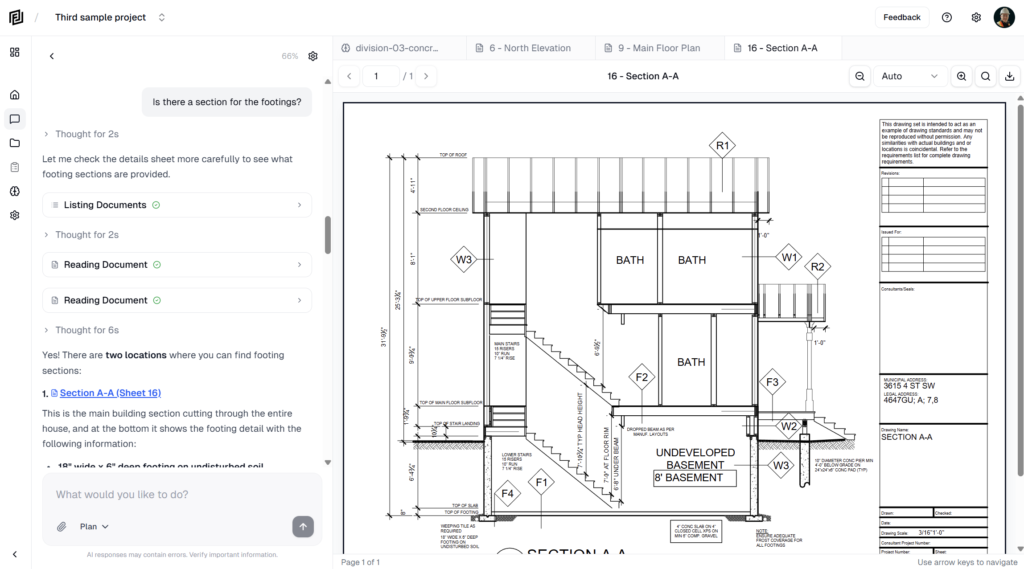
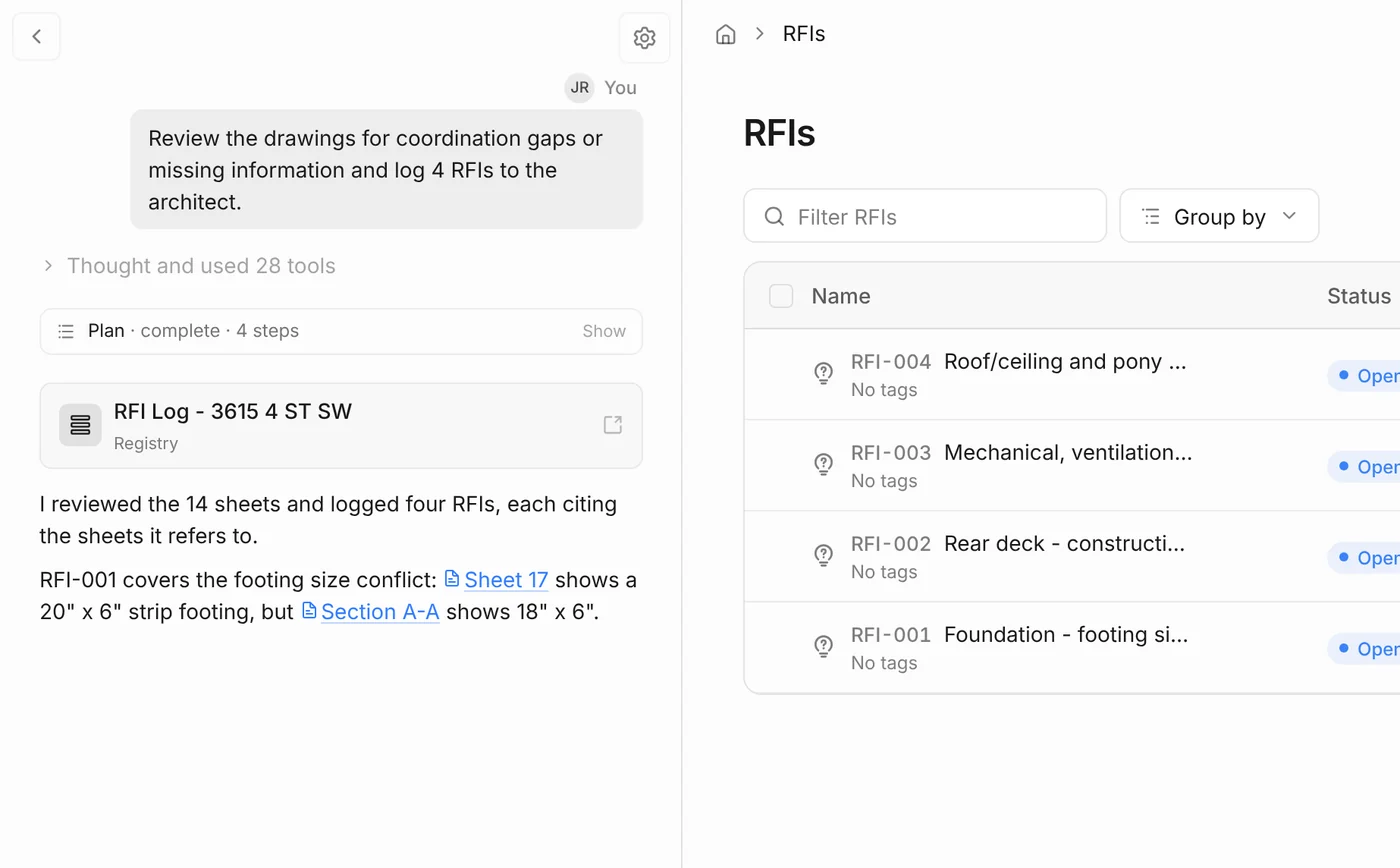
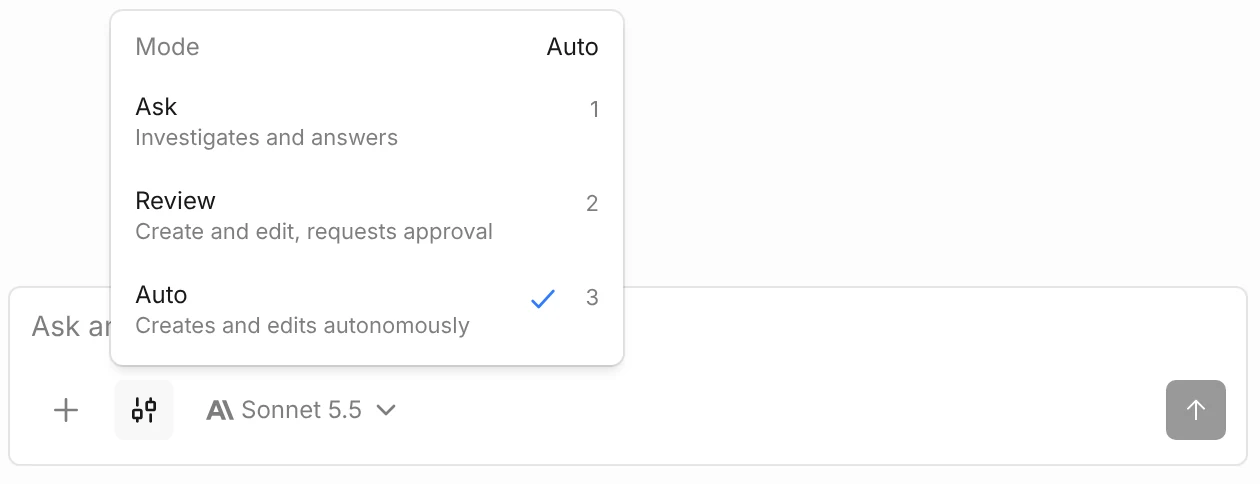
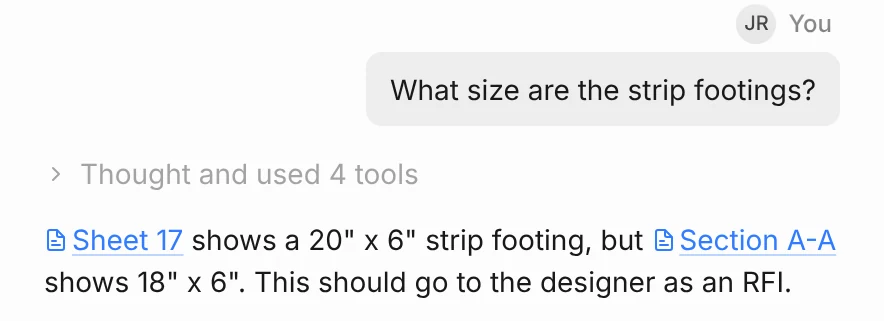
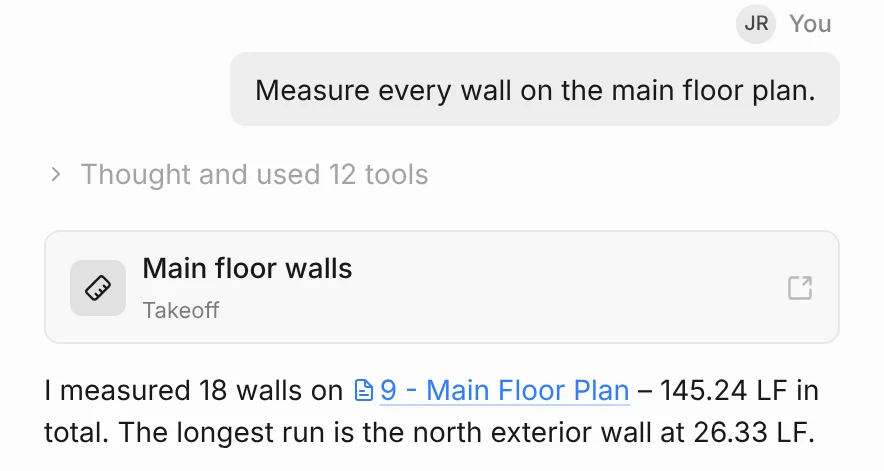
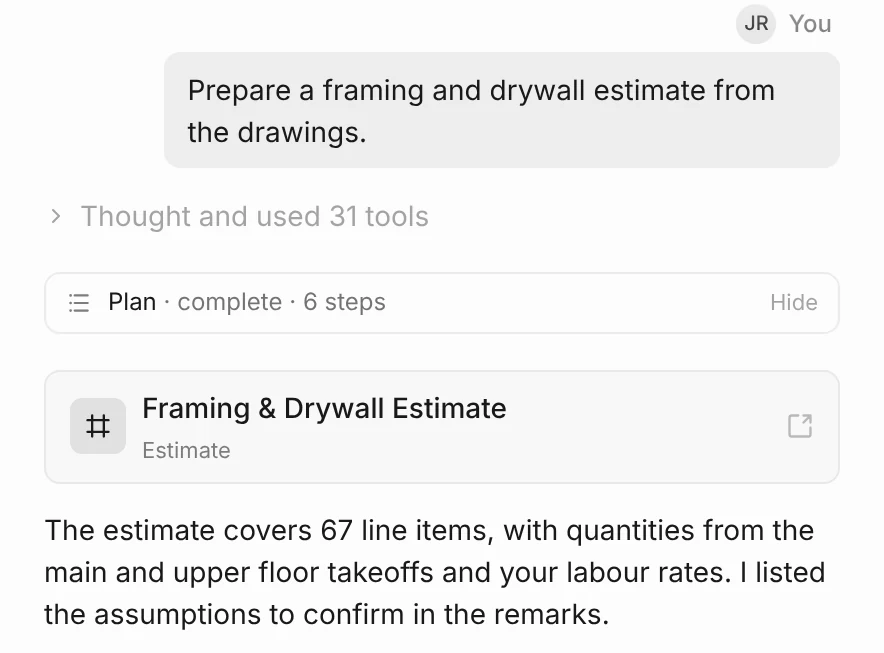
An AI agent sits beside every page in your project. Ask it about your drawings and specs, or have it build and edit your sheets, schedules and notes. You choose how much it can do: Ask, Review or Auto.
- Plans you can check
- Inline citations
- Playbooks
- Routines
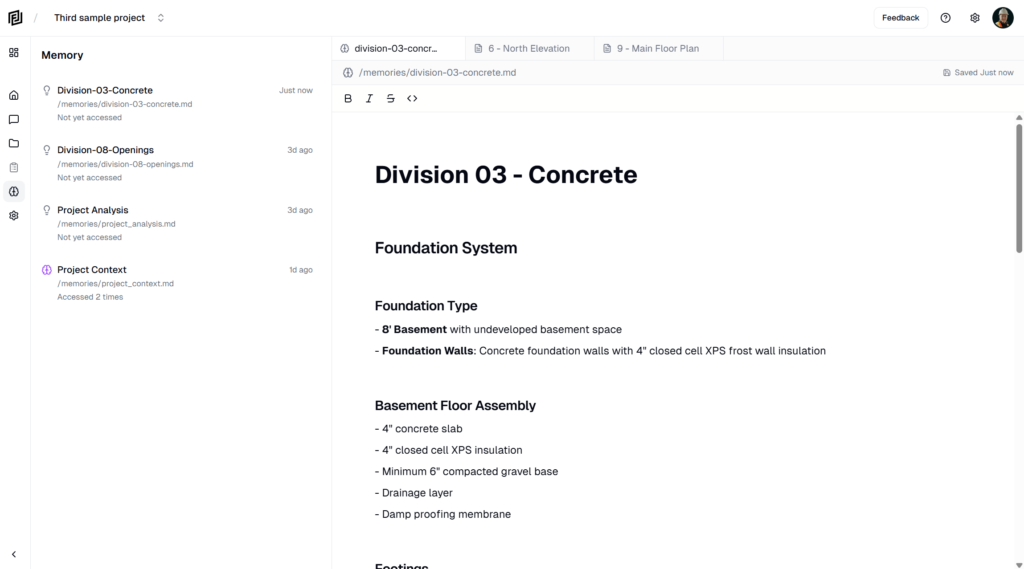
- Project memory
- Claude, GPT or Gemini
Files and Viewer
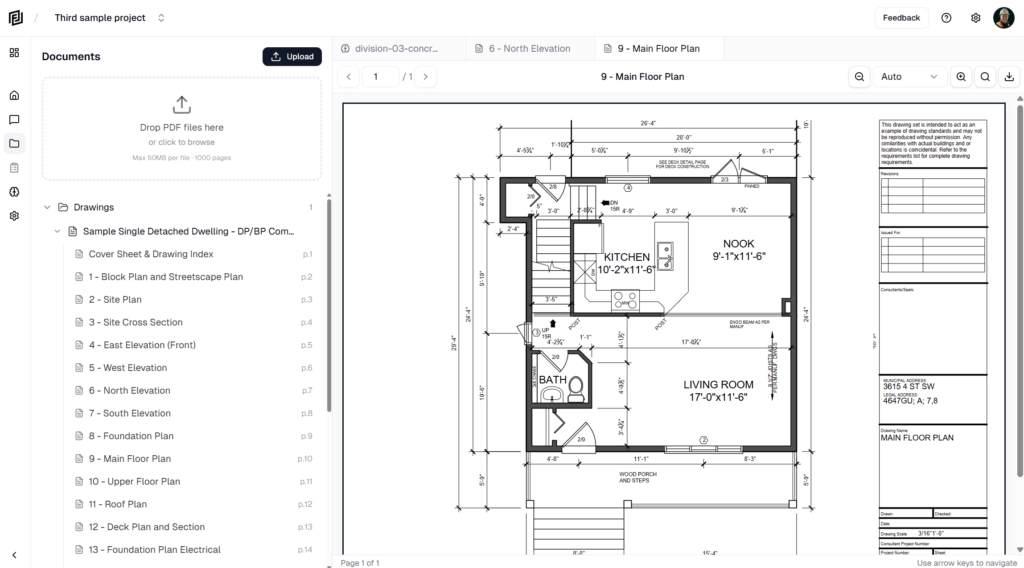
Upload drawing sets and specs. Every document is analyzed, information extracted and optimized for AI use. Open any page in our build in viewer, or ask your AI agent what’s on it.
Learn more →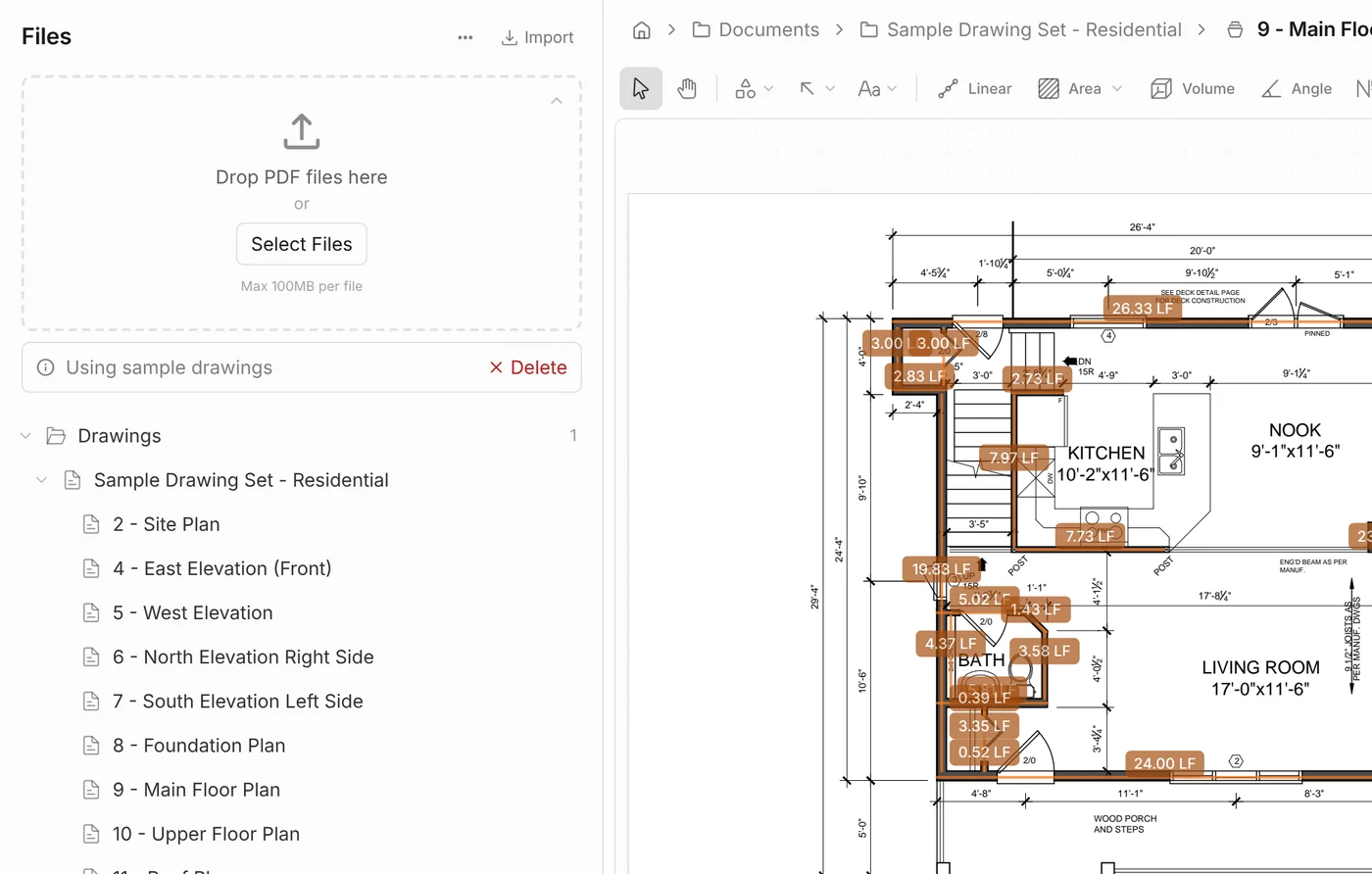
On Screen Measurements and Takeoffs
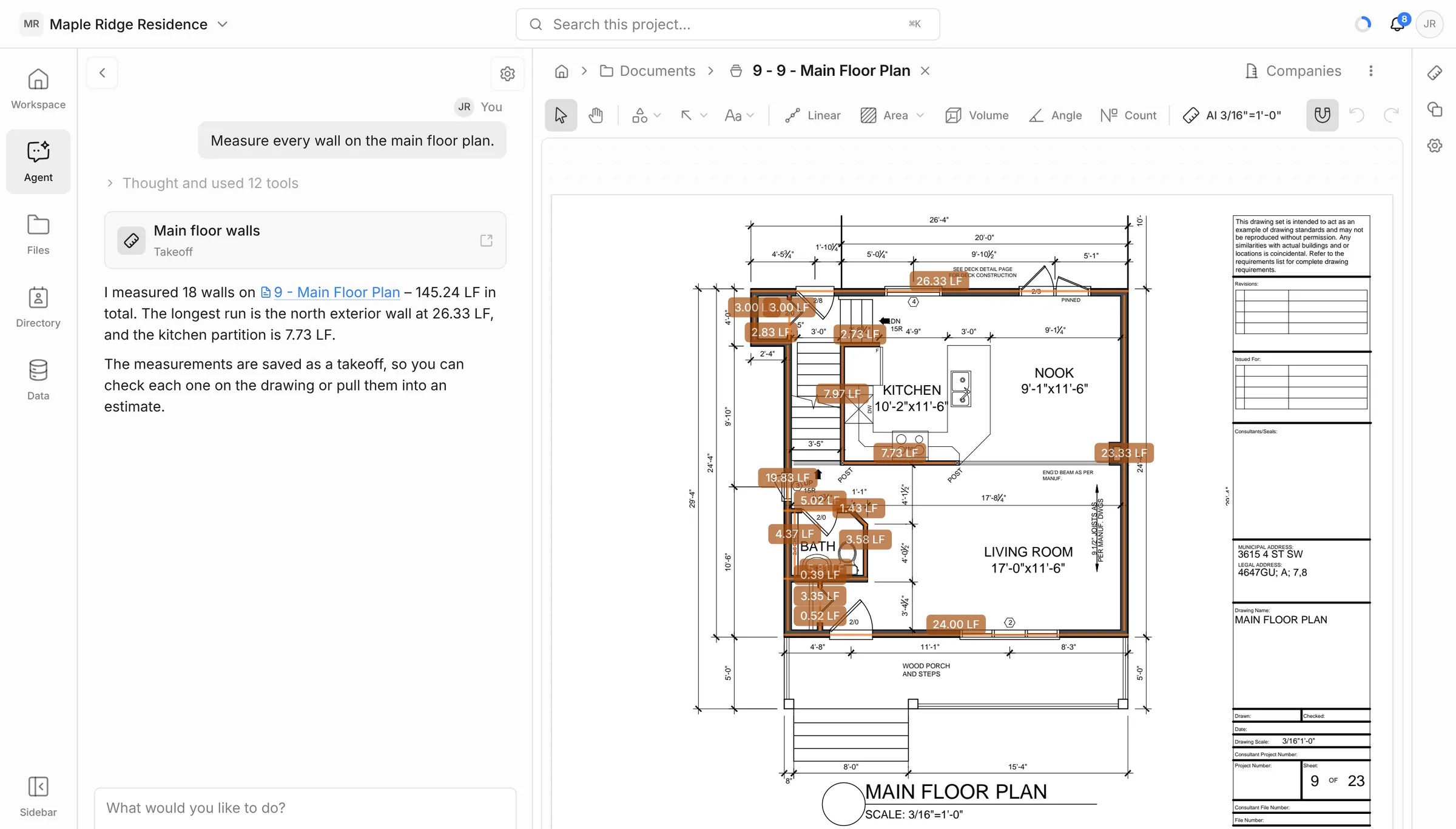
Linear, area, volume, angle and count tools on any vector PDF, at the scale read from the title block. Measurements save to a takeoff you can pull into an estimate – or the Takeoff Agent can measure it for you.
Learn more →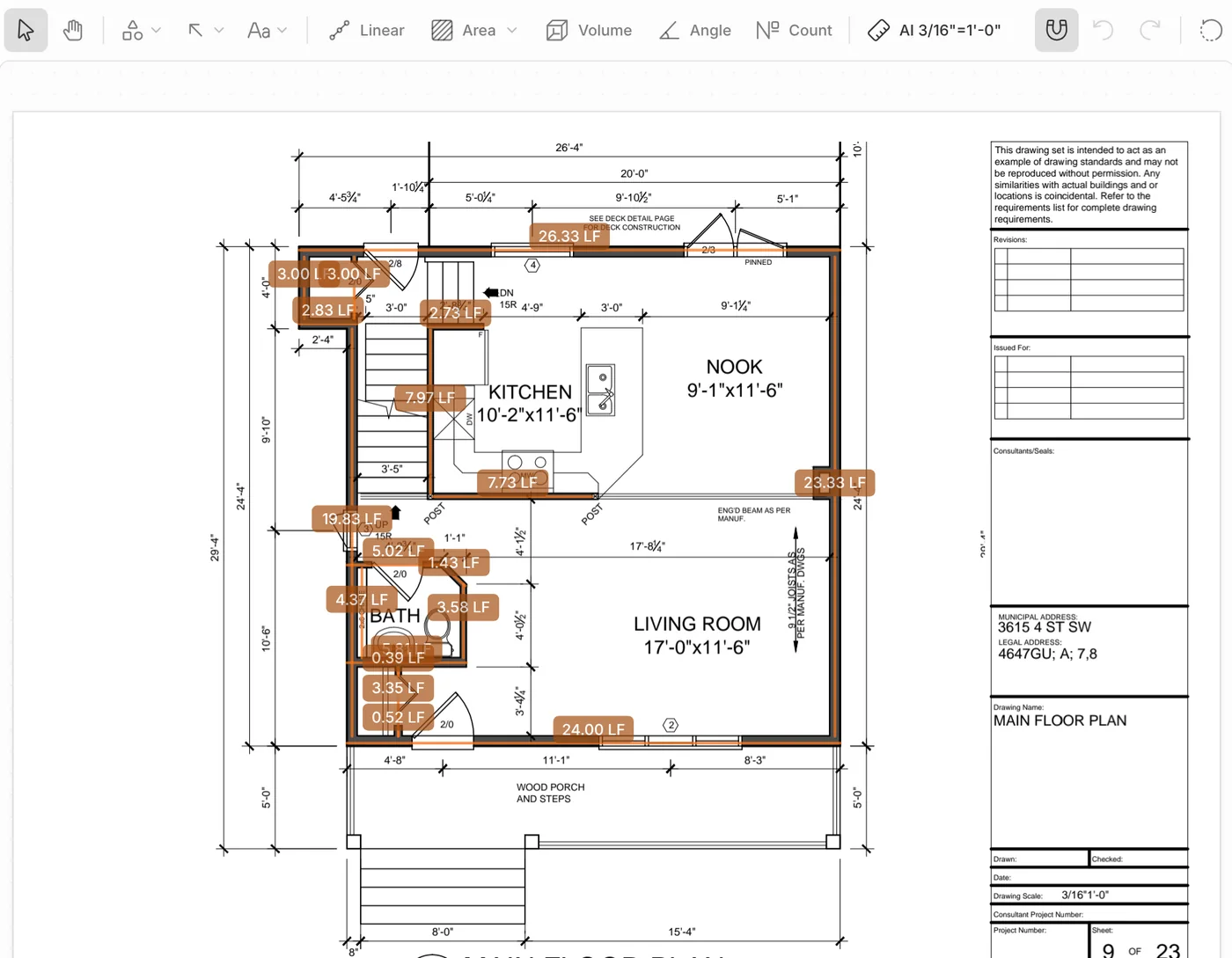
Sheets (Spreadsheet Editor)
Spreadsheet-style sheets for estimates and logs, and registers for RFIs and submittals – with cost codes, grouping, filters and breakdowns. Consultants answer RFIs and review submittals from a link, no account needed.
Learn more →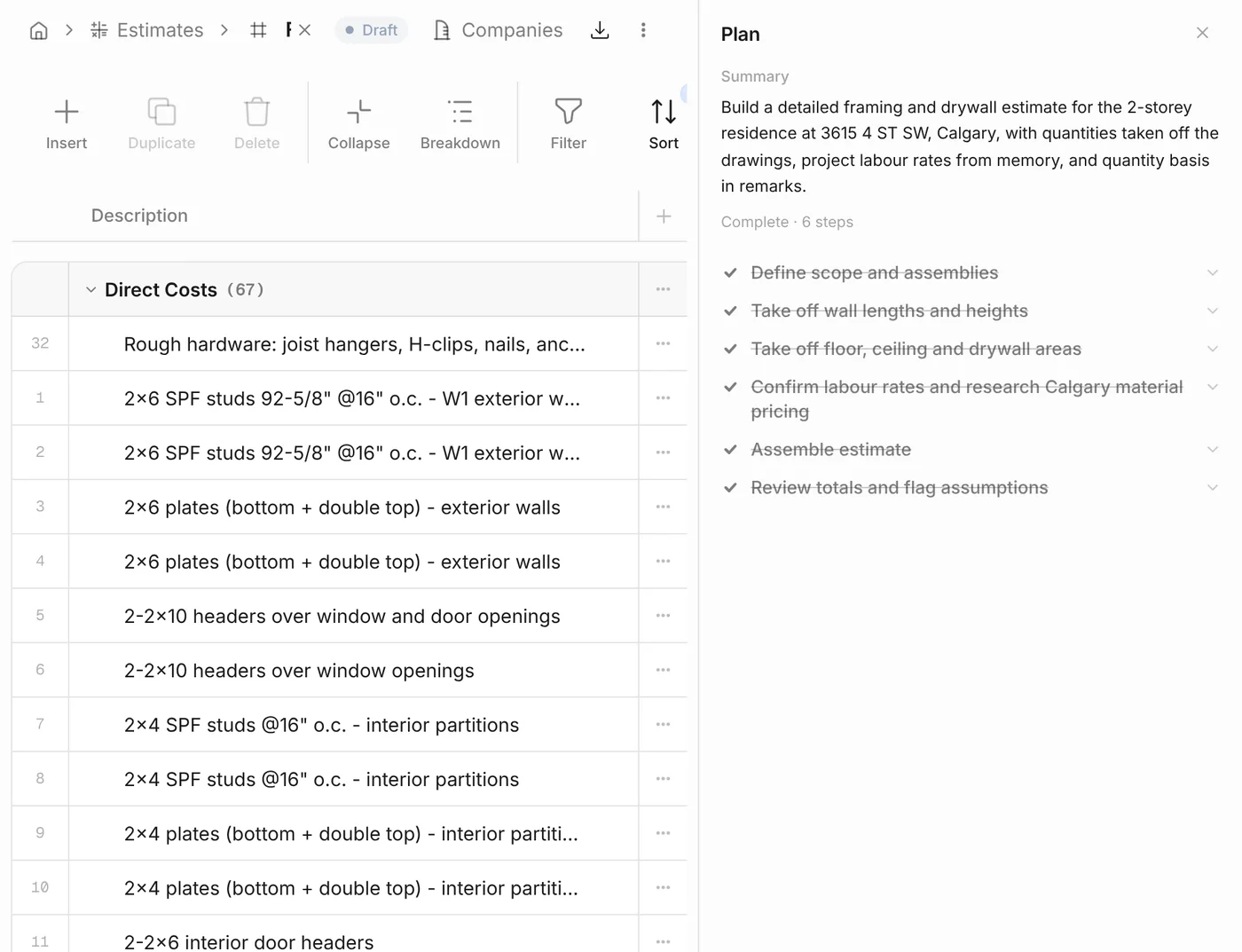
Schedules (Gantt Chart Builder)
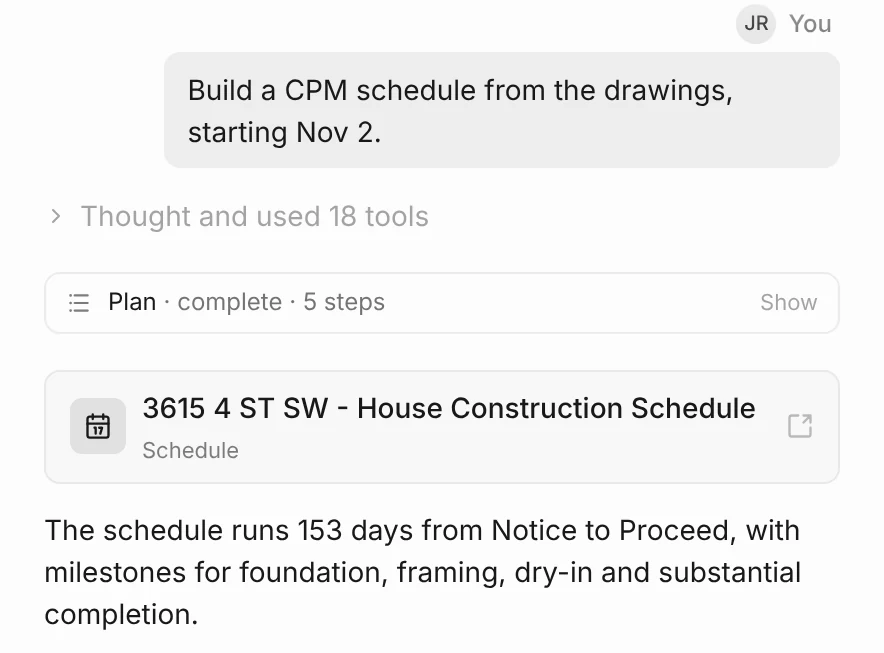
A full CPM scheduler with WBS, links, float and the critical path, from day to quarter views. Build it by hand, bring in Microsoft Project or P6, or have the agent draft it from your drawings.
Learn more →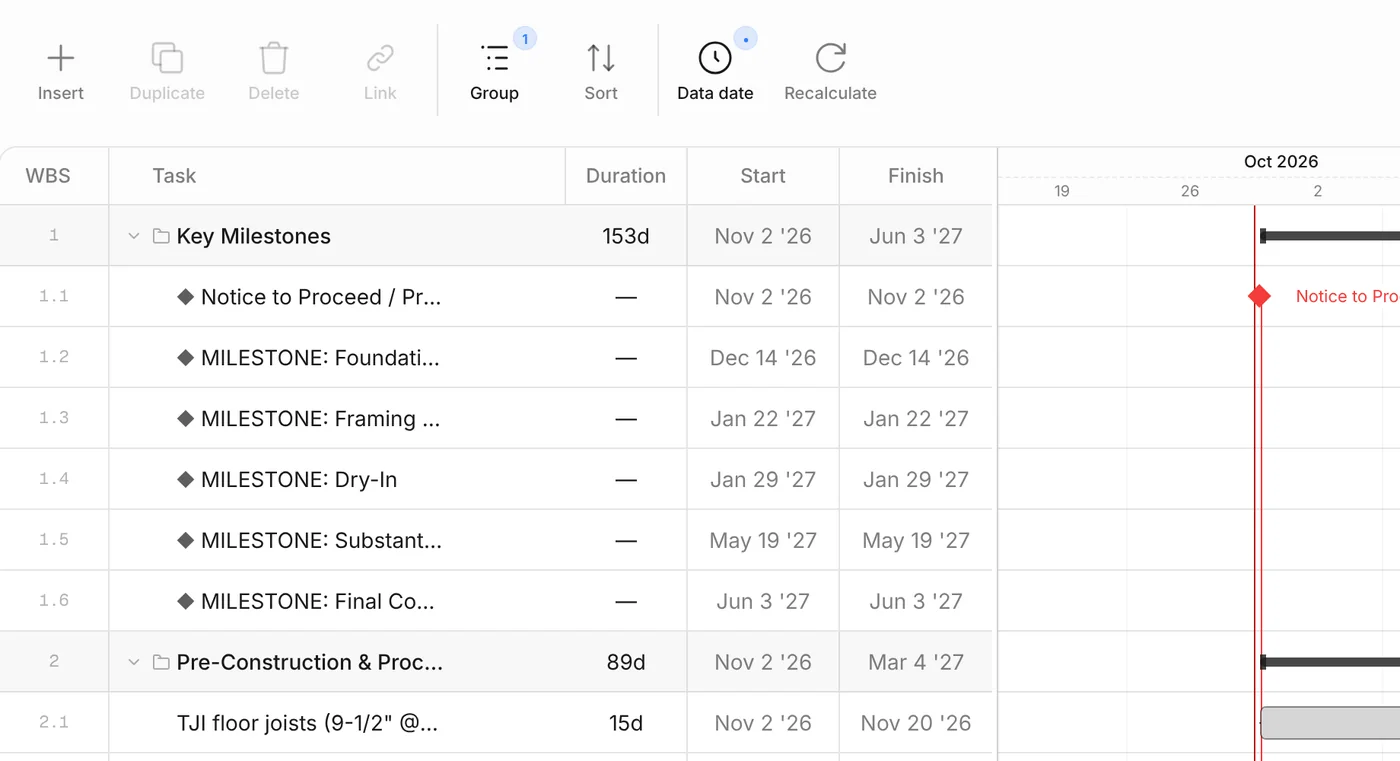
Notes (Document Editor)
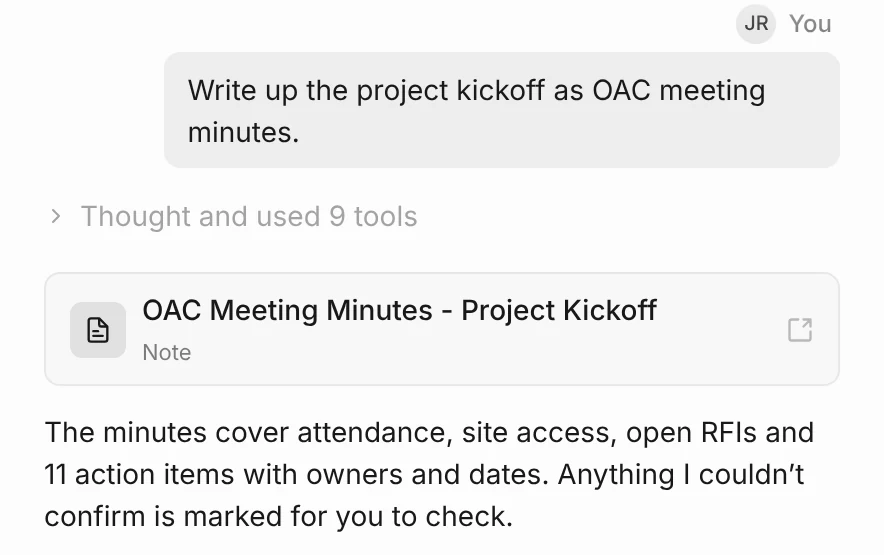
A document editor for meeting minutes, daily reports, notices and letters, with 30+ construction templates. Embed live tables, then export to Word or PDF with your company branding.
Learn more →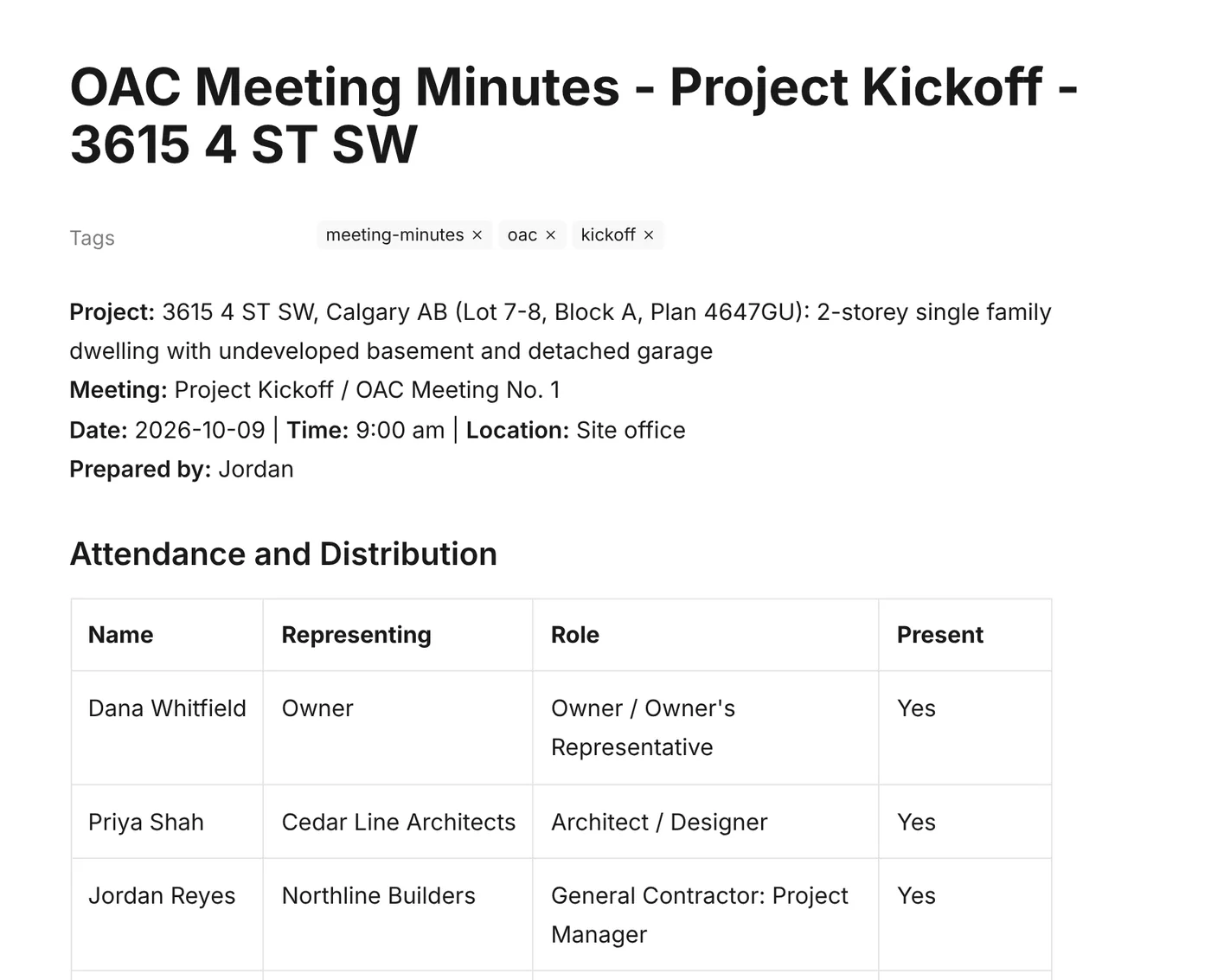
Directory
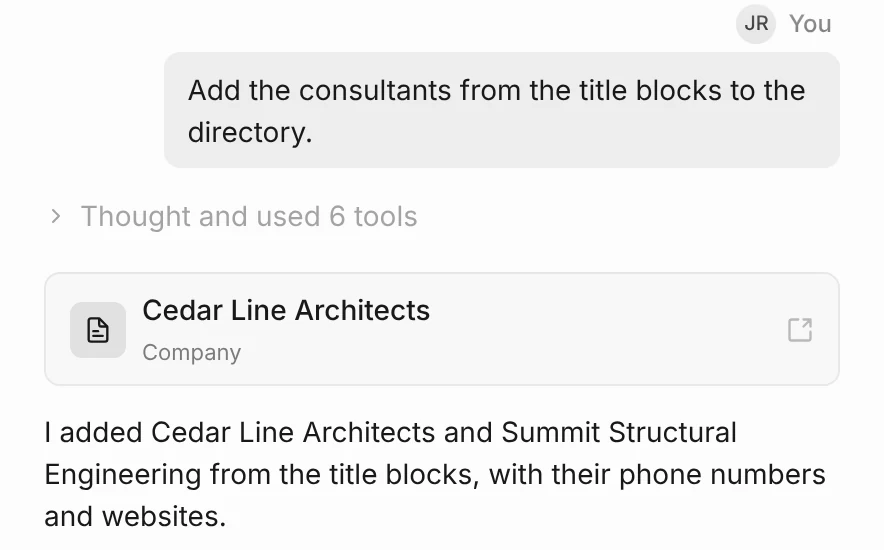
Every company and contact on the project, with roles, logos and brand colours. Companies are picked up from your title blocks for you to approve, and every document they’ve issued stays linked.
Learn more →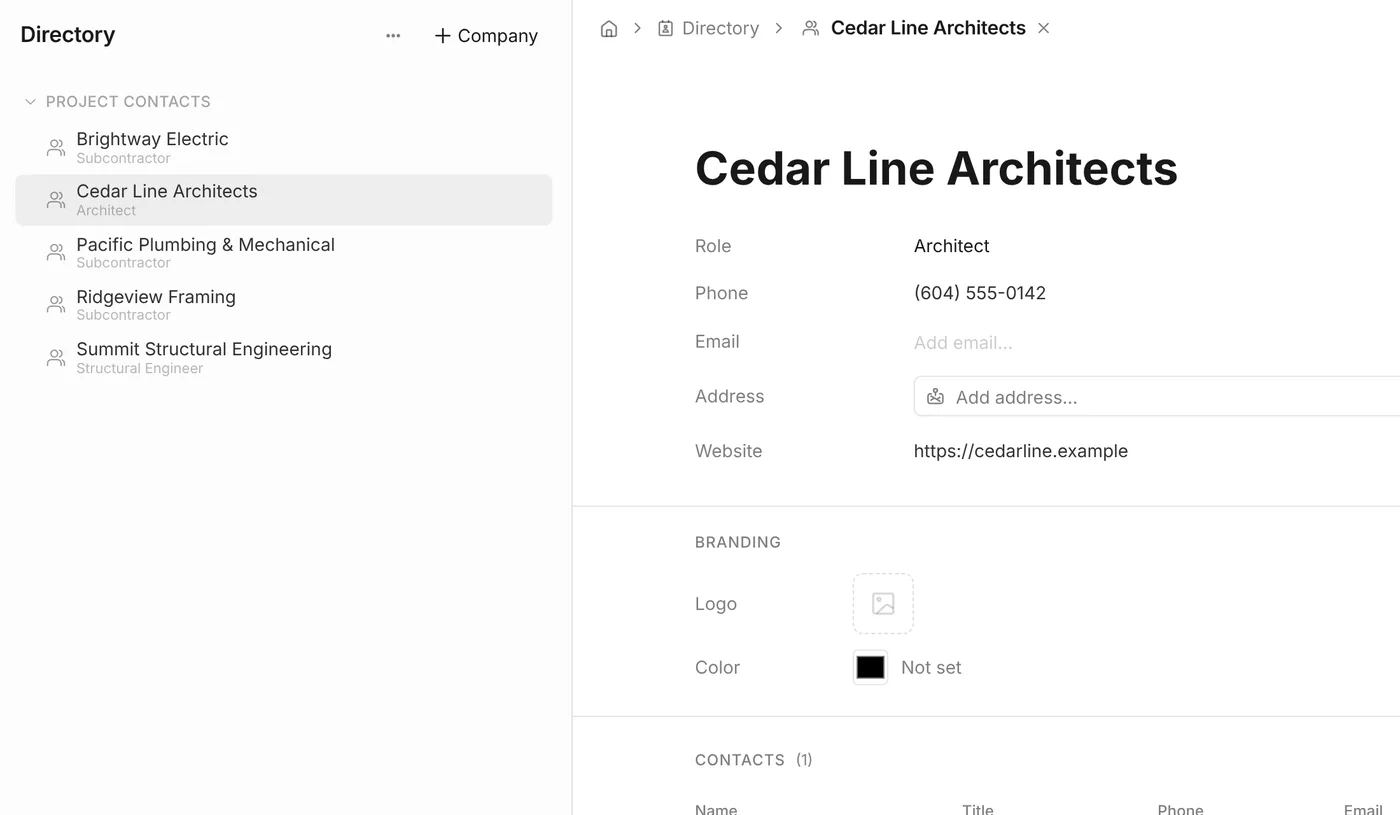
Build in Framework, share with the world.
Sharing
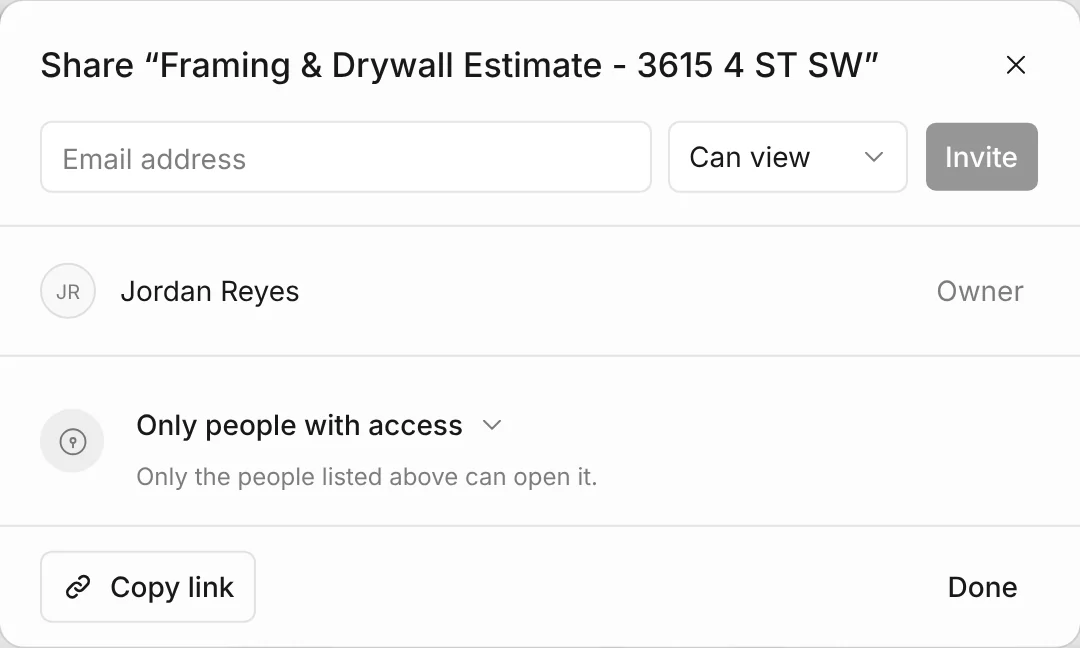
Share any page with your team, or send a view-only link to anyone.
Search
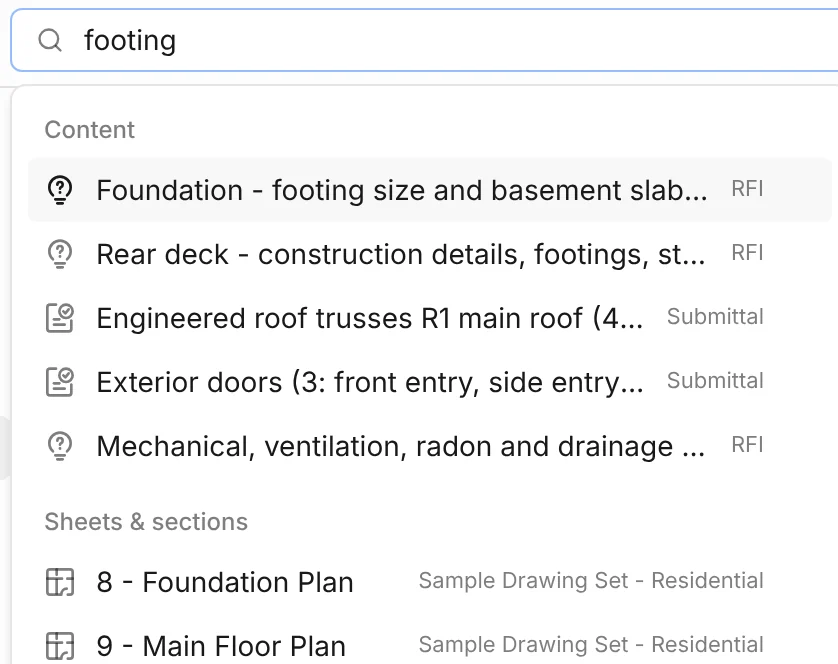
Search every document, sheet and log in the project from one box.
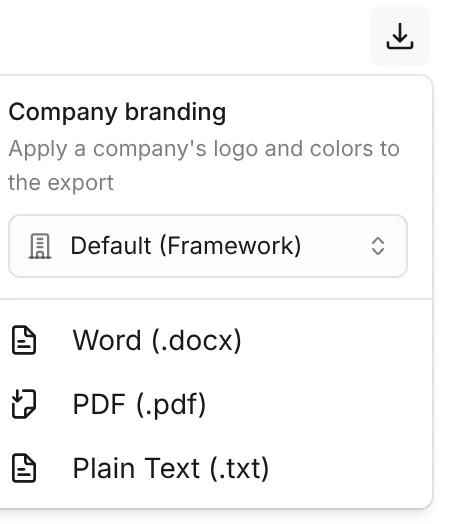
Branded exports
Export to Word, Excel and PDF with your company’s logo and colours.
Works with the tools you already use.
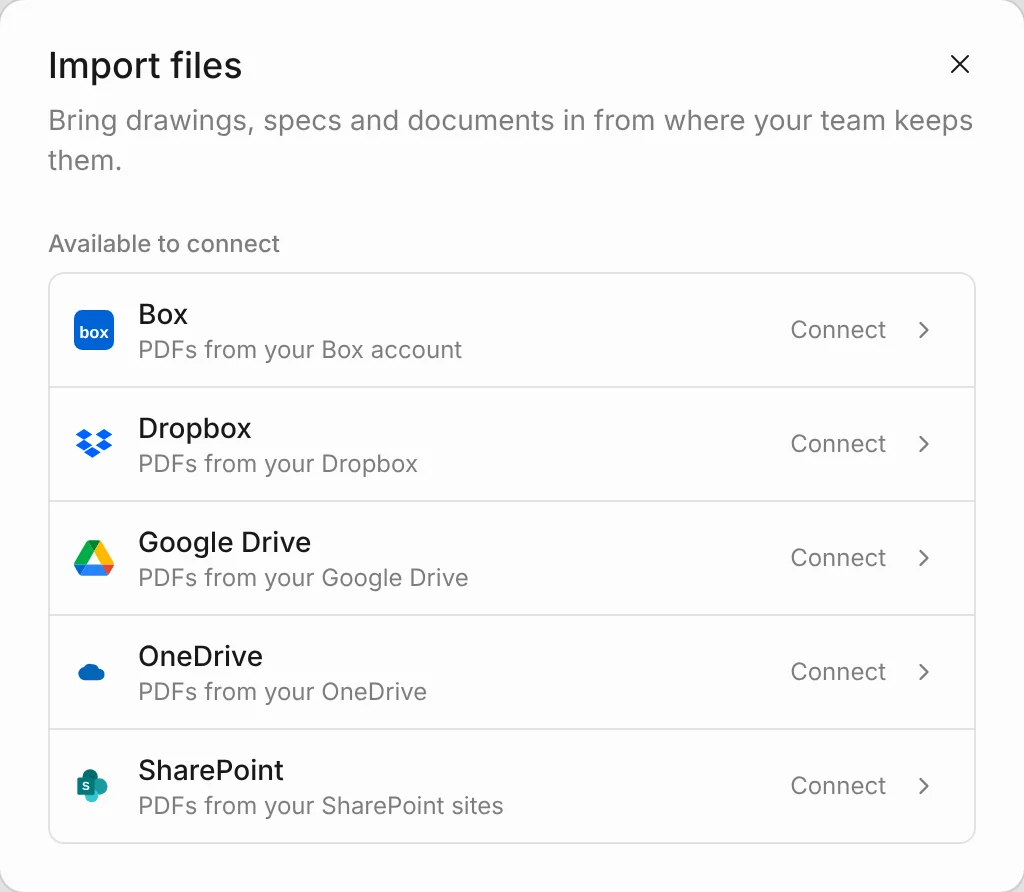
File imports
Bring drawings and specs in from Google Drive, Box, Dropbox, OneDrive and SharePoint.
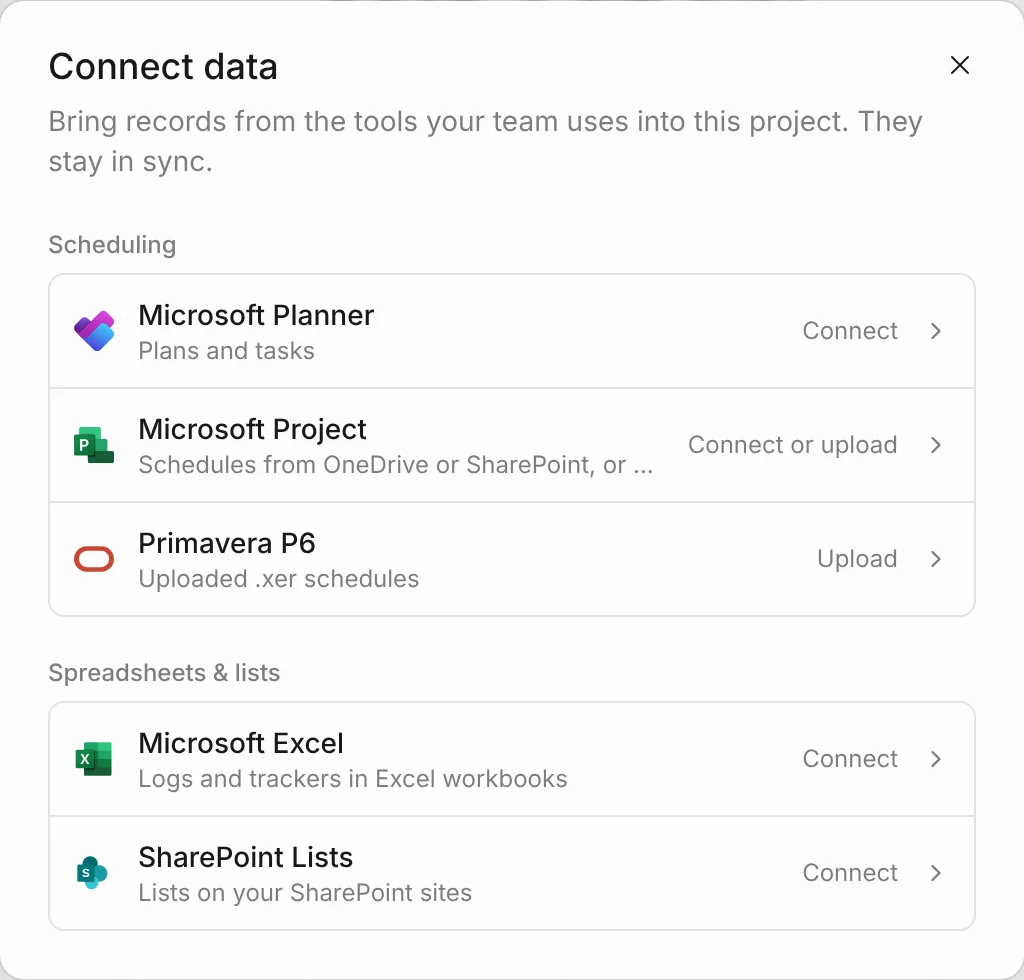
Connected data
Sync schedules, logs and trackers from Microsoft Project, P6, Planner, Excel and SharePoint Lists.
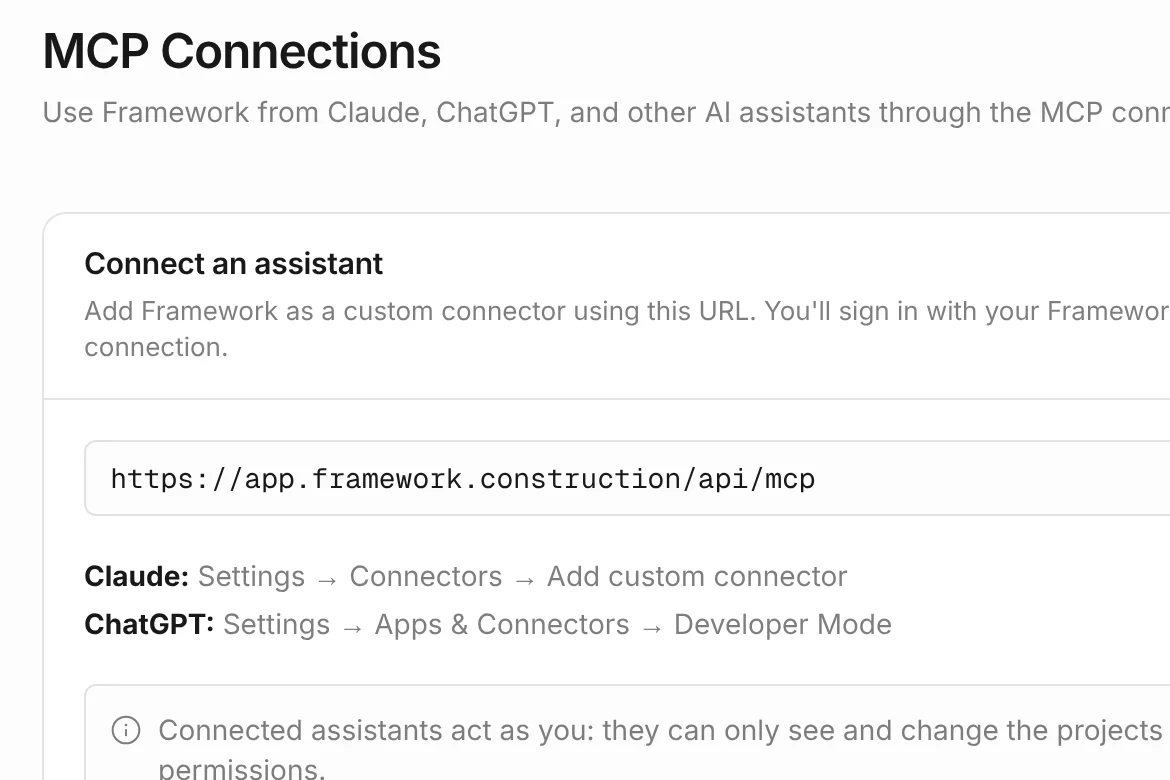
Claude and ChatGPT
Connect Framework to Claude or ChatGPT and work on your projects from there.
Try it on your next project
Upload a drawing set and ask your first question. It takes a couple of minutes, and the free plan is free forever.