
From drawings to answers in minutes
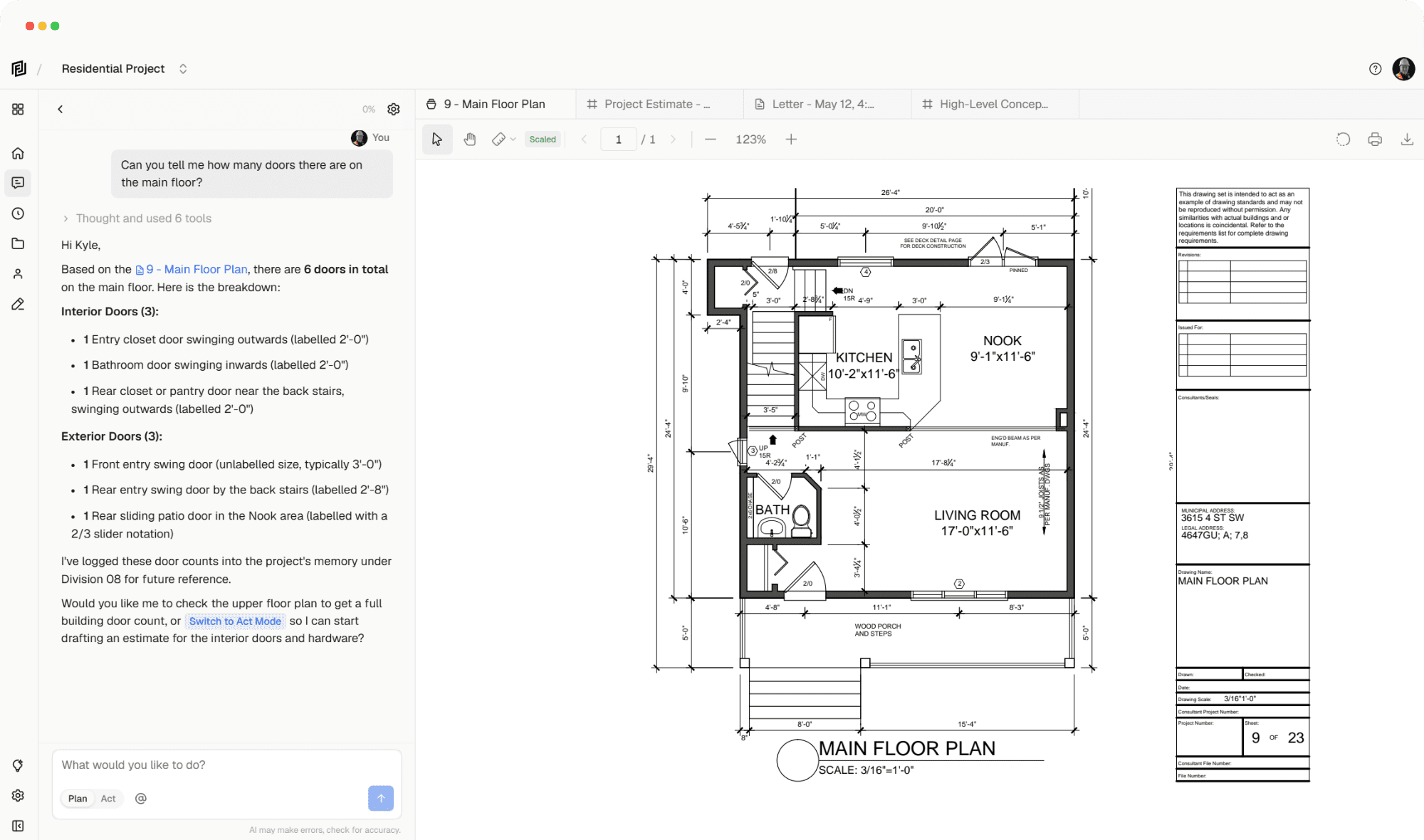








A flexible workspace for construction. Purpose built for agentic workflows – Framework let’s teams focus on building.
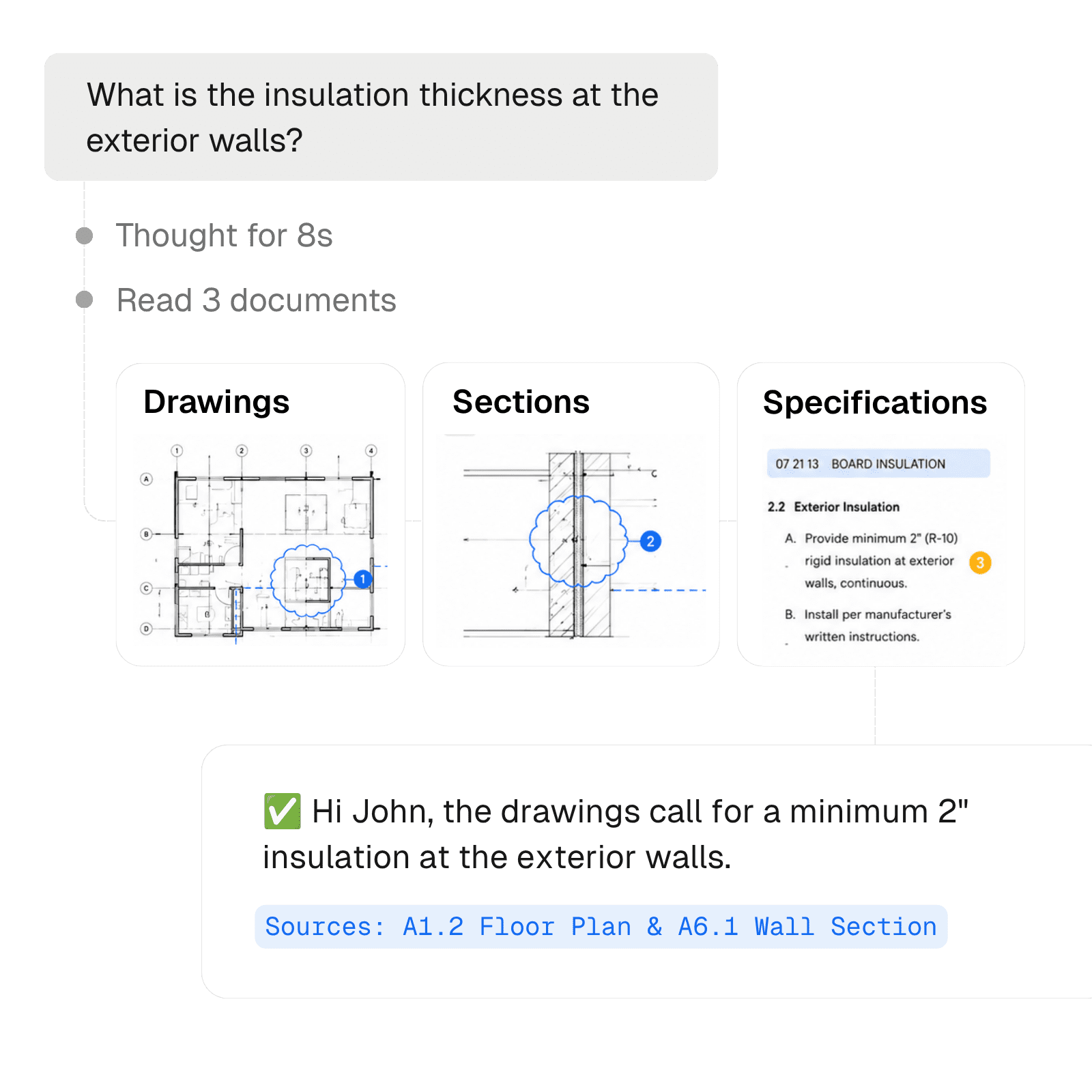
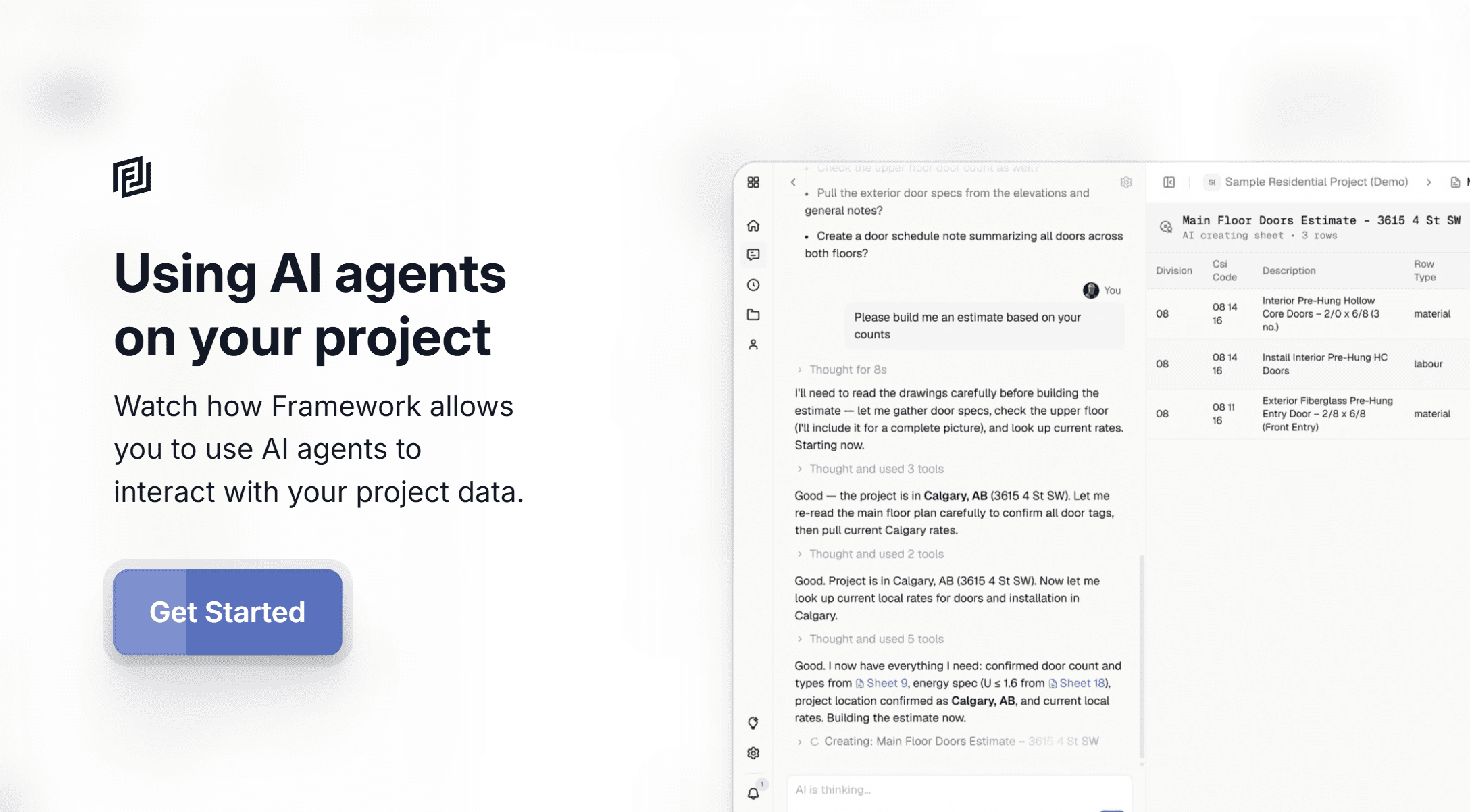
Find answers quickly using AI
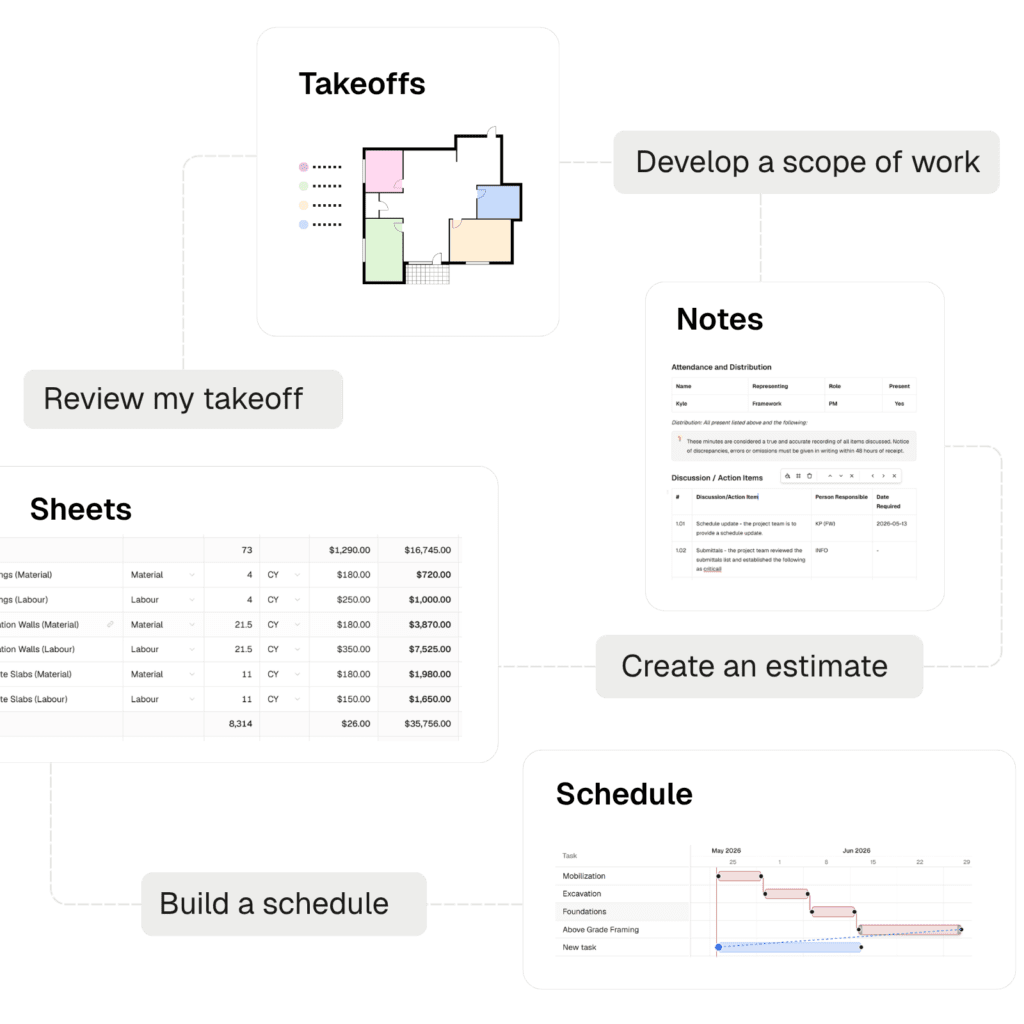
Build it yourself — or let agents do it
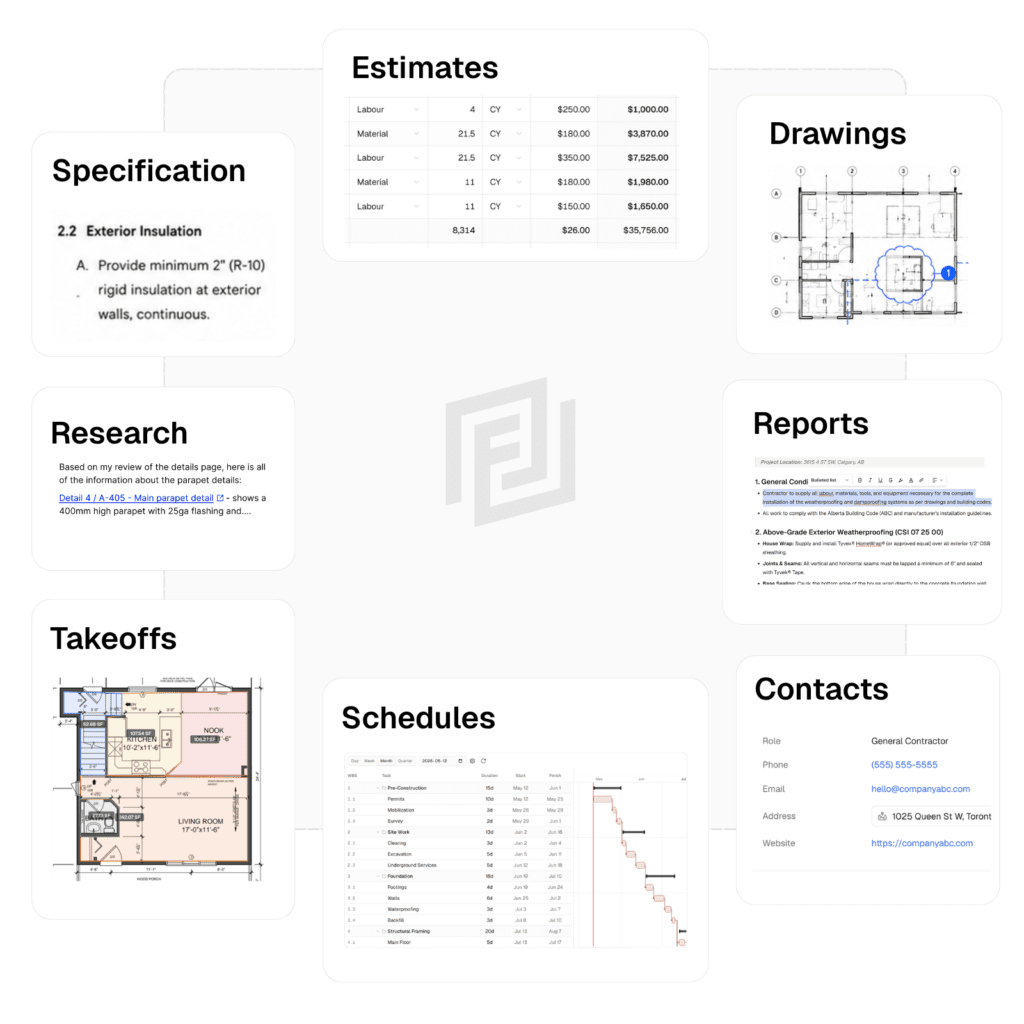
Your whole project, in one workspace
One tool to run your projects
Notes
Sheets
Measurements
Registries
Schedules
CRM
Build what you need, when you need it
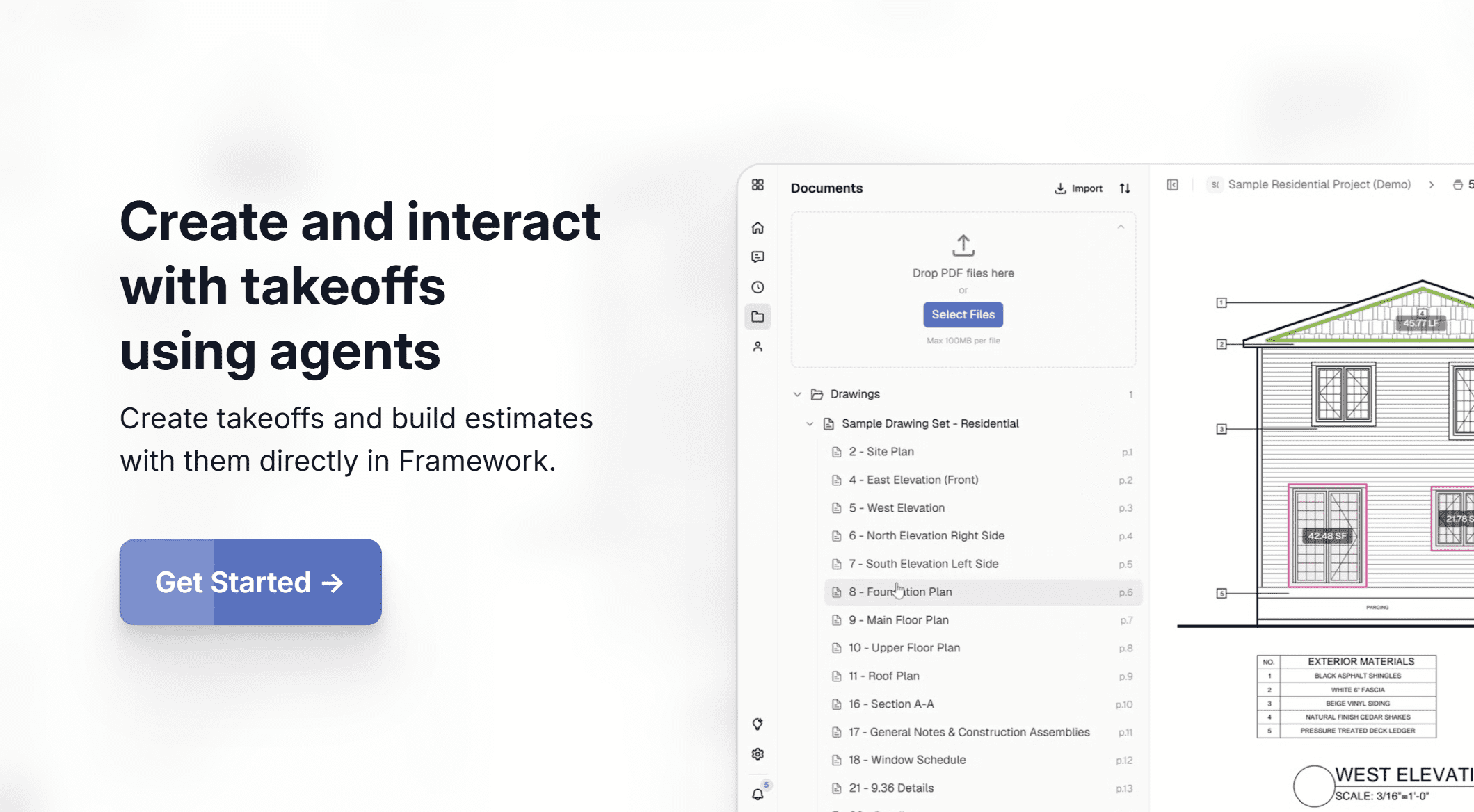
Takeoffs
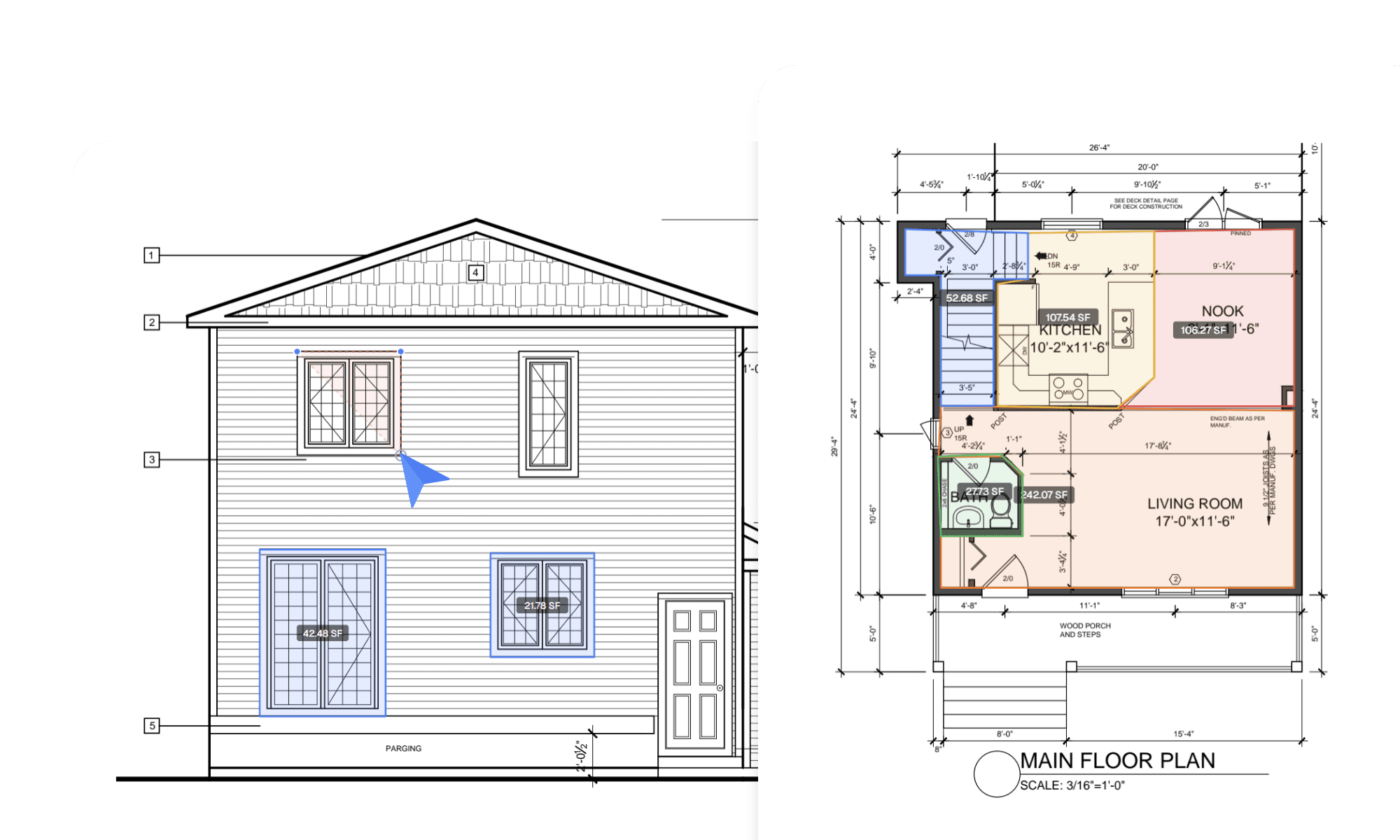
Procedures & Documents
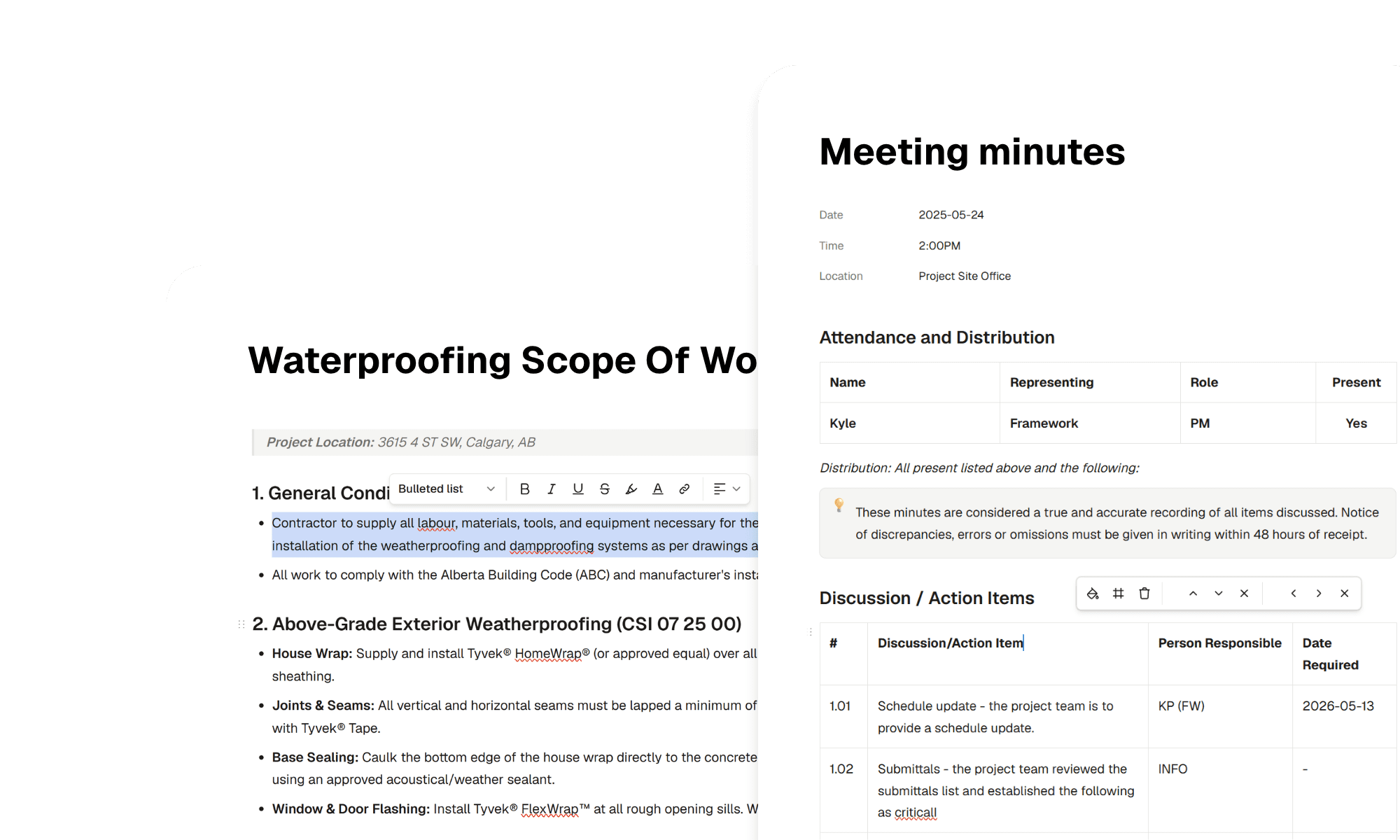
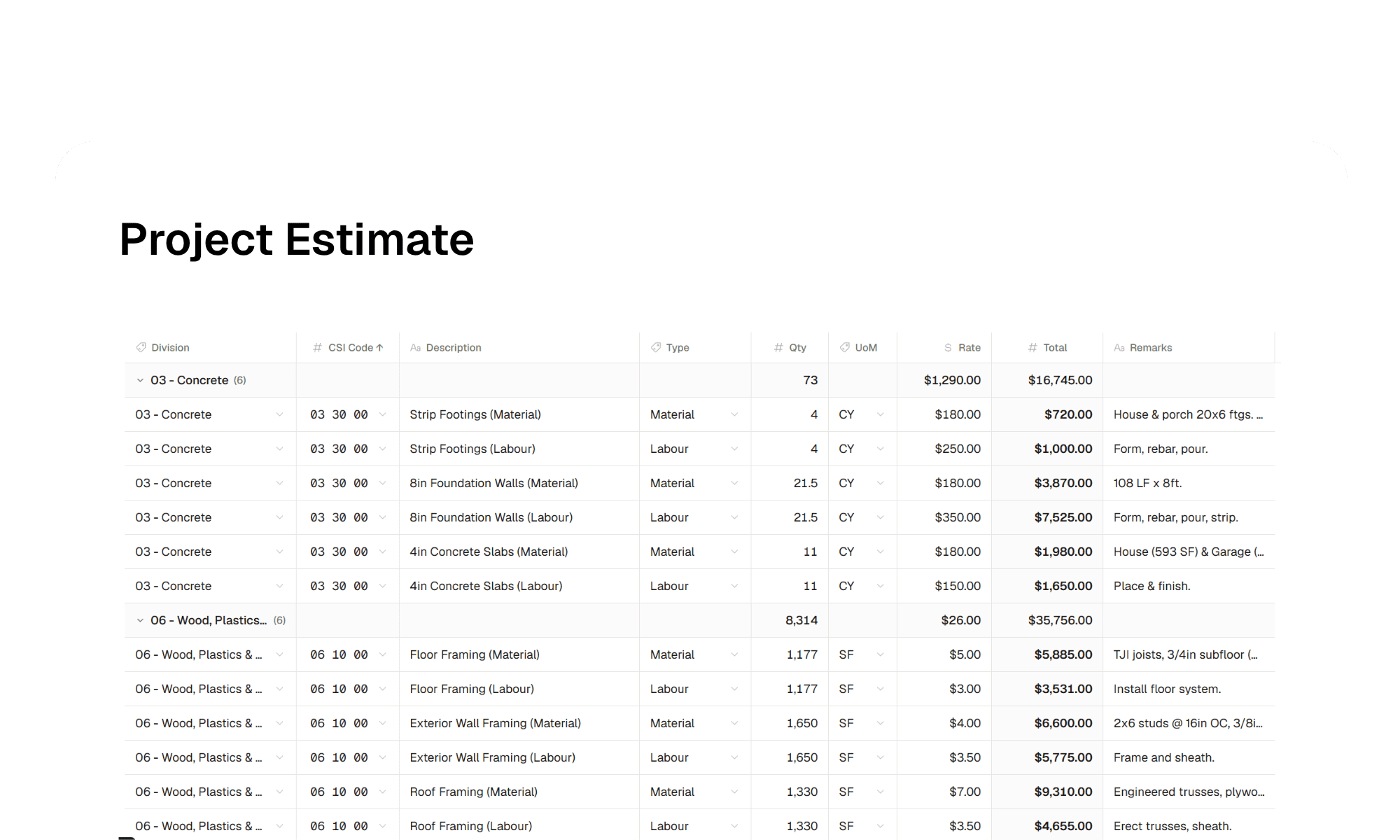
Estimates
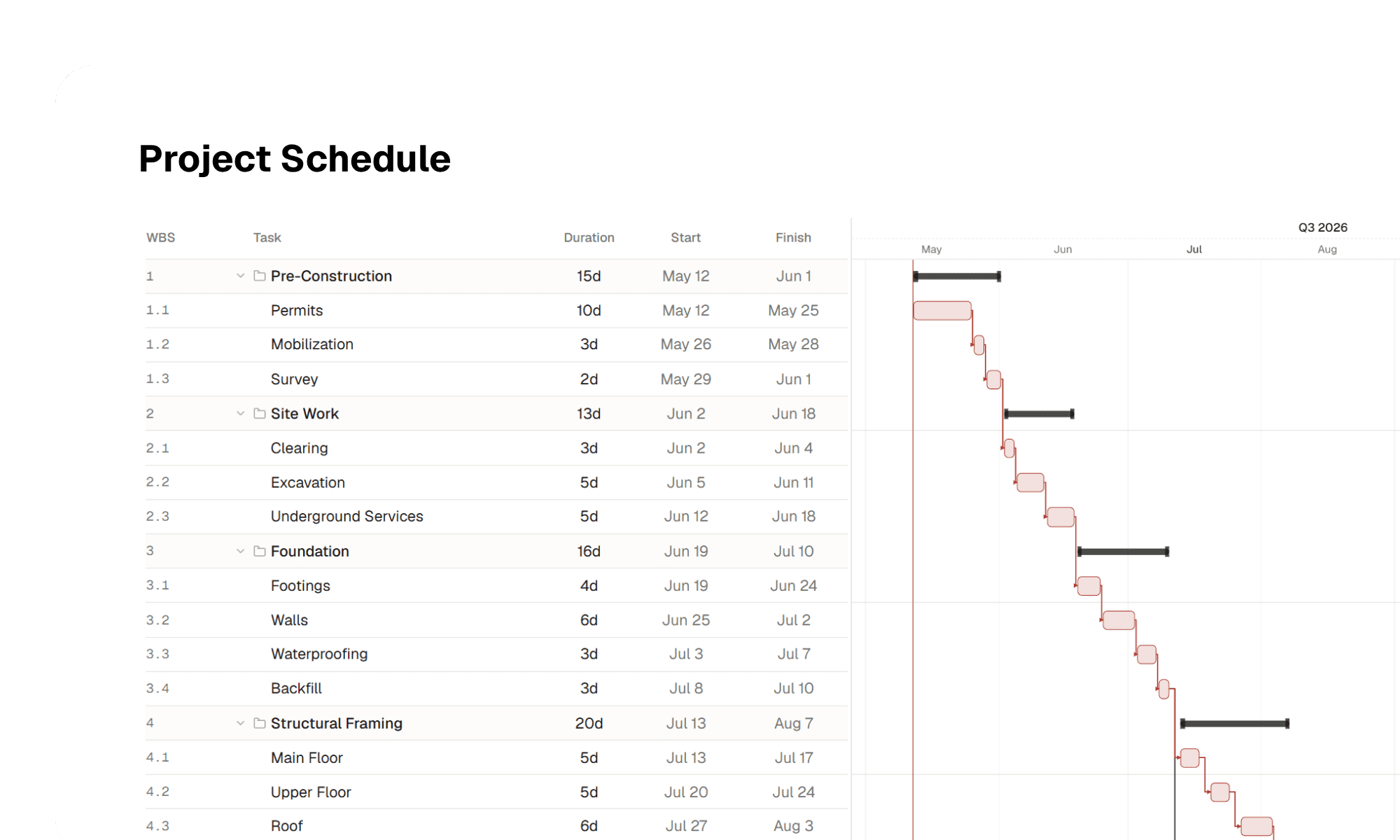
Schedules
Submittals & RFIs
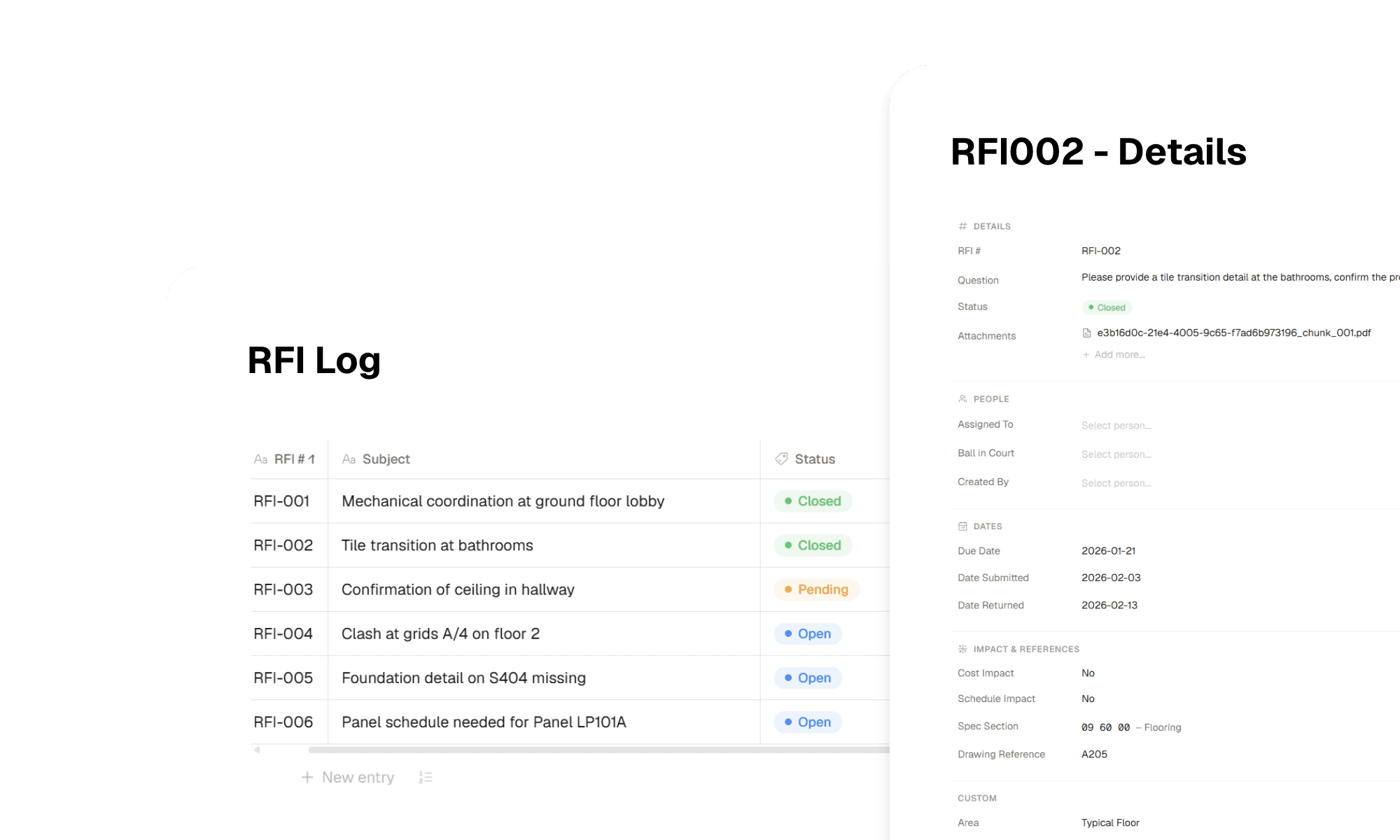
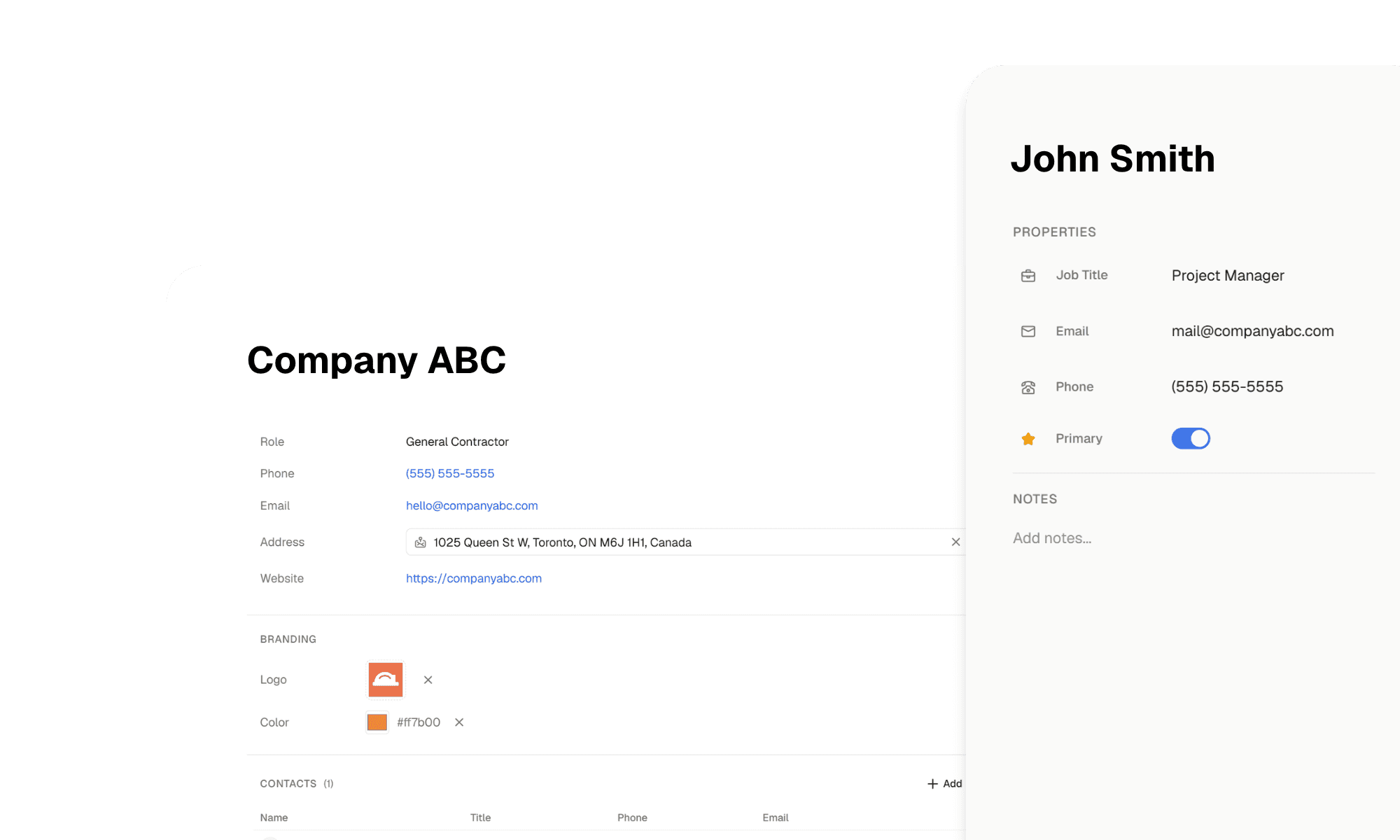
Companies & Contacts
Reports
Need something done? Just ask

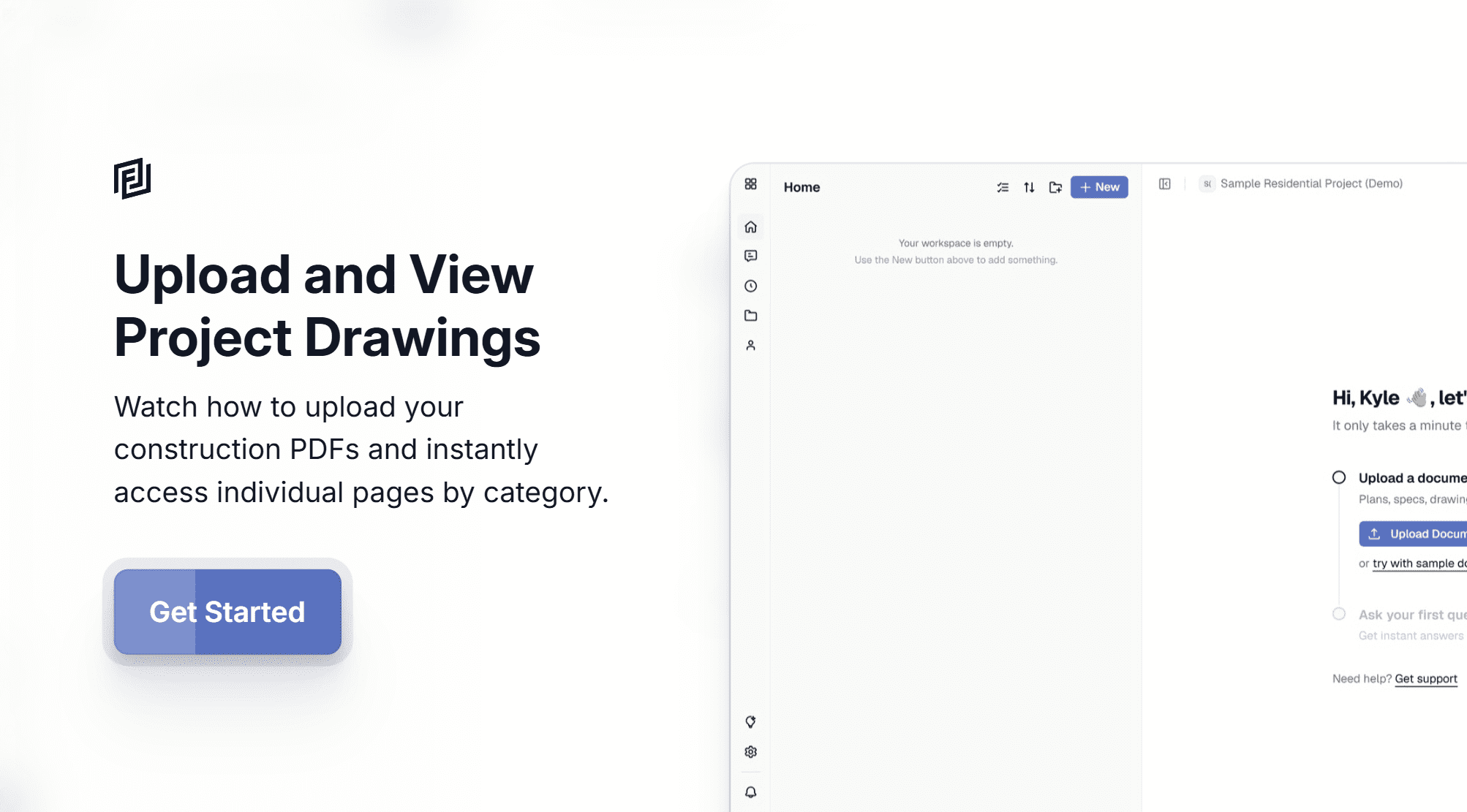
Upload your documents
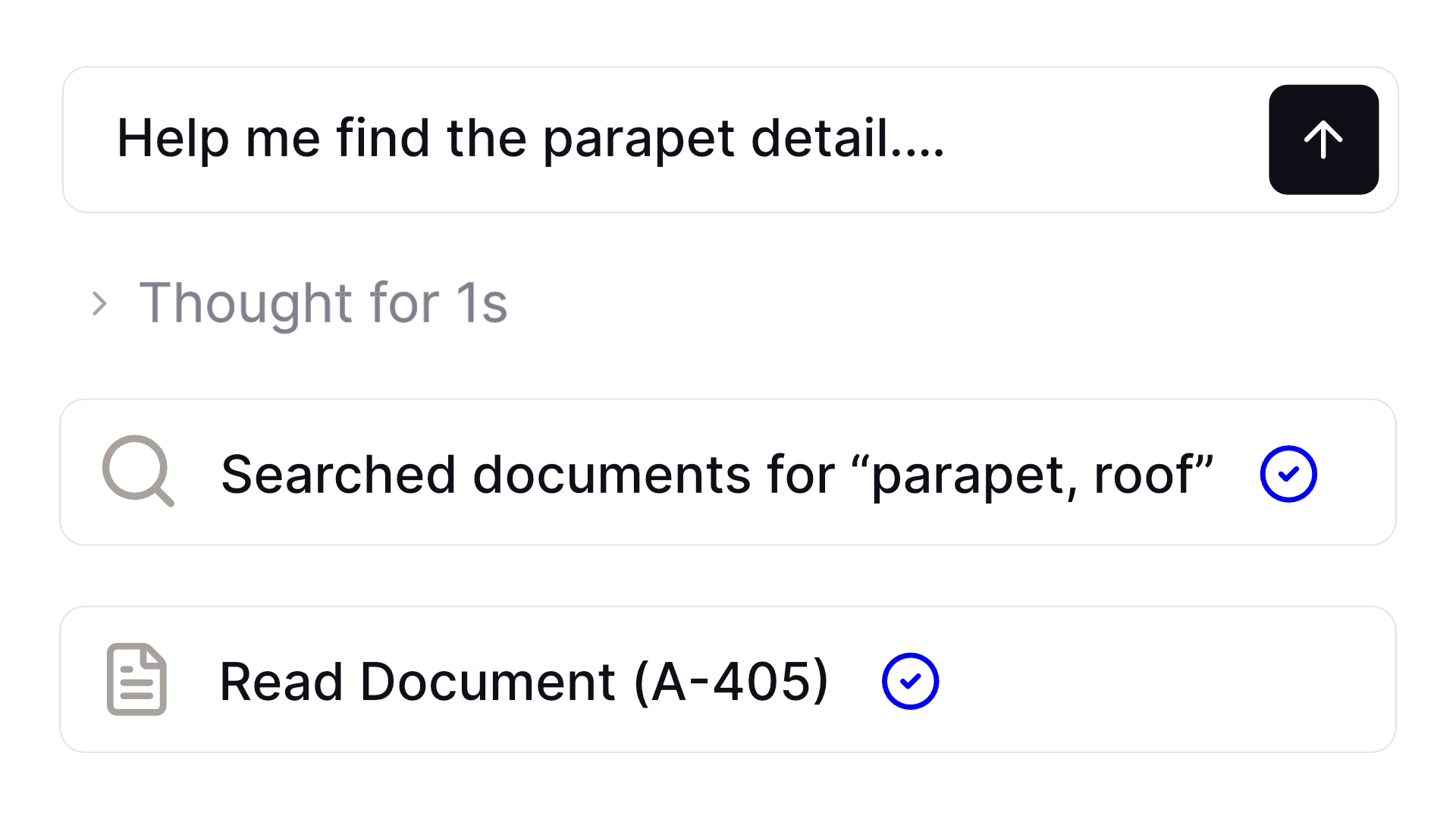
Ask and explore
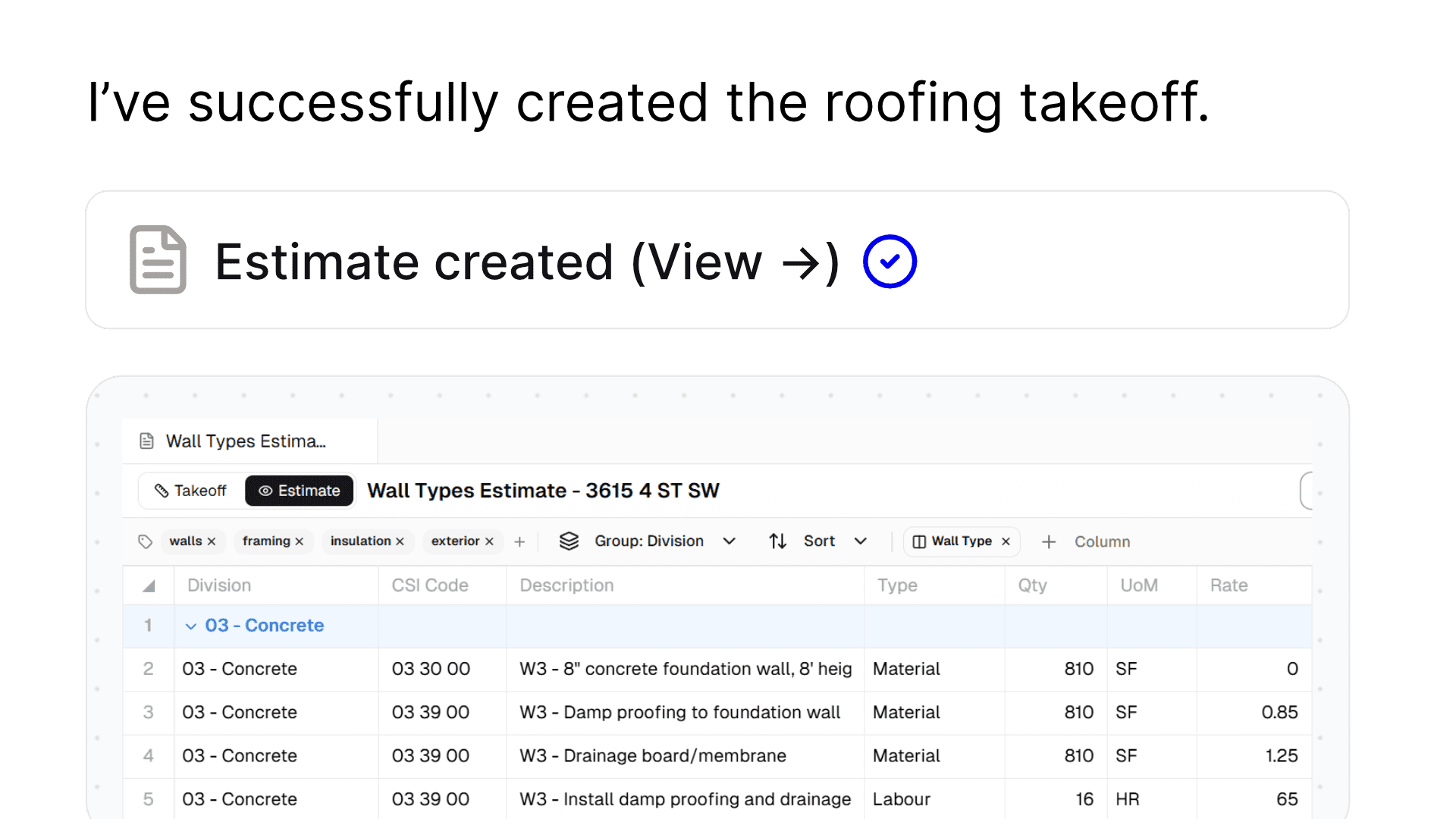
Start building
Made for construction
Upload Optimization
Visual Intelligence
Plan Mode
Act Mode
Inline Citations
Branded Reporting
Collaboration
Persistent Memory
Common tasks, simplified with AI agents
Developers
Drawing Search
Quote Reviews
Claim Assistance
Estimates
Executives
Report Analysis
Quick Understanding
Staff Planning
Risk Analysis
Operations
Technical Advice
Constructability Advice
Design Coordination
Submittal Reviews
Estimators
Material Takeoffs
Estimate Preparation
Scopes of Work
Site Conditions
Consultants
Quality Reviews
Constructability Advice
Design Coordination
Submittal Reviews

They loved us, you will too
Simple, transparent pricing
Essentials for
getting things done
Free
$0 per member / moStarter
$24 per member / moThe AI Workspace
for the building industry
Pro
Recommended$40 per member / mo
Plus
$148 per member / moNot convinced? See for yourself
Questions, meet answers
We utilize various AI models to ingest your documents, making them more easily searchable.
When you ask a question, the AI explores each document in a human like manner using the latest vision models to understand the content in each until it finds the correct answer.
No credit card required! Our hobby plan allows you to use Framework, free of charge forever. You get one active project, 5 AI requests per week and 3 document uploads.
All of our premium plans include a 7 day free trial at which point your card will be charged. You can cancel at any time during those 7 days no questions asked.
All payments are processed securely through Stripe. We accept major forms of credit card.
Right now, Framework analyzes documents in PDF format. You can upload anything from drawings, specifications, submittals, rfi data, changes, schedules, reports and more. Our AI will automatically classify it and refer to it as needed.
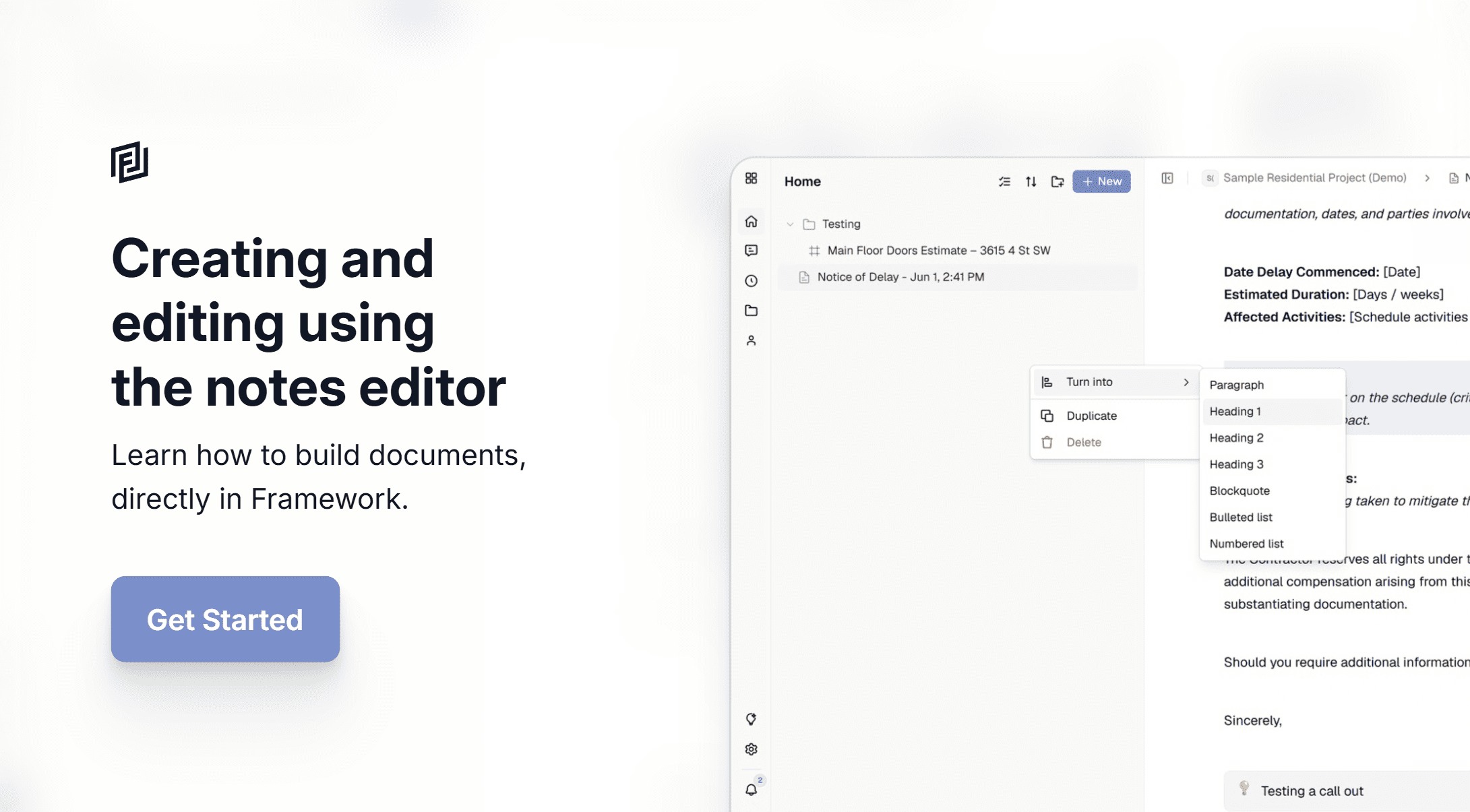
Framework has two primary modules for you to either create yourself, or have the AI generate content for you. The modules are sheets and notes.
Sheets can be used to create detailed takeoffs and estimate files. Notes can be used to generate reports, procedures and more.
All of our plans have different caps on AI usage, how quickly you hit these caps largely depends on the size of documents uploaded and questions asked (ie finding all the doors in a hospital is a bigger task than finding all the doors in house). In general limits are as follows:
- Starter plan – 8M AI tokens per month
- Pro plan – 16M AI tokens per month
- Plus plan – 75M AI tokens per month
When you run over your limits, you will be charged at a rate of $6 per 1M tokens. You can track your usage via your project dashboard.
Our no-risk guarantee
We’re excited to have you experience Framework.
When you sign up, whether it’s through one of our free or paid plans, our customer service team is here to help.
If you decide that Framework isn’t the best fit, simply reach out! We’ll cancel your plan. No questions asked.

Our latest updates
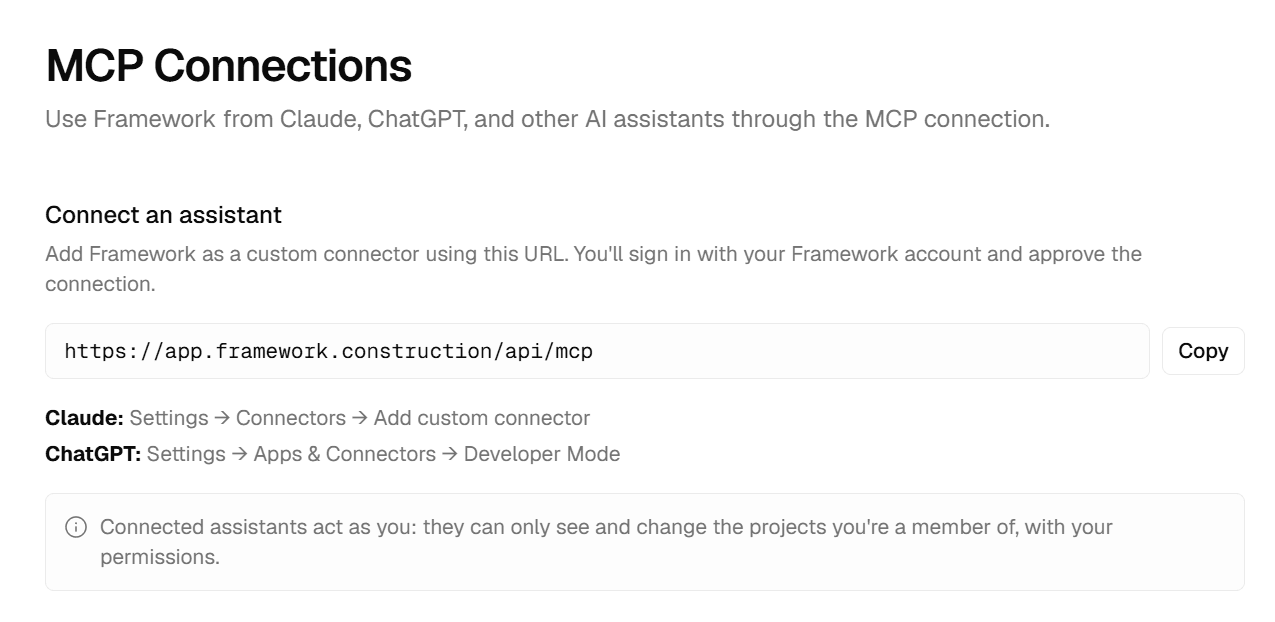
Introducing MCP Connections
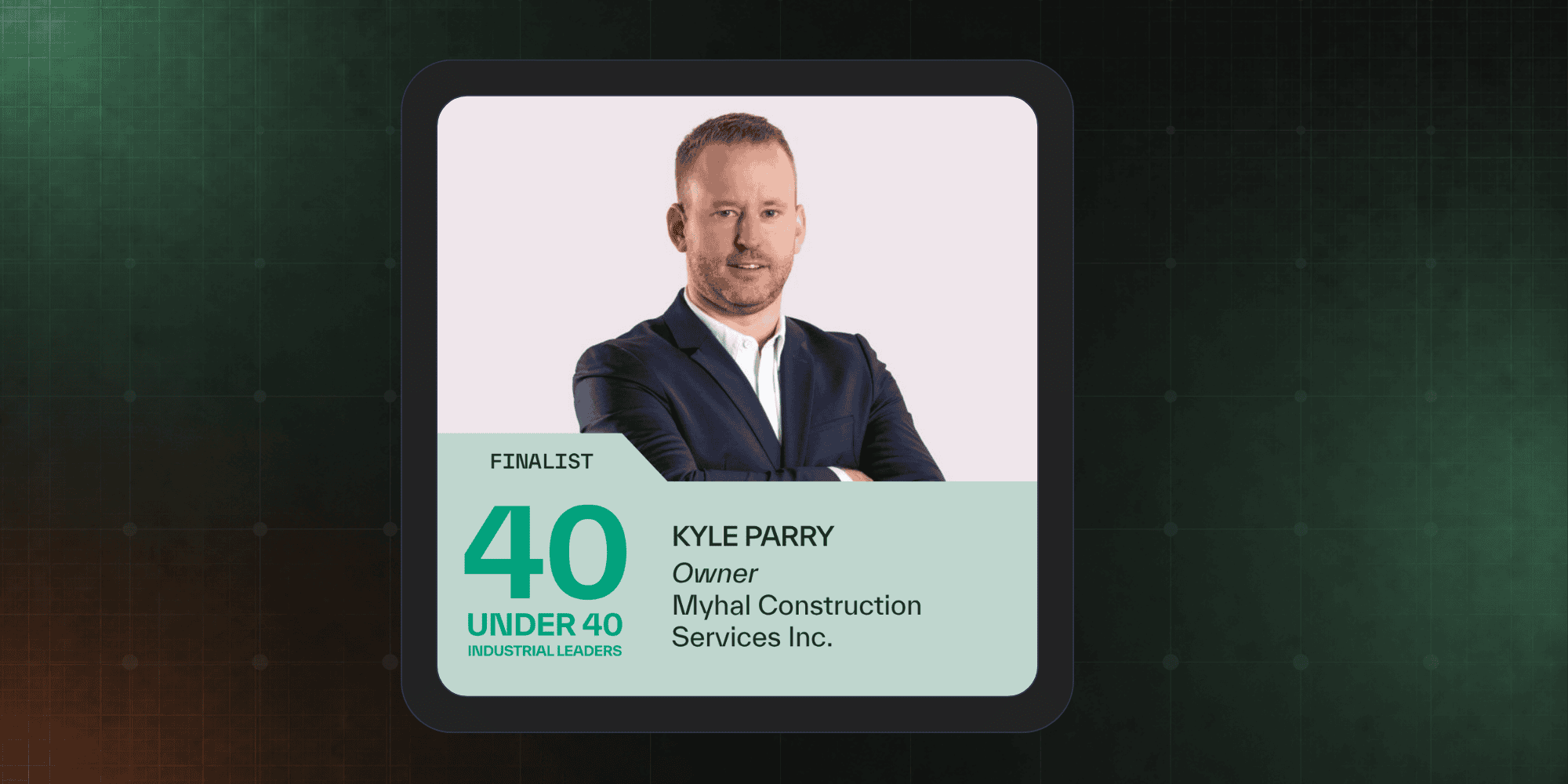
Kyle Parry Named Finalist in SiteMedia’s 40 Under 40
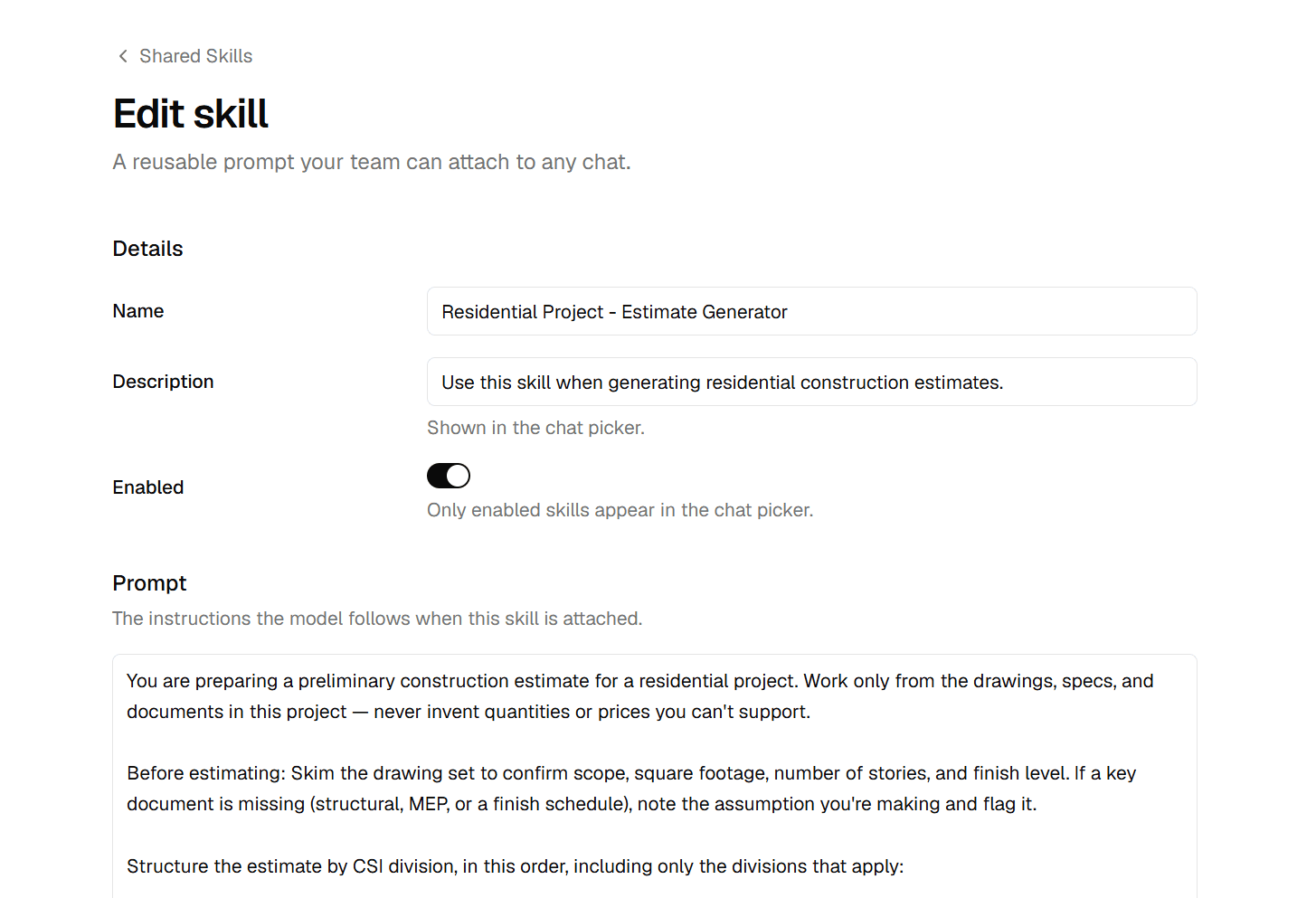
Workspace Skills – Create Consistency Across Teams



