Support Channels
In-App Help
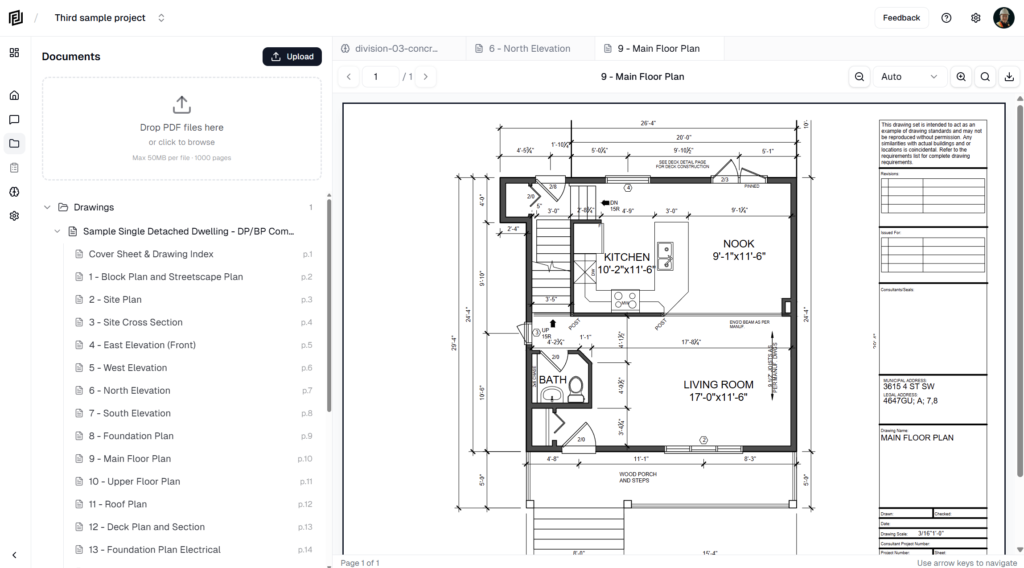
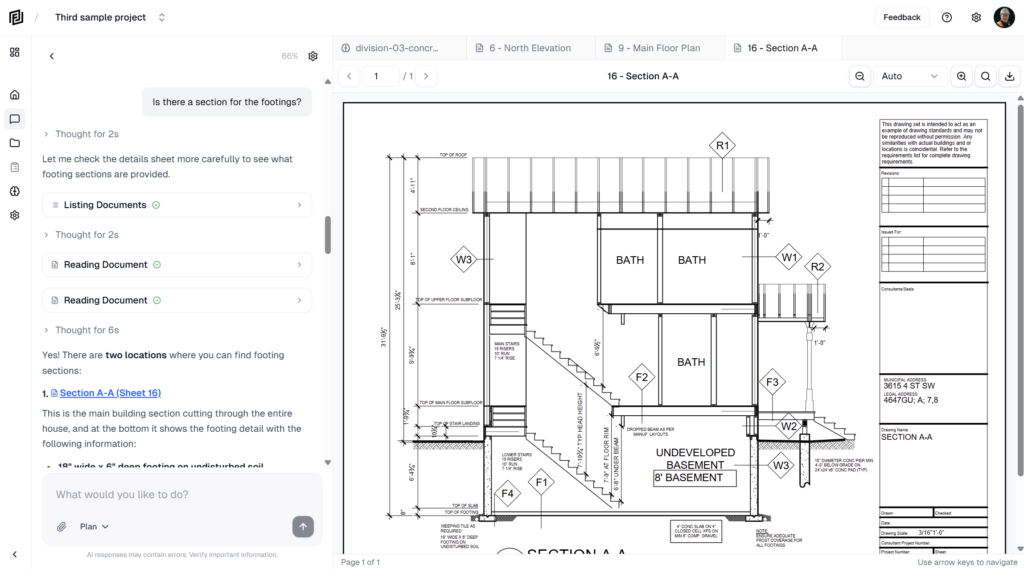
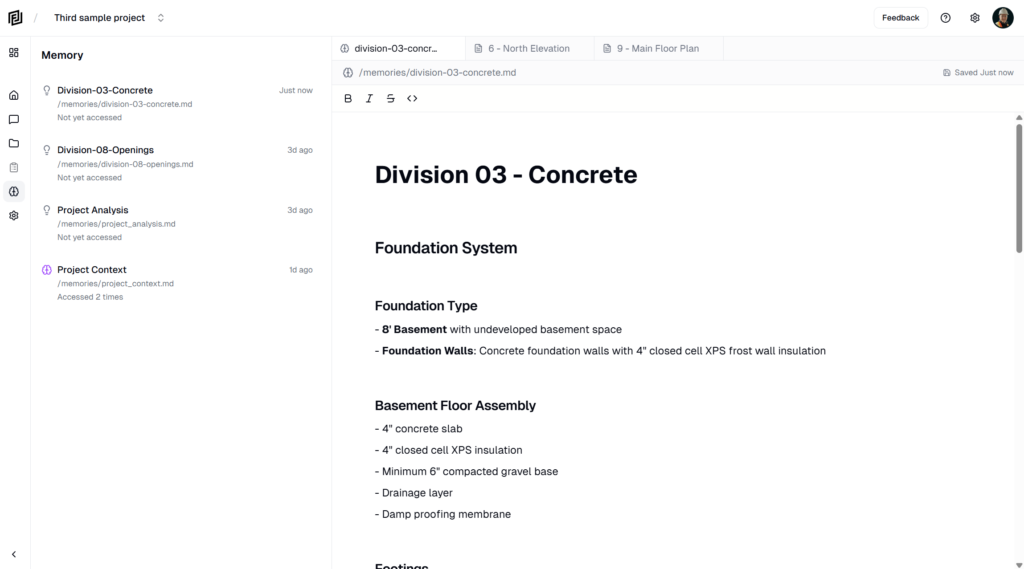
The quickest way to get help is directly from within Framework:
- Click the Help icon (question mark) in the top navigation bar
- Choose from available support options
- Submit your question or issue
Email Support
You can also reach us by email at support@framework.construction. Include as much detail as possible about your issue, including:
- Your account email address
- A description of the issue
- Steps to reproduce the problem (if applicable)
- Screenshots or error messages
Documentation
You’re reading it! Our documentation covers all features and common workflows. Use the navigation to explore topics, or search for specific questions.
What We Can Help With
| Category | Examples |
|---|---|
| Account Issues | Login problems, email changes, password resets |
| Billing | Charges, invoices, plan changes, refund requests |
| Technical Issues | Bugs, errors, upload failures, display problems |
| Feature Questions | How to use features, best practices, workflow advice |
| AI Quality | Inaccurate responses, citation issues, tool problems |
Response Times
We aim to respond to all support requests as quickly as possible:
| Priority | Description | Target Response |
|---|---|---|
| Critical | Can’t access account, service outage, data loss | Within hours |
| High | Feature not working, billing errors | Within 1 business day |
| Normal | Questions, suggestions, minor issues | Within 2 business days |
Tips for Faster Resolution
- Be specific — Describe exactly what happened and what you expected
- Include screenshots — A picture is worth a thousand words, especially for UI issues
- Note the timing — When did the issue start? Is it consistent or intermittent?
- Mention your browser — Include your browser name and version if relevant
- Check the docs first — Many common questions are answered in our documentation
← Invoices & Billing History Sending Feedback →Pro tip: Before contacting support about an AI response issue, try starting a new conversation. Sometimes context from a long conversation thread can cause unexpected results, and a fresh start often resolves it.