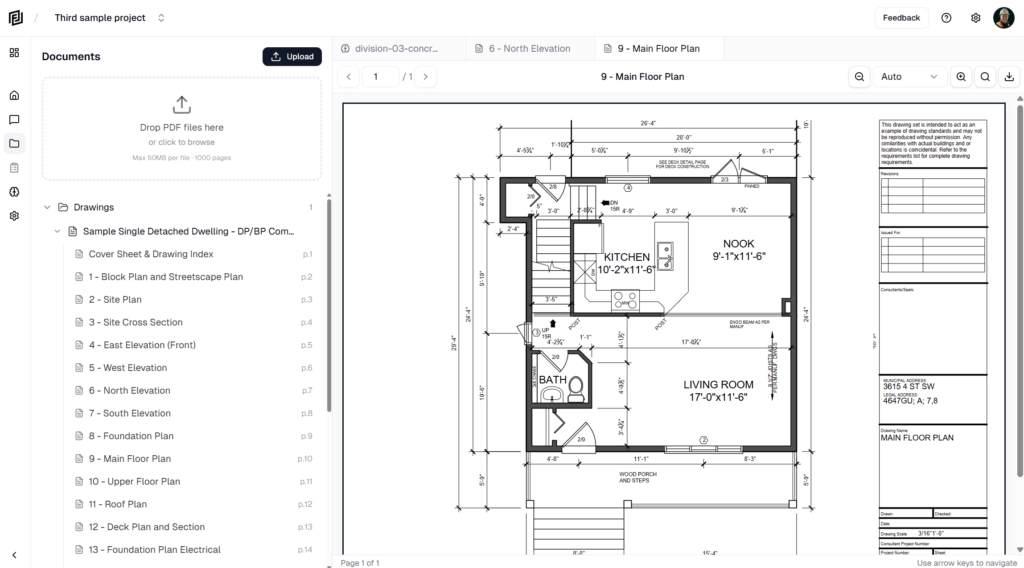
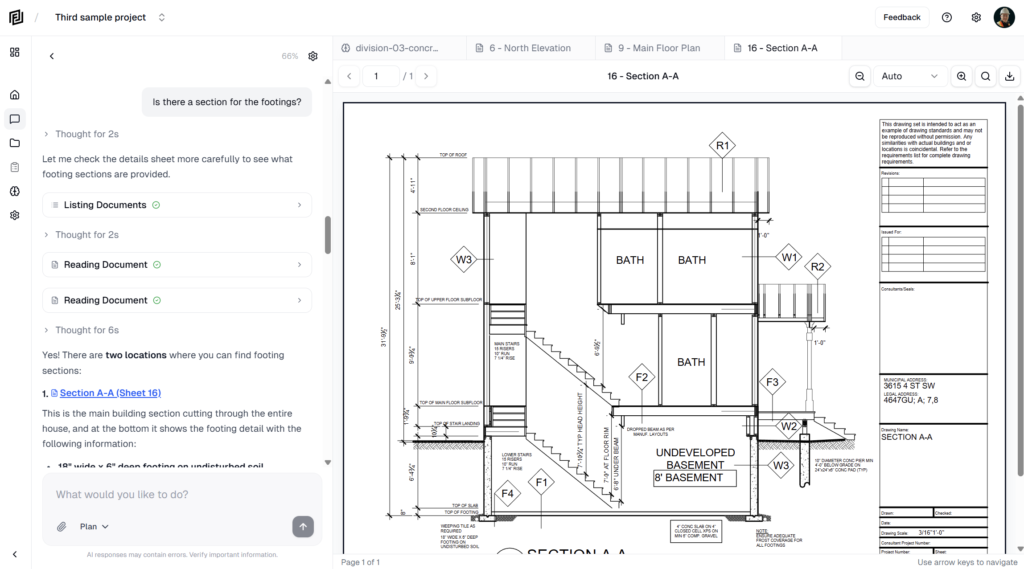
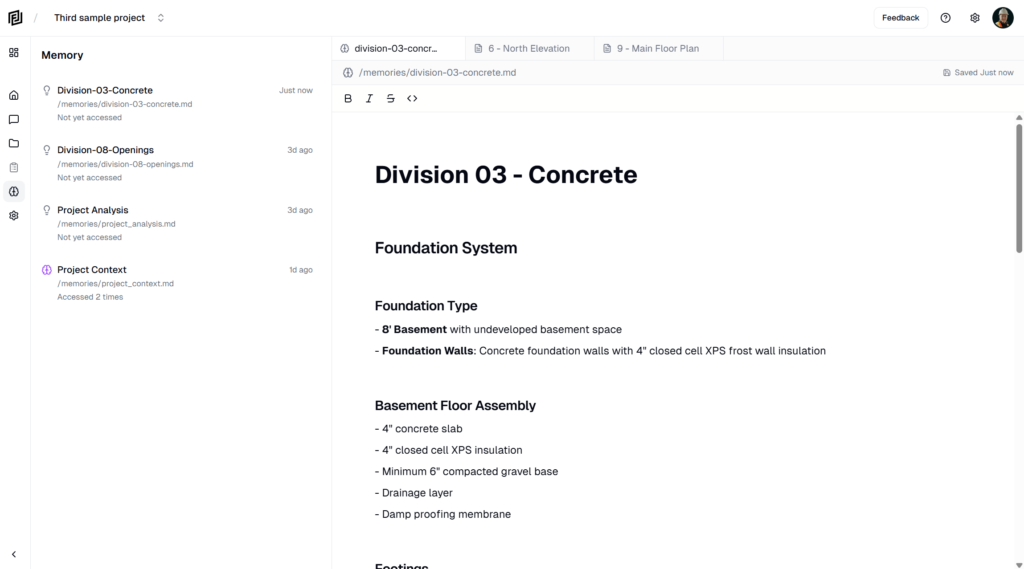
Overage decides what happens when your workspace uses up its monthly AI credits. With overage off, AI features pause until your next period. With it on, the agent keeps working and the extra credits are billed. It’s off by default.
Turn overage on or off
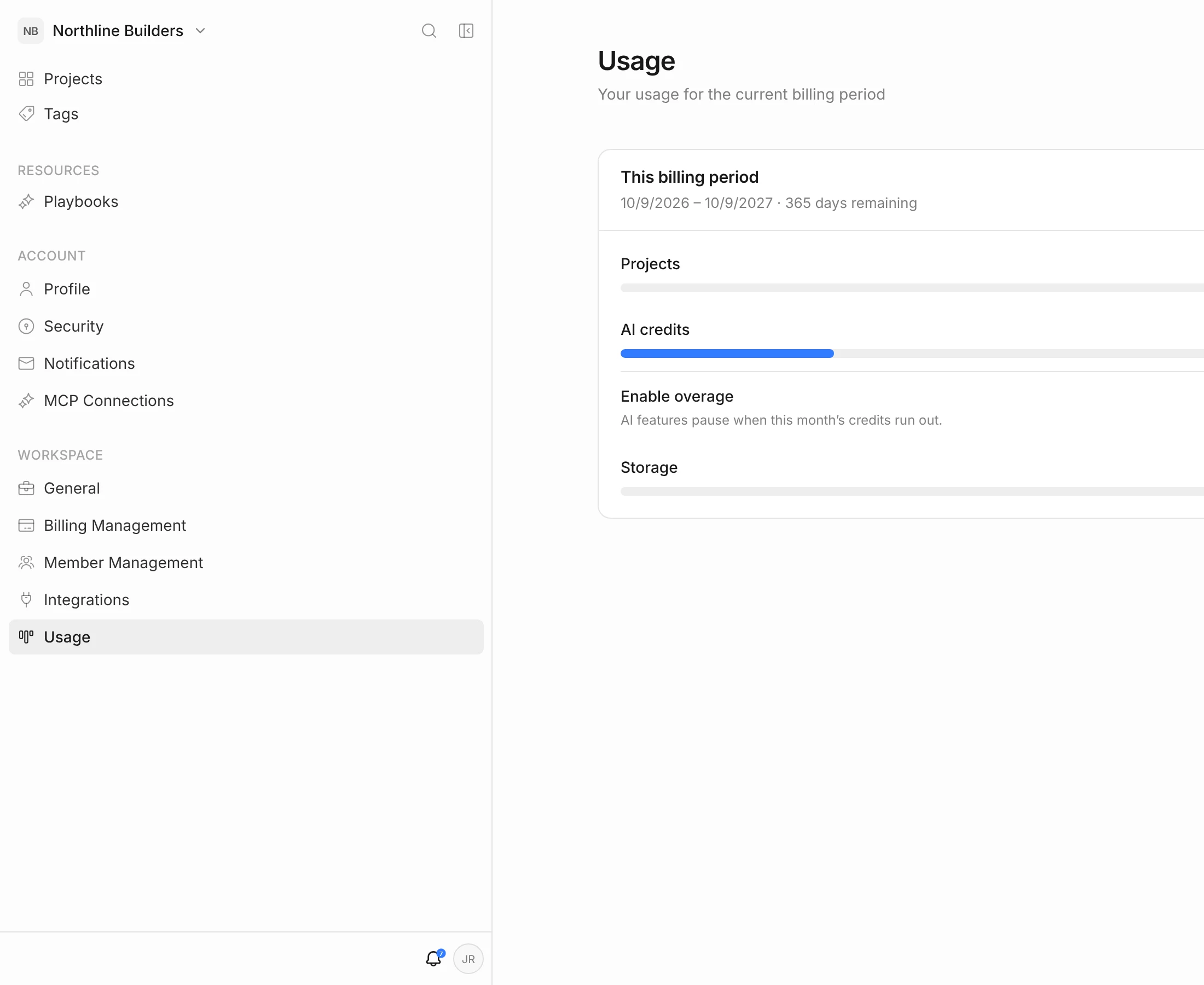
- Click your initials in the top-right corner, then Workspace settings.
- In the left menu, under Workspace, click Usage.
- Use the Enable overage switch under AI credits.
The change applies straight away. You can also flip the switch from the usage ring next to the notifications bell in the top bar — click the ring to open your usage panel.
Overage off (the default)
- When the credits run out, AI features pause: the agent, routines and anything else that uses credits.
- Everything else keeps working — documents, drawings, estimates, schedules, logs.
- The Usage page shows Credit limit reached.
- AI features come back when your next monthly period starts, or as soon as you upgrade or turn overage on.
Use this setting if you want a firm cap on what you spend each month.
Overage on
- The agent keeps working past your monthly allowance.
- Extra use is billed per AI credit at the overage rate. The current rate is on the pricing page.
- The Usage page shows how many credits you’re over and the estimated cost so far. Billing Management shows the same under Team & usage.
- Overage is charged to your payment method with your next invoice. If overage builds up during a period, you may get an invoice for it before the period ends.
Turn overage off again at any time to stop further charges. Credits you’ve already used beyond the allowance are still billed.
Good to know
- Credits are pooled. Overage applies to the whole workspace’s shared allowance, not to one person.
- Paid plans only. The free Hobby plan has a weekly limit on agent use and no overage. Upgrade to keep working — see Plans & Subscription.
- Watch your usage. The usage ring turns amber as you get close to your allowance.
- Upgrading may cost less. If you regularly go over, a larger plan can work out cheaper than paying overage every month.
- Who can change it. Only the workspace owner can turn overage on or off.