We read every bug report and piece of feedback. Send them from inside the app so we know exactly where you were.
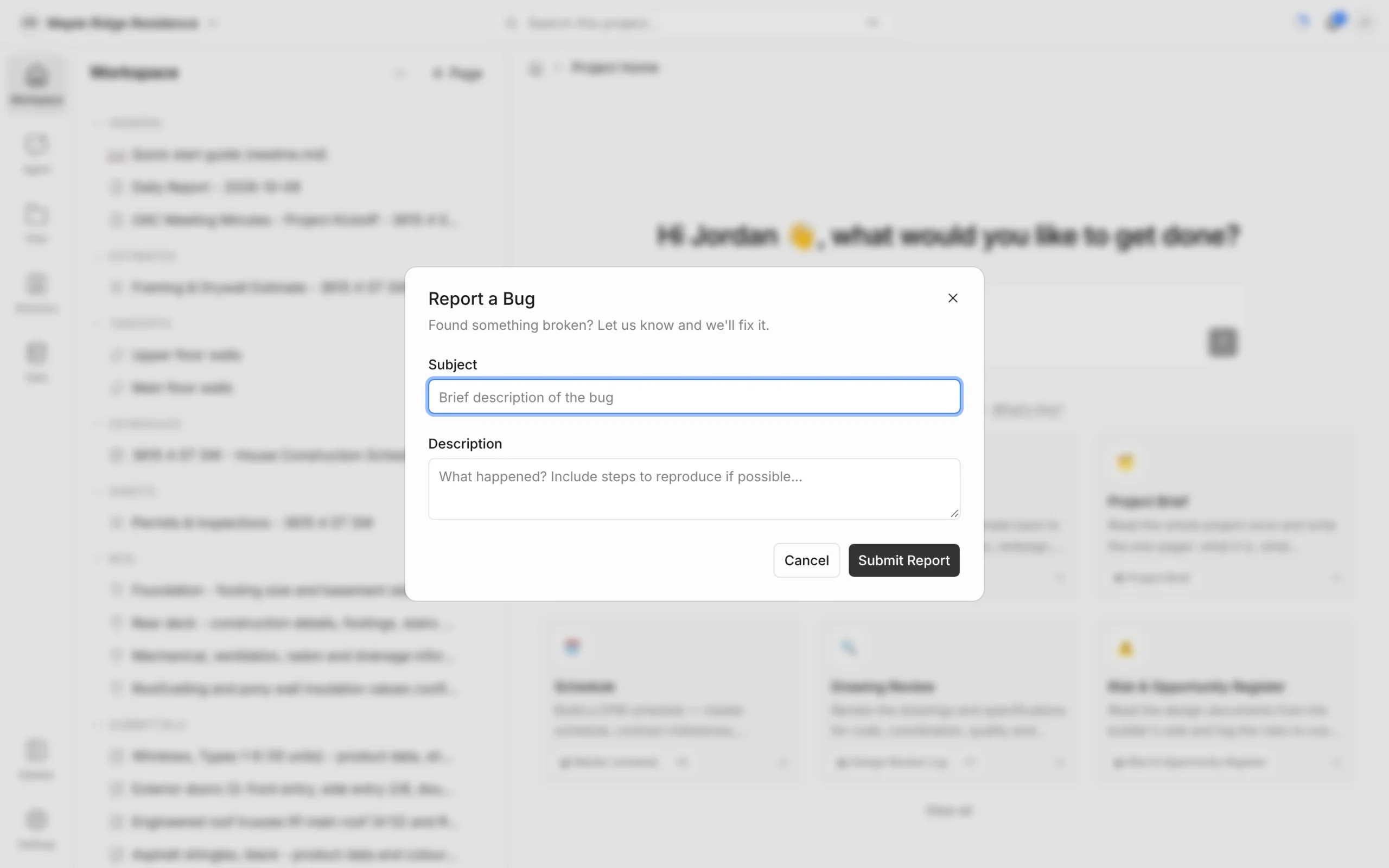
Report a bug
Use this when something is broken — a button does nothing, a page won’t load, or you see an error.
- Go to the page where the problem happens.
- Click your initials in the top-right corner, then Help and feedback.
- Choose Report a bug and click Next.
- Enter a short Subject.
- In Description, say what happened and what you expected. Steps to reproduce it help us fix it faster.
- Click Submit Report.
A link to the page you were on is sent with the report automatically.
Request a feature or share feedback
- Click your initials, then Help and feedback.
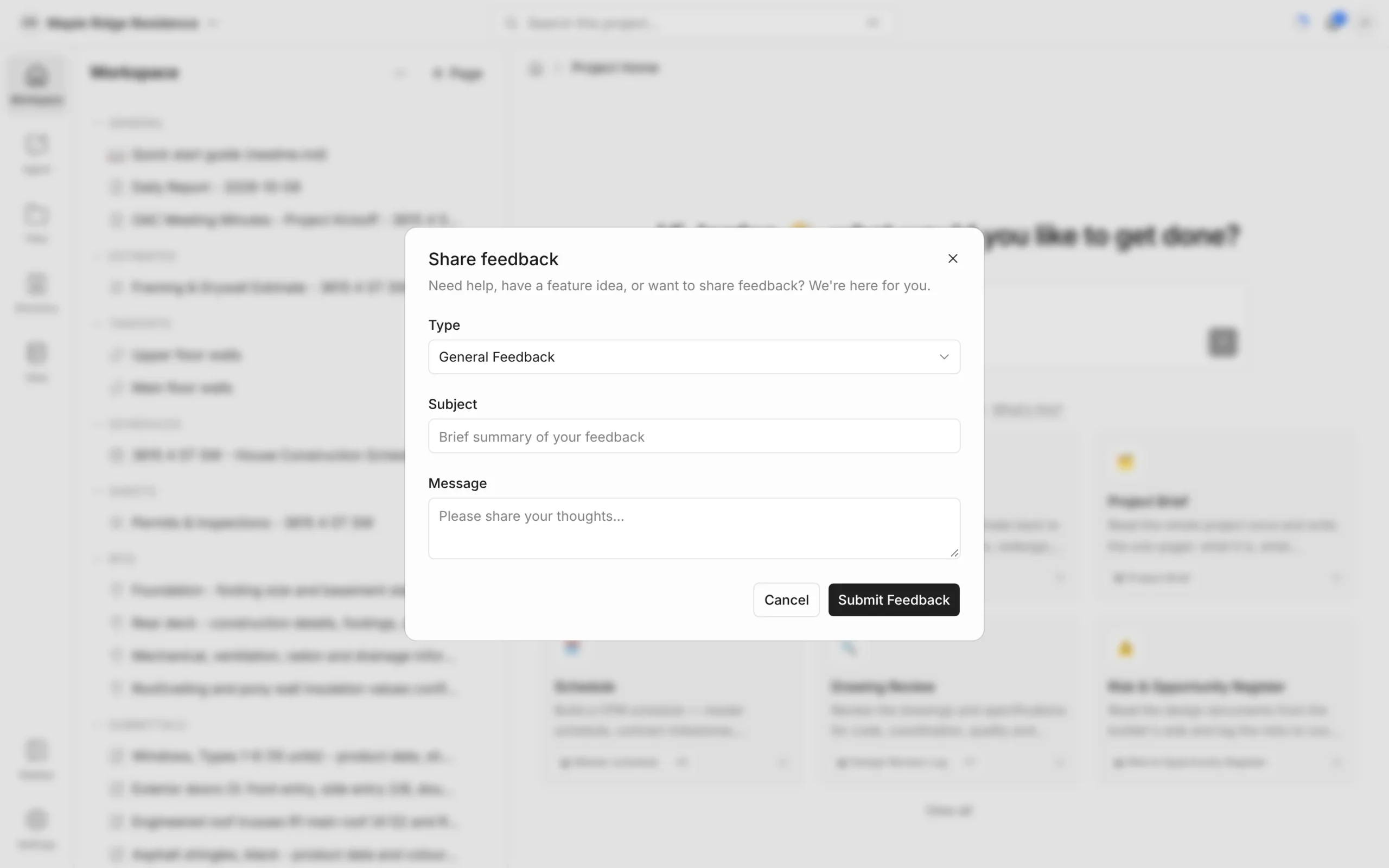
- Choose Share feedback and click Next.
- Set Type to Feature Request for an idea, or leave it on General Feedback for anything else.
- Add a Subject and your Message.
- Click Submit Feedback (or Submit Request for a feature request).
Need an answer rather than leaving feedback? Choose Get help instead — see Getting Help.
Rate the agent’s answers
Under each answer from the agent are thumbs-up and thumbs-down buttons.
- Thumbs up — the answer was good. Click it again to take it back.
- Thumbs down — opens What went wrong?. Optionally say what was unhelpful or inaccurate, then click Submit feedback.
These ratings help us improve the agent’s answers over time.