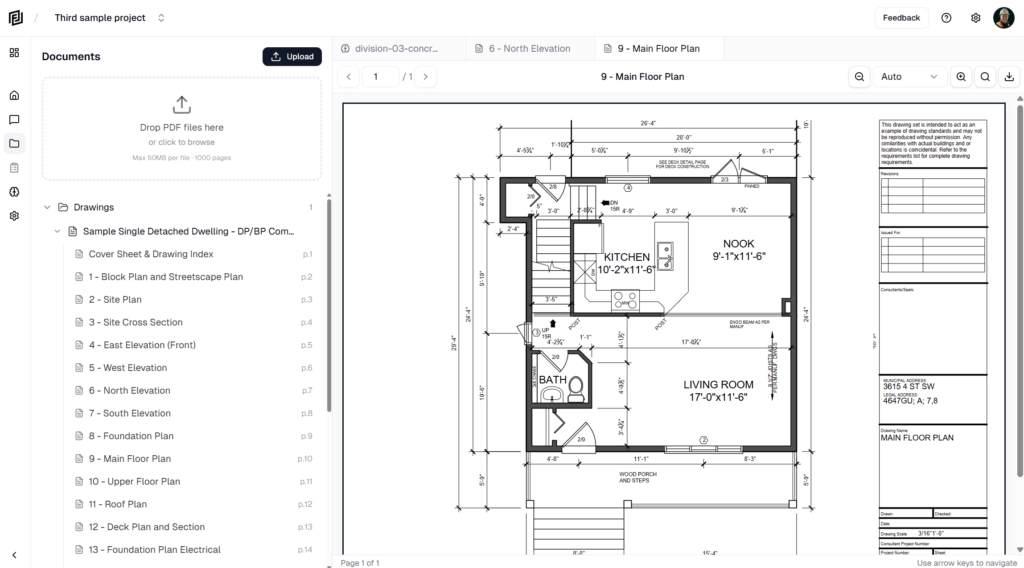
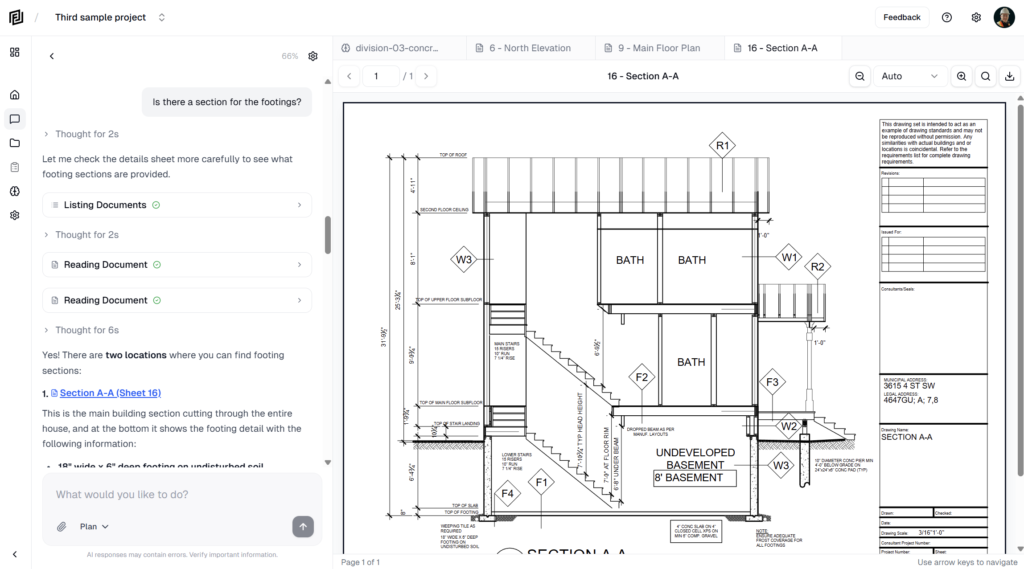
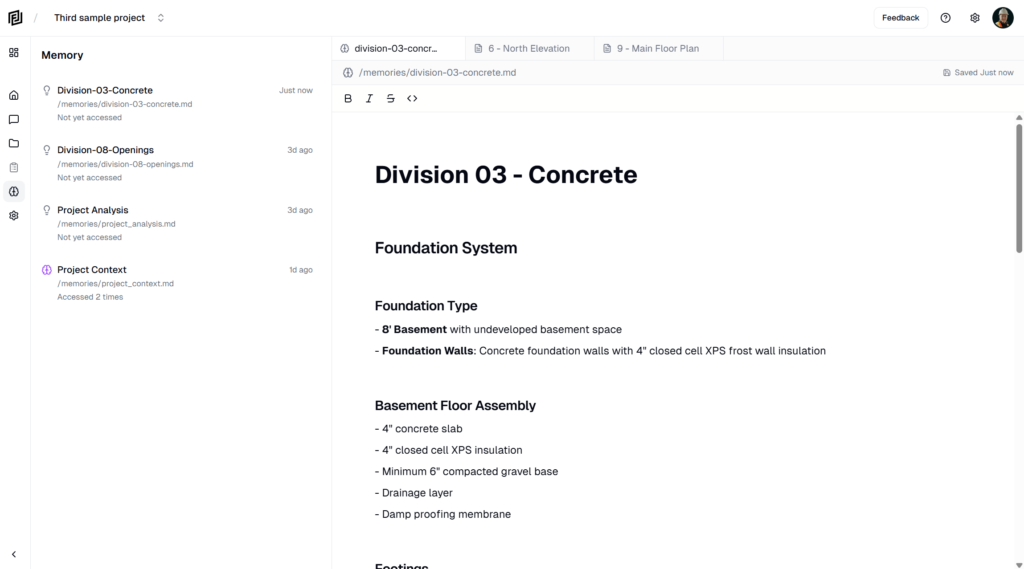
Signing up takes a couple of minutes. You’ll create your login, tell us a little about yourself, then pick a plan. No credit card is needed to start on the free plan.
Sign up
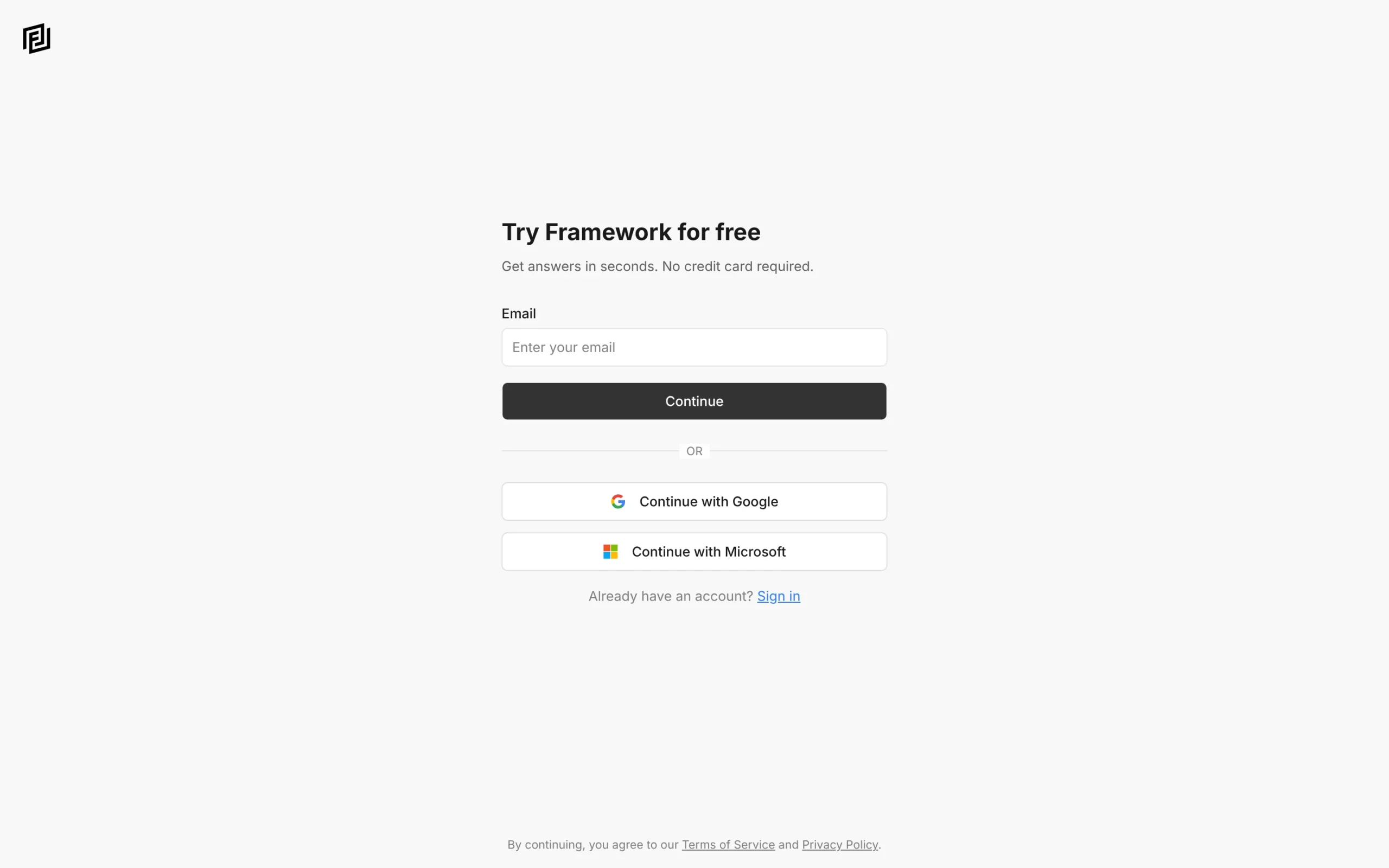
- Open the sign-up page.
- Enter your email and click Continue — or click Continue with Google or Continue with Microsoft to use that account instead.
- If you used email, create a password (8 characters or more).
- Check your inbox for the confirmation email and click the link in it. If it hasn’t arrived, check your spam folder, or click Resend Email.
If you sign up with Google or Microsoft, you skip the password and email-confirmation steps.
Set up your profile
- Enter your First Name (required), Last Name and Company name.
- Tell us how you’ll use Framework. This helps us suggest the right starting points — you can choose Skip for now.
Choose a plan
Next you’re offered a free trial of a paid plan:
- Start my free trial — enter your payment details to start the trial. There’s no charge today, and you can cancel any time before the trial ends.
- Skip For Now — start on the free Hobby plan instead. You can upgrade later.
What each plan includes is on the pricing page.
What you get
Framework sets up your workspace and a first project called My First Project. It comes with a sample residential drawing set so you can try the agent straight away, and a short checklist to get you going.
Signing in later
Go to app.framework.construction/login and use the same method you signed up with. If you’ve forgotten your password, click Forgot password? on the sign-in page.