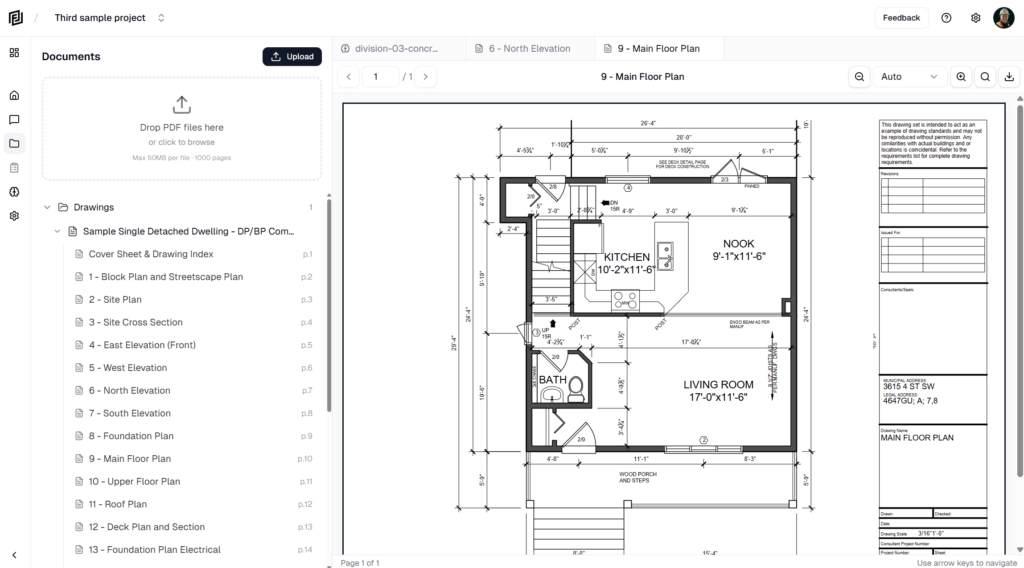
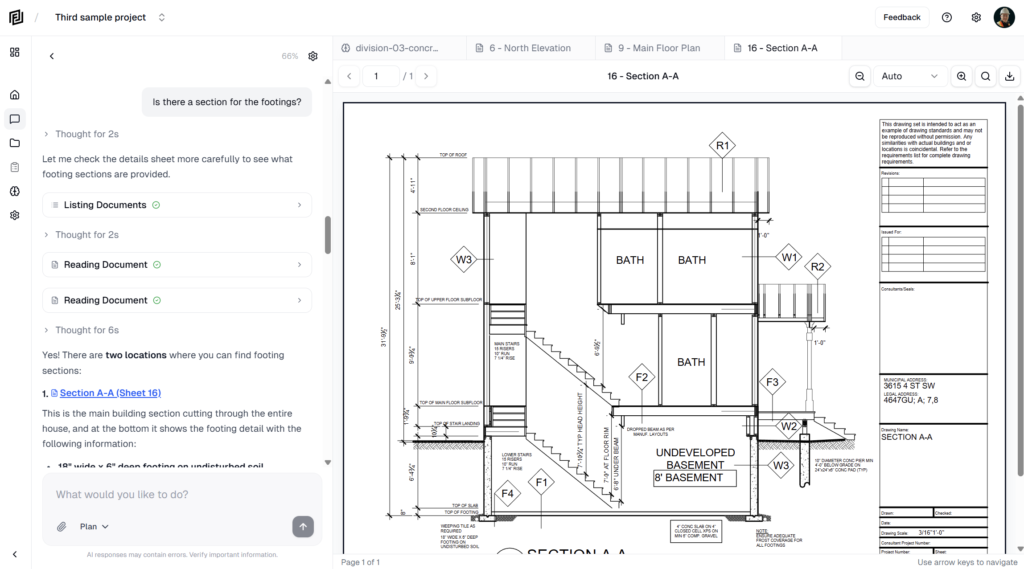
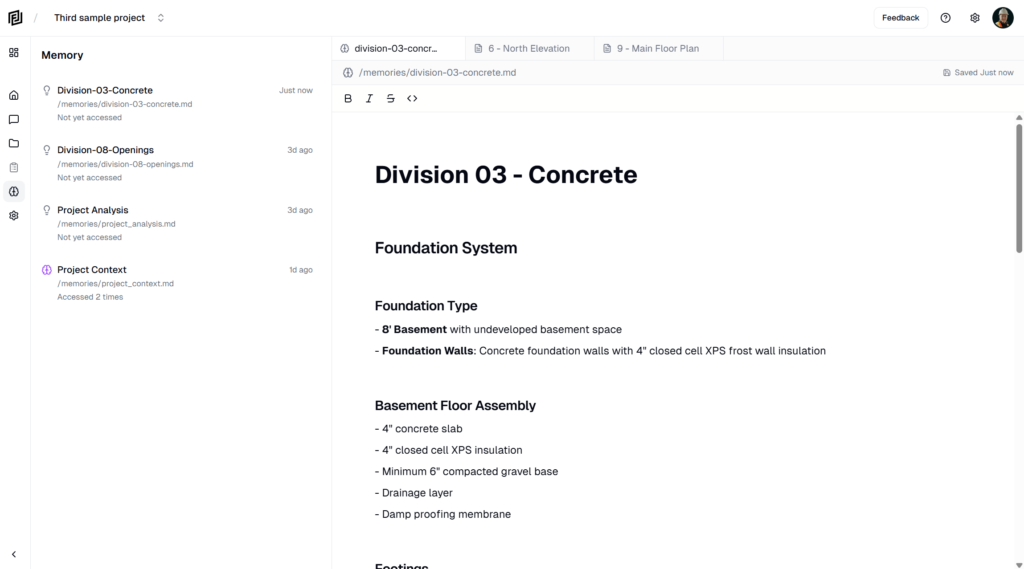
The agent writes its own memories as you work, but they’re yours to check and correct. You can open any memory, edit it like a short document, or delete it.
View memories
- Click Agent in the left rail.
- Scroll to Memories. Each memory is listed by topic — Project-Info, Preferences, Rates, Timeline-10-26 and so on.
- Click one to open it in the main window.
If the list is empty, it says No memories yet. The agent adds memories as you chat about the project.
Edit a memory
- Open the memory.
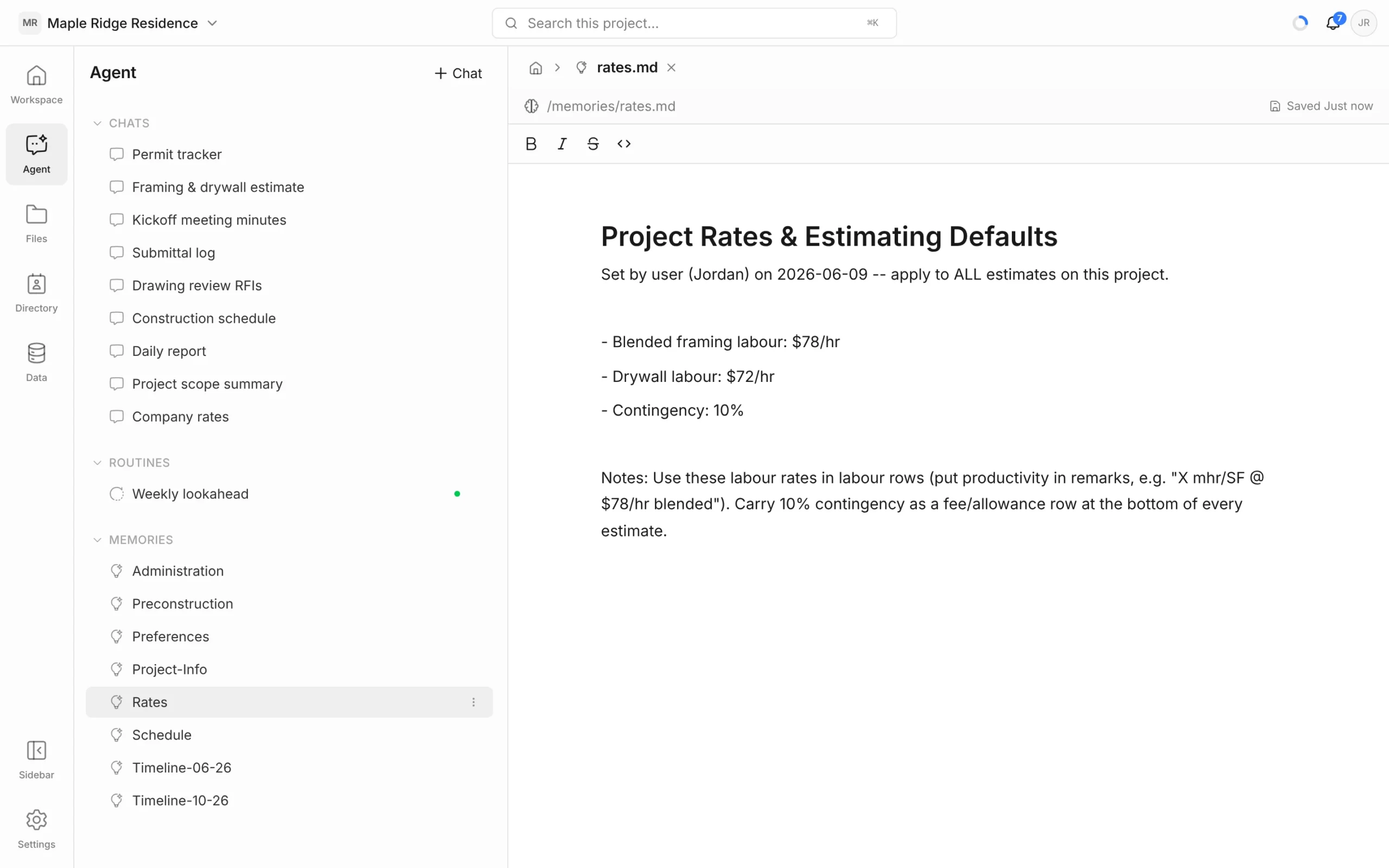
- Click into the text and make your changes. Use the toolbar for bold, italic, strikethrough and code.
- Changes save automatically. The top right shows Saving…, then Saved with the time. If you see Save failed, check your connection and try again.
Edit when a fact has changed — a new labour rate, a different contingency, a new owner’s rep. The agent uses your version from its next chat onwards.
You can also just tell the agent: “Update the drywall rate to $75/hr.” It edits the memory for you.
Delete a memory
- In the Memories list, hover the memory and click its ⋮ menu.
- Choose Delete and confirm.
Deleting can’t be undone. The agent won’t use that memory again, though it may save a new one if the same information comes up later.
Add or rename a memory
There’s no button for adding or renaming memories. Ask the agent instead: “Remember that…” creates or updates the right memory, and “Move the window notes into the Design memory” reorganises them.
Who can change memories
- Memories belong to the project, so everyone on the project shares them.
- Anyone on the project can read them. Editors and above can edit them.
- Admins and the project owner can delete them.
Keep memories useful
- Check the Rates and Preferences memories before a big estimate — they feed straight into the numbers.
- Remove anything out of date. The agent checks facts against the documents, but stale memories can still steer it.
- Keep sensitive details out. Everyone on the project can read memories.