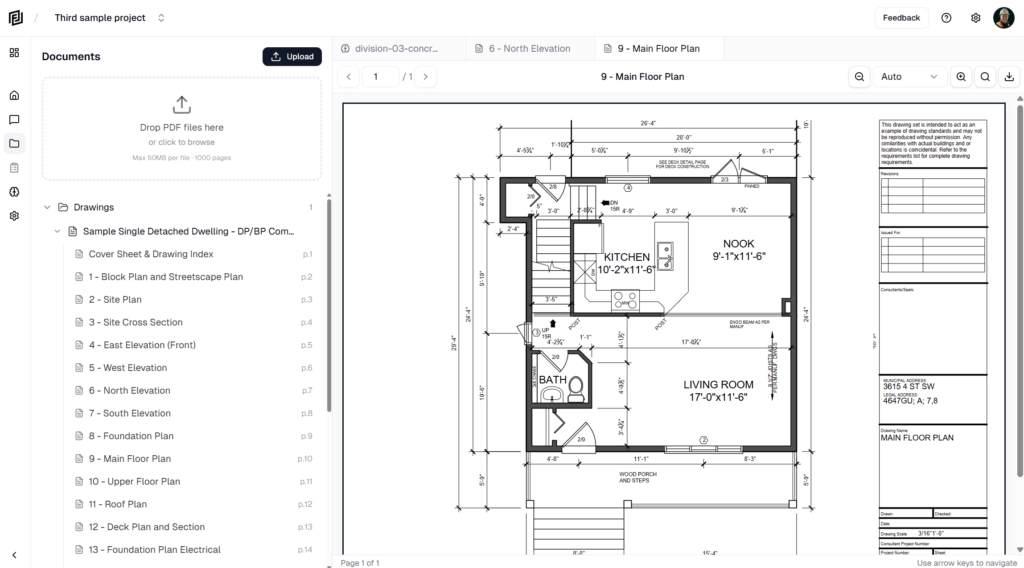
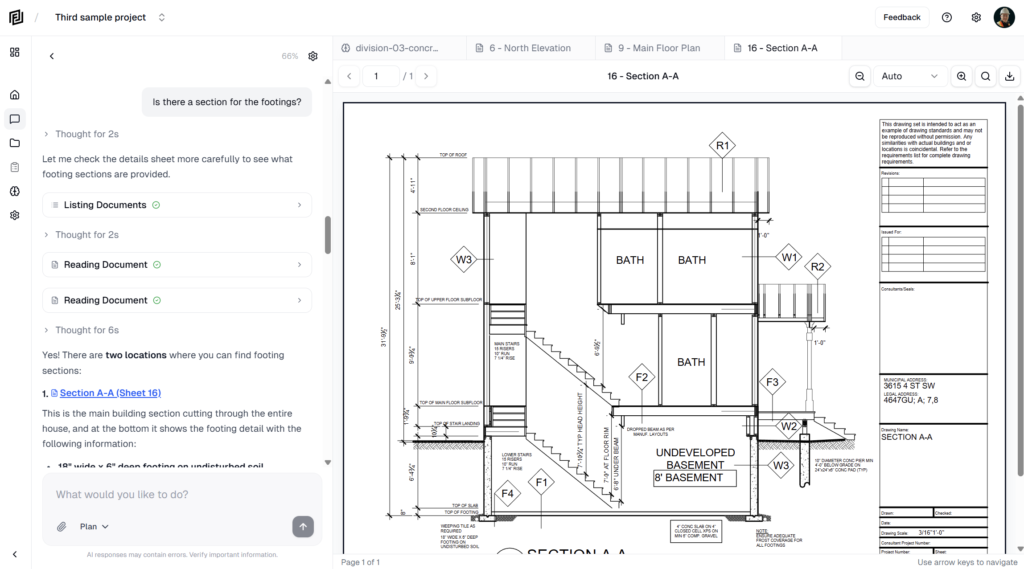
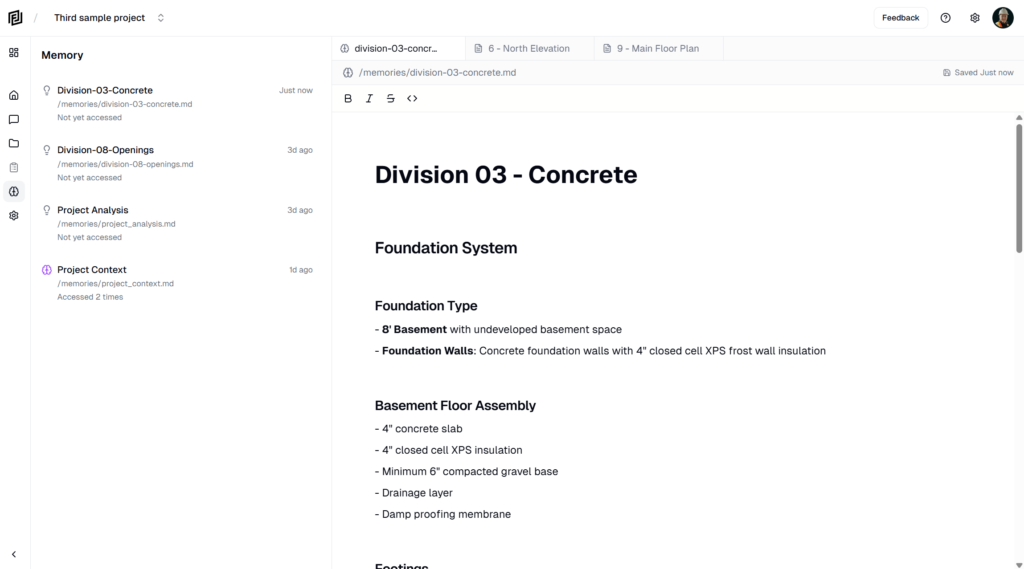
Framework is a project workspace for construction teams, with an agent built in. You upload your drawings and specs, and the agent reads them, answers questions with page references, and builds the documents you’d otherwise put together by hand.
What you can do with it
- Ask about your documents. Ask in plain language — “What’s the footing size on the foundation plan?” — and the agent answers with citations you can click to open the exact sheet.
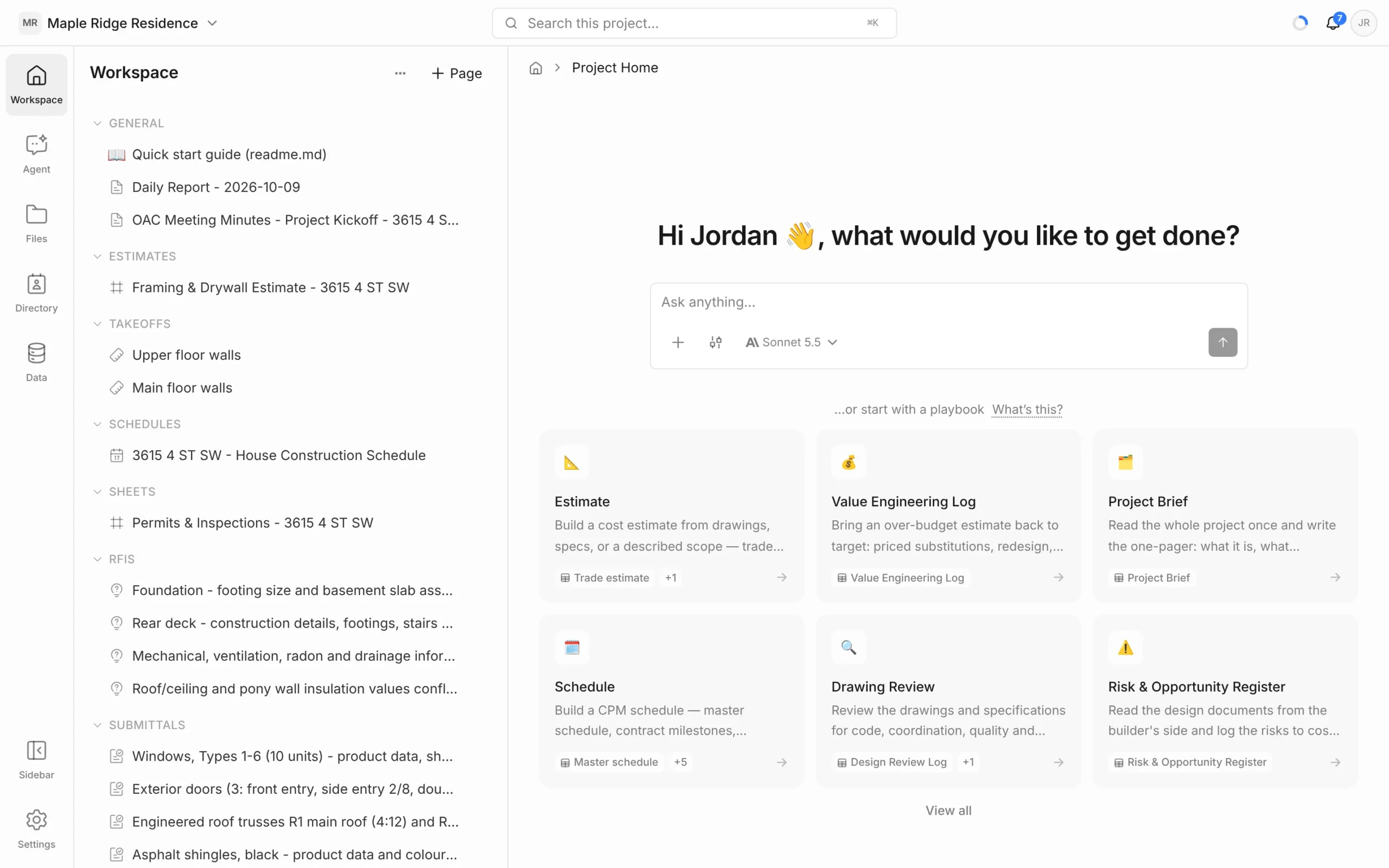
- Estimate. Take off quantities on PDF drawings and build estimates, or have the agent draft one from the drawings.
- Schedule. Build and update schedules with tasks, milestones and links.
- Track RFIs and submittals. Log them, keep status and ball-in-court up to date, and export them.
- Write it up. Notes, meeting minutes, daily and progress reports, and sheets for anything you track in rows.
- Keep your Directory. Companies and contacts on the project, in one place.
How it’s organised
- Workspace — your company account. It holds your projects, your team and your billing.
- Projects — one per job. Each project has its own files, pages, chats and members.
- Inside a project, the left rail takes you to Workspace (your pages: estimates, schedules, notes, logs), Agent (your chats), Files (uploaded PDFs), Directory (companies and contacts) and Data (records from tools you’ve connected).
How the agent works
- It works inside one project at a time and reads that project’s documents.
- You choose how much it can do on its own: Ask (answers only, changes nothing), Review (shows you a plan to approve first) or Auto (creates and edits on its own).
- Anything it makes — an estimate, a schedule, an RFI — lands in your Workspace as a normal page you can open and edit.
- Agent work uses AI credits from your plan. See pricing for what each plan includes.