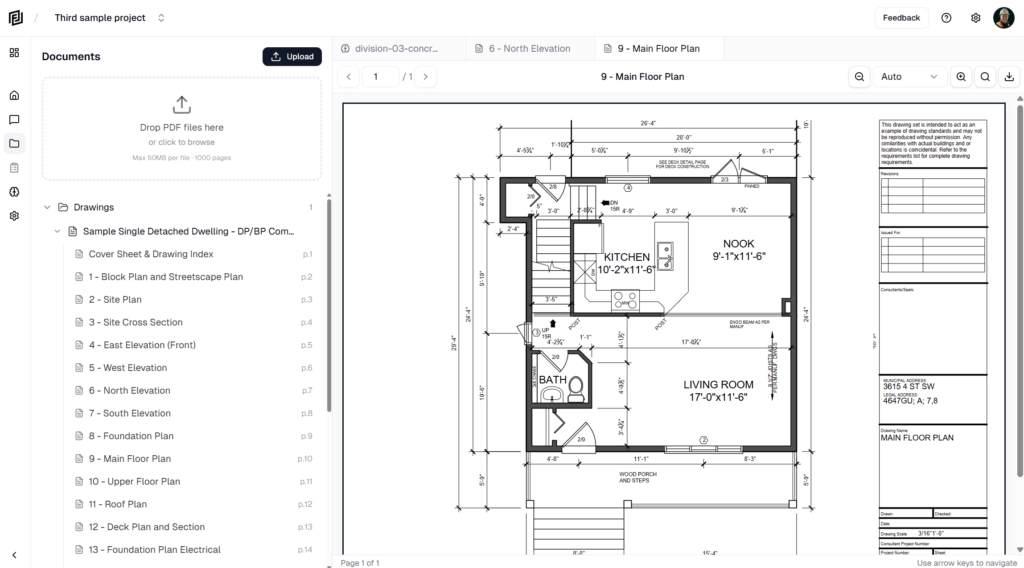
Contract Documents Register
Use the Contract Documents register to see every drawing sheet and spec section in the project in one table, and search, filter, group and open them.

Use the Contract Documents register to see every drawing sheet and spec section in the project in one table, and search, filter, group and open them.
Review the companies the agent finds in your uploaded drawings — approve them into the Directory with the right role, or dismiss them.
Keep the project directory of consultants, contractors and suppliers — add companies, set their role and branding, and add the people you deal with.
Set the agent to do a recurring job on a schedule — hourly, daily, on weekdays or on chosen days — or on demand, and review each run.
Use playbooks — saved, step-by-step procedures — to have the agent produce standard deliverables, and create shared playbooks for your team.
Pick which AI model the agent uses for a chat, set your default model for new chats, and understand how the choice affects AI credit use.
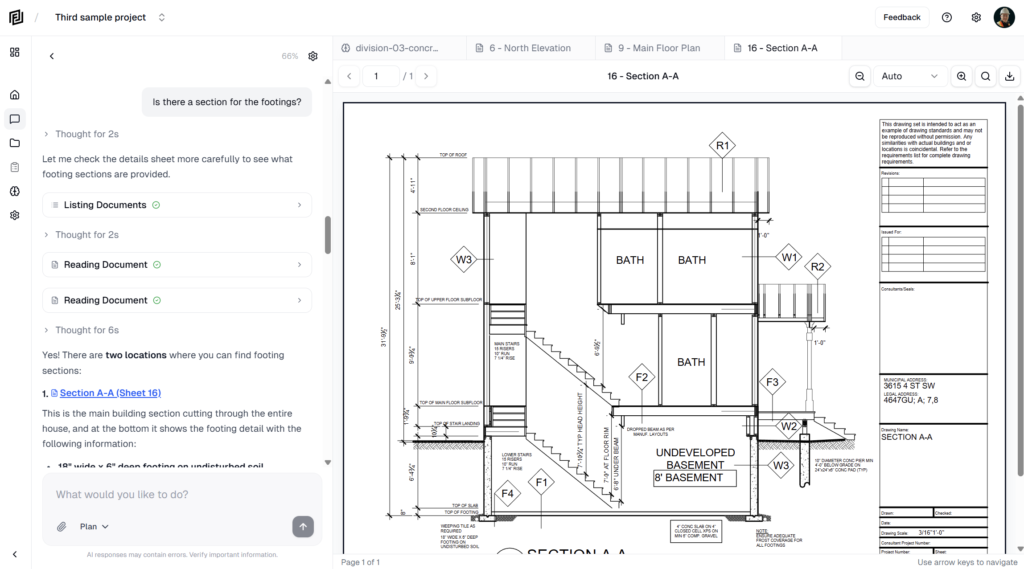
Point the agent at specific documents, sheets, notes or estimates, or attach a playbook, using the + button or by typing @ in the message box.
Rename your workspace, set the default project role, invite team members with their own plan, and remove members.
Archive a finished project to make it read-only and free up a project slot, unarchive it later, or delete a project permanently.
Add a project’s site address, start and end dates and project value in Settings → Project Details.