Project Settings
Change a project’s name, description, asset class, photo and website from Settings → General.

Change a project’s name, description, asset class, photo and website from Settings → General.
Create a new project with a name, site location and photo, and what to do if your plan’s project limit is reached.
Use Framework on your phone — the bottom tab bar (Home, Agent, Workspace, Files, Directory), opening pages, and reaching settings.
Find and open your projects, see projects shared with you and archived ones, and sort, filter or group the list by tags.
Use the top bar to switch projects, search, check AI usage and notifications, share the page you’re on, and reach settings and help from the account menu.
Write and format notes, meeting minutes, daily reports and progress reports, embed sheets and weather, and export to Word or PDF.
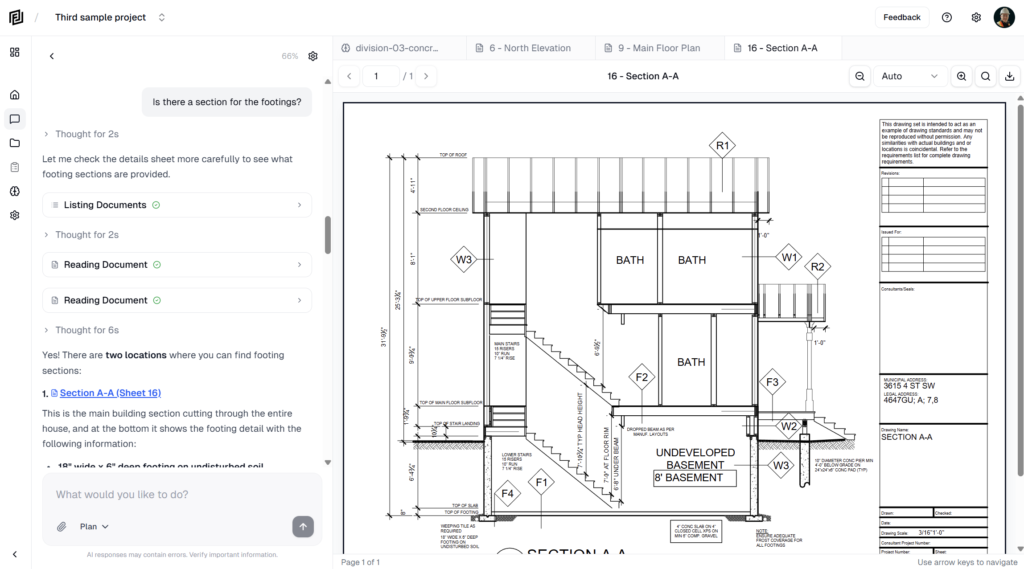
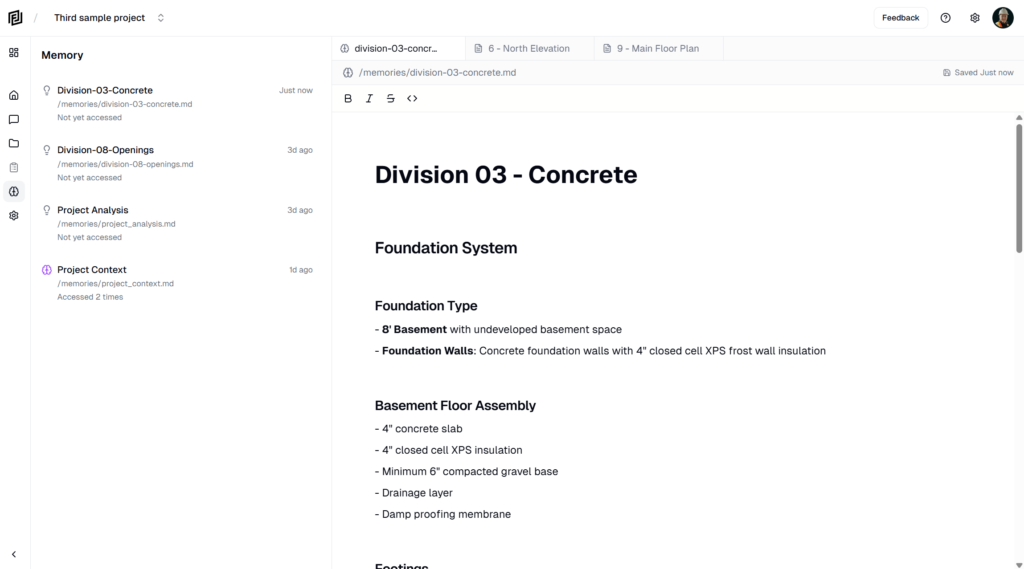
View, edit and delete the memories the agent keeps for a project, from the Memories section of the Agent panel.
Fixes for common problems — uploads that are rejected or fail to process, running out of AI credits, permission errors, and sign-in trouble.
How the agent remembers project facts, your rates and preferences between chats, what it saves, and how to ask it to remember or forget something.
Report a bug, request a feature or share general feedback from the Help and feedback menu, and rate the agent’s answers with thumbs up or down.