Getting Help
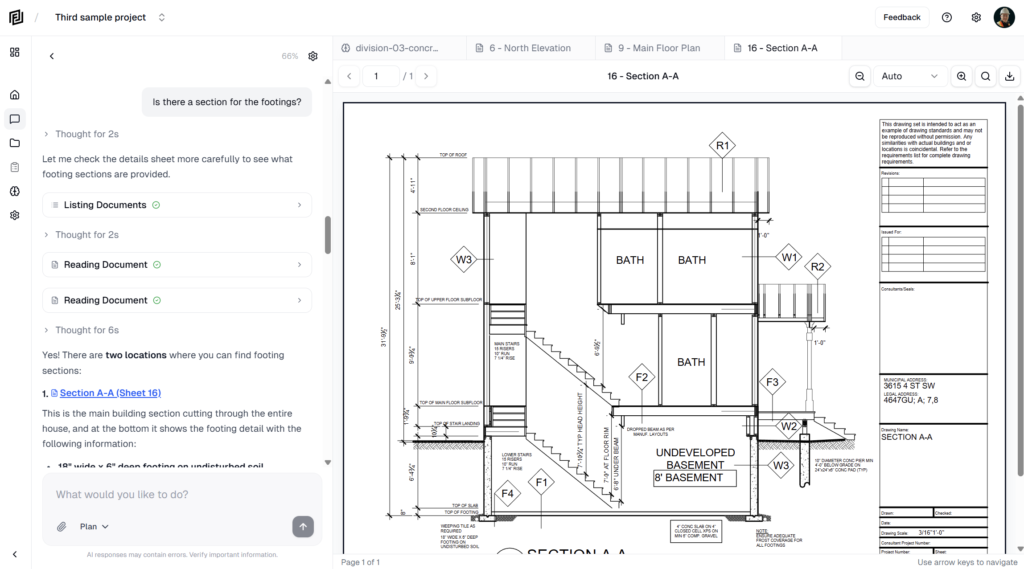
Ask the agent how something works, or send a help request to the Framework support team from the Help and feedback menu.

Ask the agent how something works, or send a help request to the Framework support team from the Help and feedback menu.
Work through the first-run checklist — add documents or use the samples, put the agent to work, and get your first deliverable.
Sign up for Framework with email, Google or Microsoft, set up your profile, and choose a free trial or the free Hobby plan.
An overview of Framework — a project workspace with an agent that reads your drawings and specs and does real work on your construction projects.
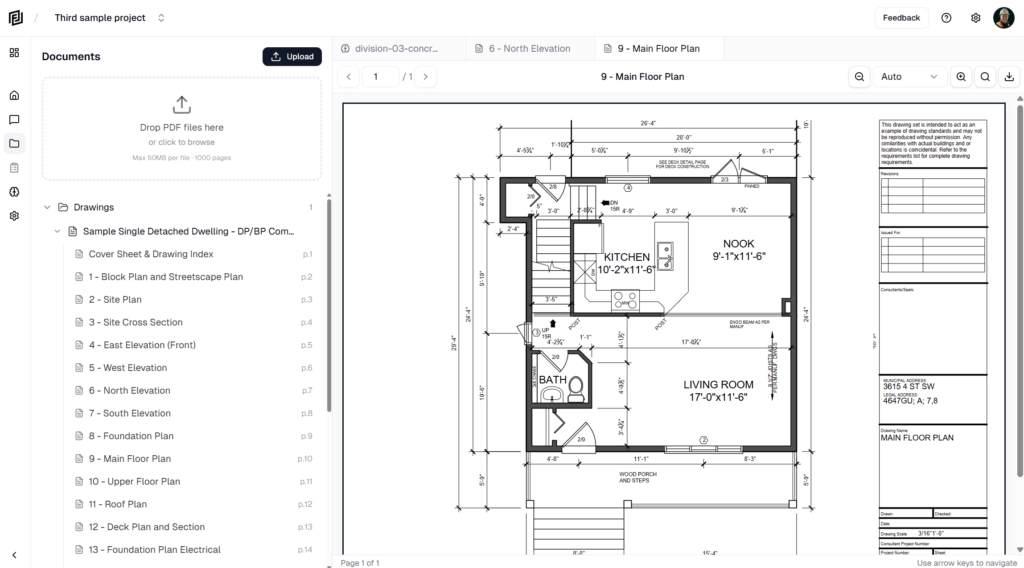
Open drawings and PDFs in Framework, move between pages and sheets, zoom, rotate, go fullscreen and download a copy with or without markups and measurements.
Browse, open, sort and delete the project’s uploaded documents and drawing sheets from the Files panel.
Upload PDF drawings, specs and other project documents to Framework, or import them from cloud storage, and follow them through processing.
How Framework splits uploaded PDFs into sheets and sections, sorts them into categories, and how to change a document’s category.
Practical habits for getting accurate, useful work from the agent — clean documents, specific requests, the right mode and model, and checking sources.
Find, reopen, export and delete chats with the agent, and retry, copy or rate its answers.