What the Agent Can Do
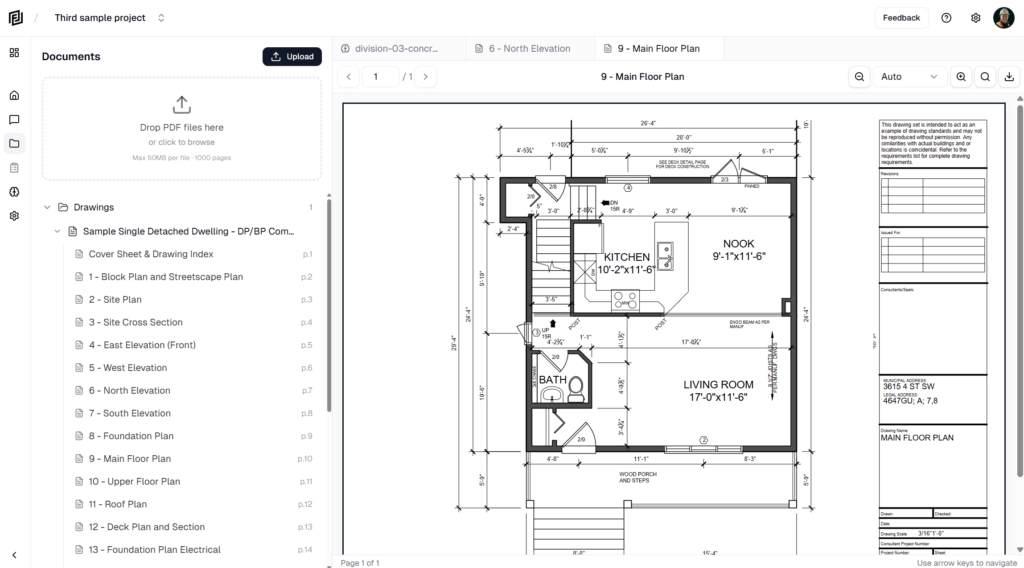
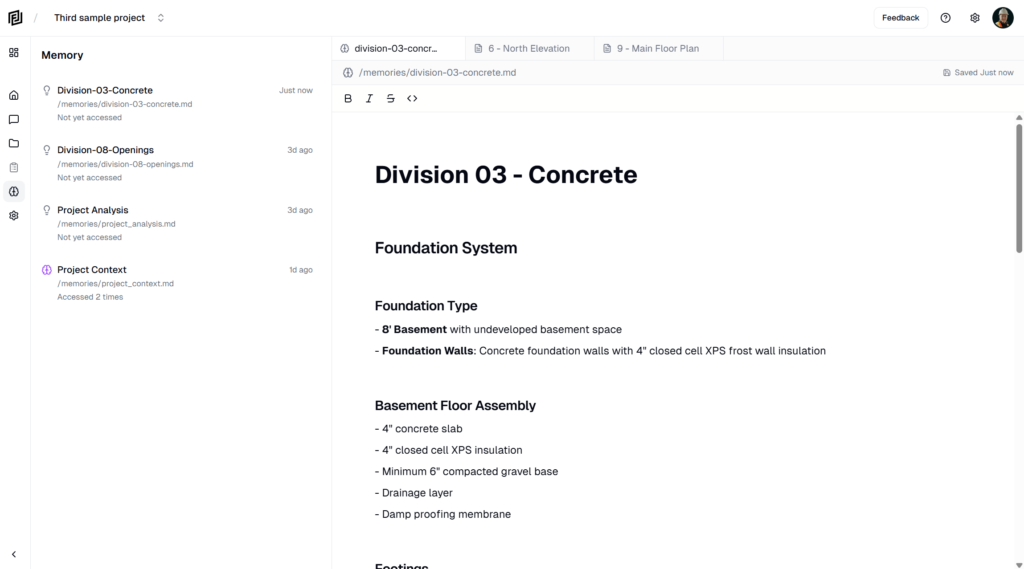
A plain-language list of what the agent can read, create and change in a Framework project, and what it can’t do.

A plain-language list of what the agent can read, create and change in a Framework project, and what it can’t do.
Follow the agent’s plan step by step, approve or change it in Review mode, and answer the questions it asks when a request is unclear.
Choose how much the agent does on its own — Ask only answers, Review asks you to approve its plan before creating anything, and Auto creates and edits on its own.
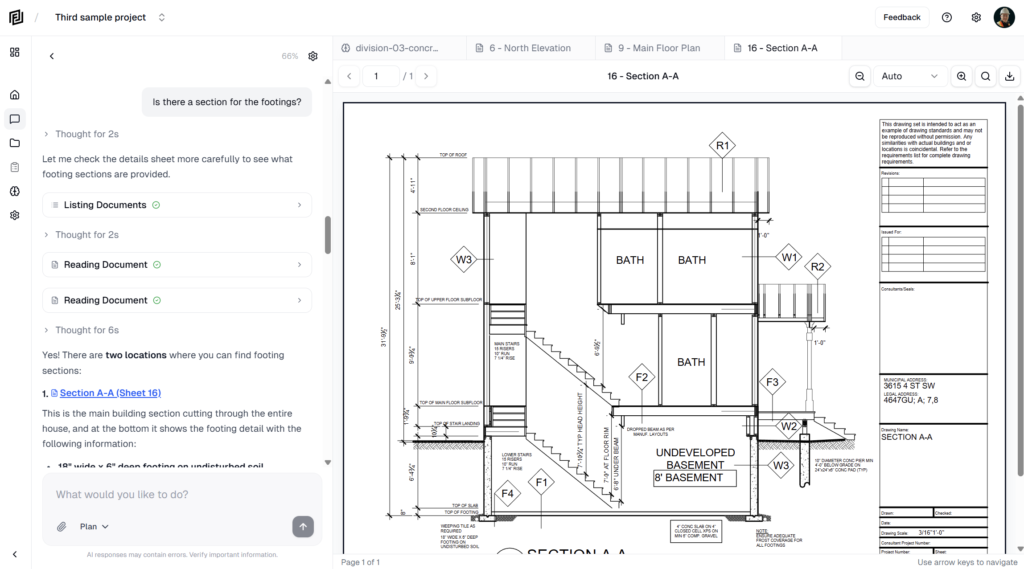
How to read the agent’s answers — the working steps, the sheet and spec citations, and how to click a citation to check the source page yourself.
Start a chat with the agent from the project home, the Agent panel or the ⌘J shortcut, and pick up earlier chats from the Chats list.
Ask the agent plain-language questions about your drawings and specs, and what to include to get a precise, sourced answer.
Find, download and pay your Framework invoices, and understand what each invoice status means.
Add or replace the card used for your Framework subscription, and fix a failed payment.
See how many AI credits, projects and storage your workspace has used this billing period, and what happens when credits run out.
Turn overage on or off to decide whether the agent keeps working after your monthly AI credits run out, and see how the extra use is billed.