Skip to content
Framework
  • Product
    • FeaturesWhat is Framework?
    • CapabilitiesWhat you can do with Framework.
    • PlaybooksStandard deliverables, built by the agent.
    • IntegrationsConnect the tools you already use.
    • Product DemosSee Framework in action.
  • Resources
    • DocumentationLearn how to use Framework.
    • What’s New?Features, enhancements and fixes.
    • Get HelpTalk to our team.
  • Company
    • AboutWho we are.
    • BlogNews and announcements.
    • Contact UsReach out anytime.
  • Pricing
Login Start For Free

Announcements

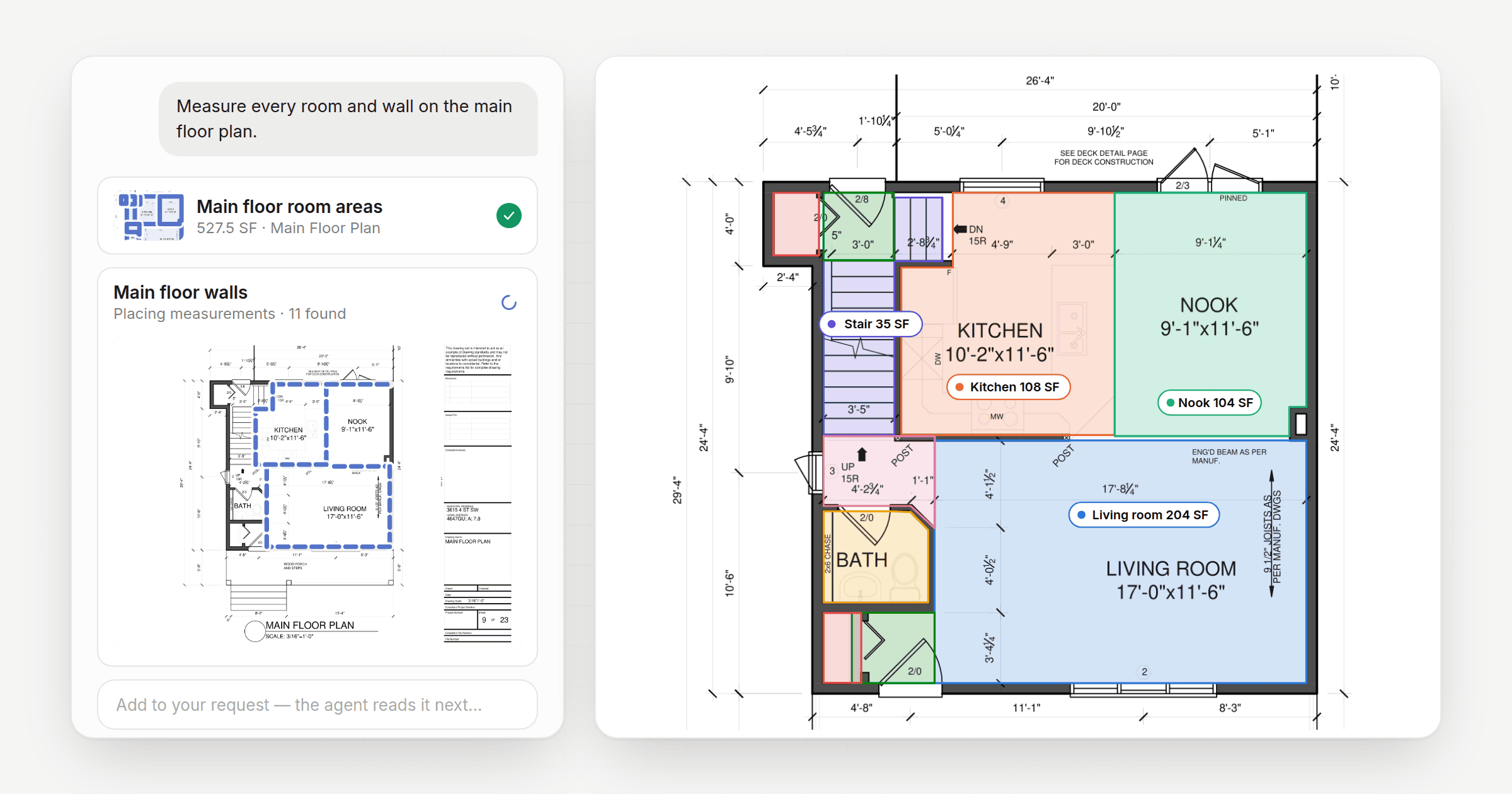
The Framework chat with two Takeoff Agent cards, one finished room-area takeoff and one tracing walls on the sheet, beside the floor plan with every room shaded and labelled with its area

Say hello to the Construction Takeoff Agent

October 13, 2026 by framework

Ask for a takeoff in chat and the Takeoff Agent measures it right on your drawings. Now in beta.

Categories Development, Announcements
Screenshot 2026 10 09 at 8.51.55 AM scaled

Data Connections: Do more with you construction AI Agents

October 13, 2026September 26, 2026 by Kyle

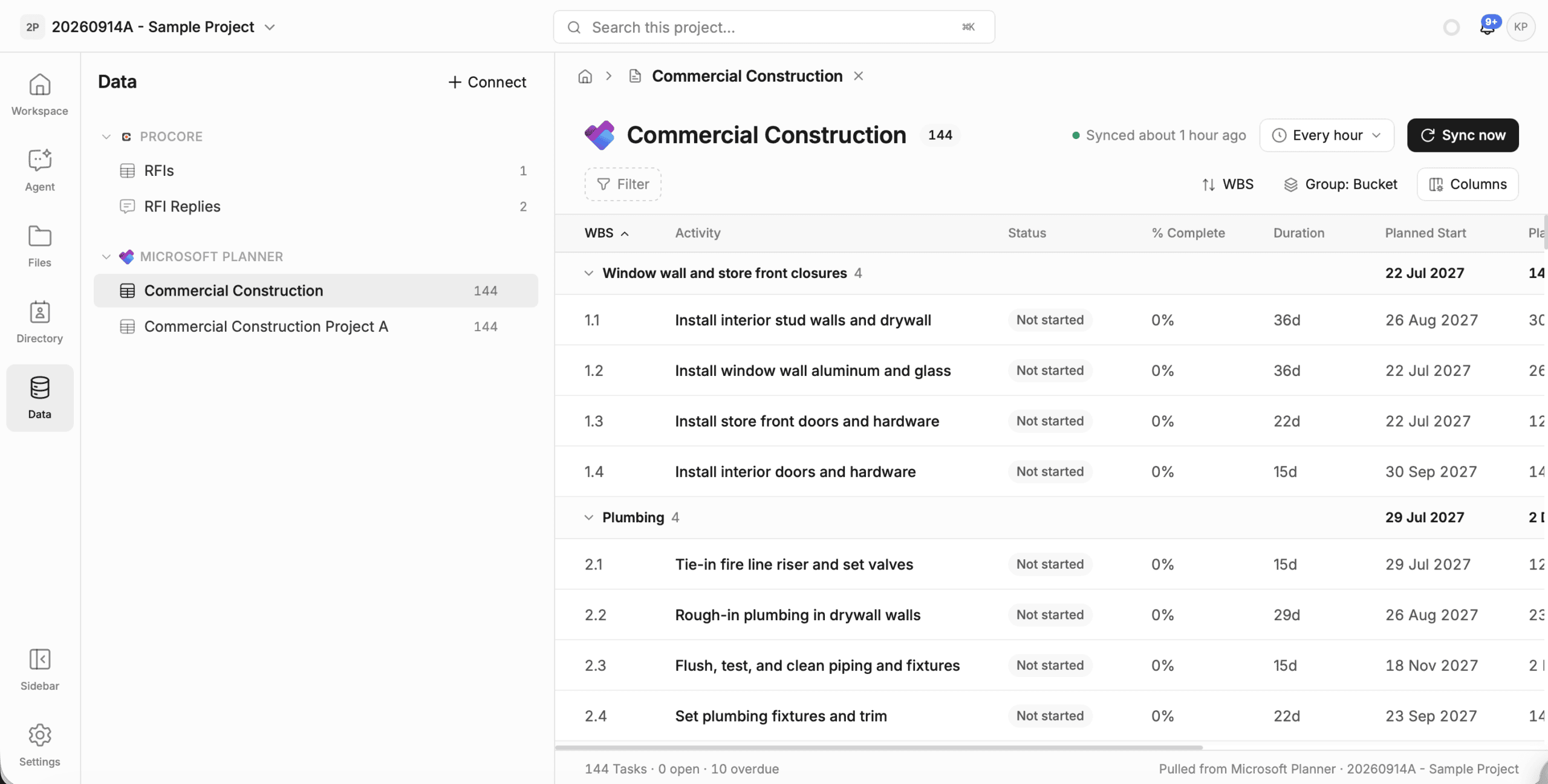
Import your 3rd party data directly into Framework.
Categories Announcements, Development
Screenshot 2026 10 09 at 8.50.21 AM edited scaled

Framework: Polish and Playbooks

October 9, 2026September 12, 2026 by Kyle

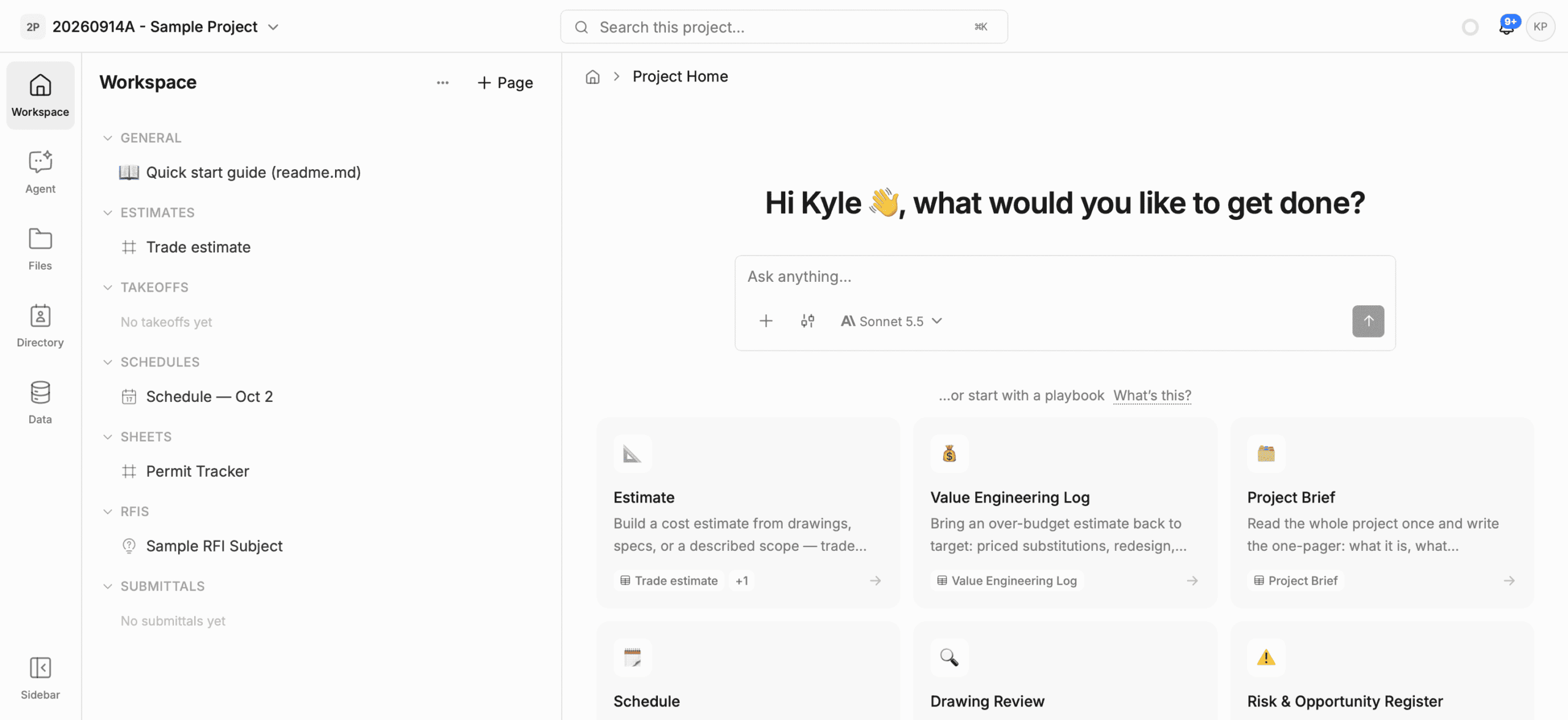
A visual reset and quality of life improvements to make using Framework easier.
Categories Development, Announcements
image

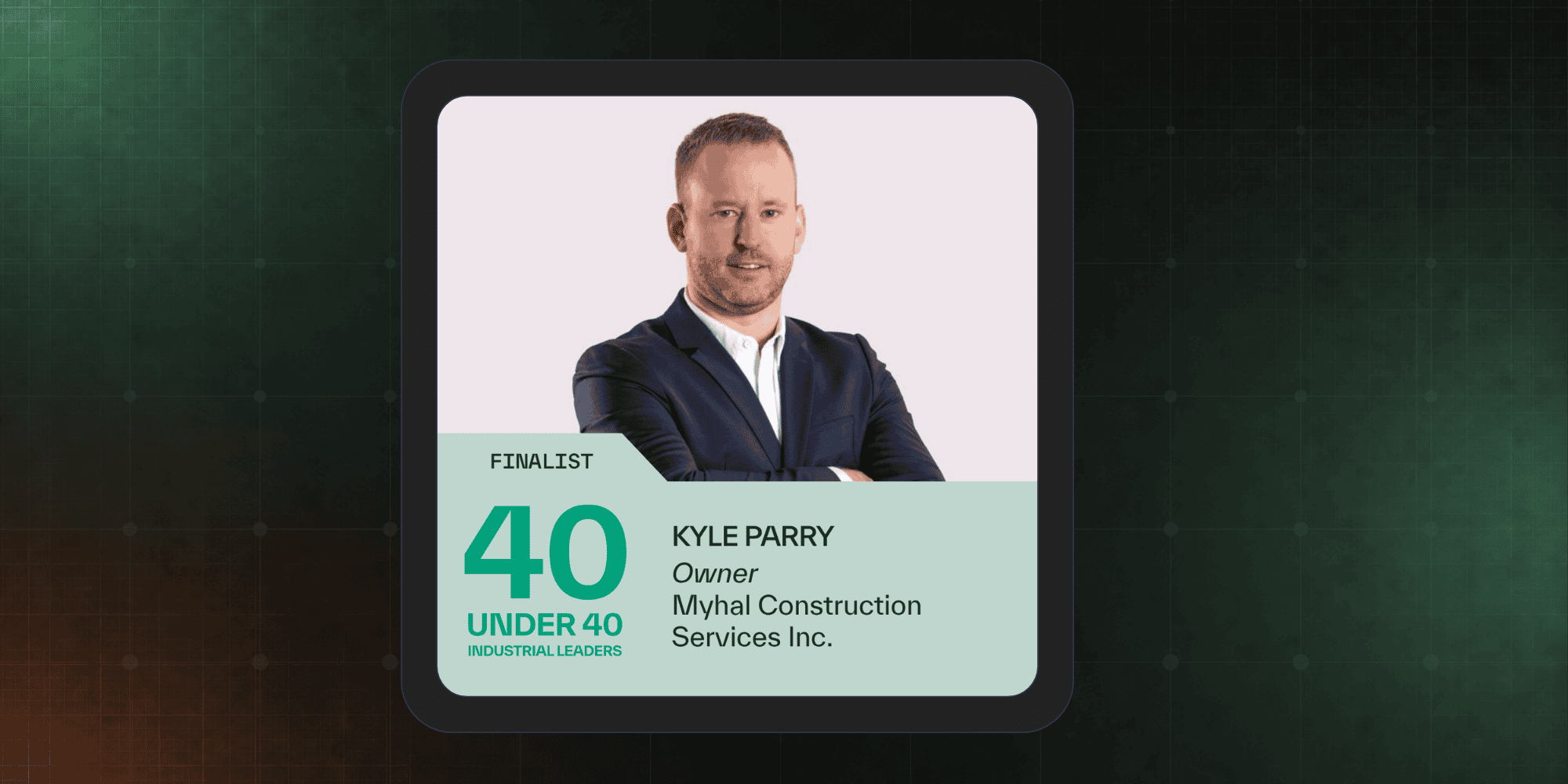
Introducing MCP Connections

August 27, 2026 by Kyle

Connect Framework to your favourite AI tools including Claude and ChatGPT
Categories Announcements, Development
Copy of Copy of Copy of Blog Post

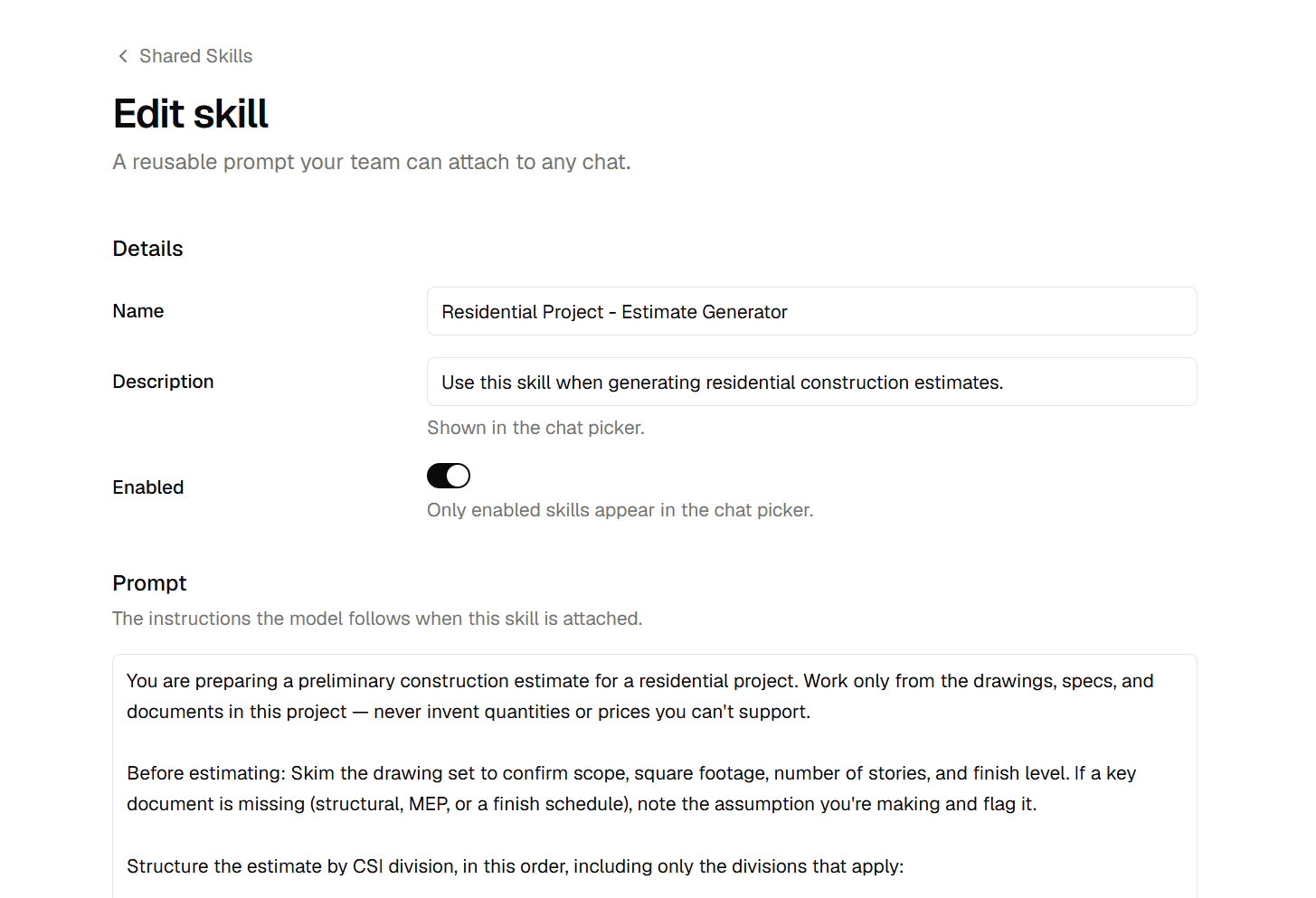
Kyle Parry Named Finalist in SiteMedia’s 40 Under 40

August 11, 2026 by Kyle

Kyle Parry, CEO and Founder of Notch was named a finalist for the 2026 Site 40 under 40 for industrial … Read more
Categories Announcements
Shared AI skills

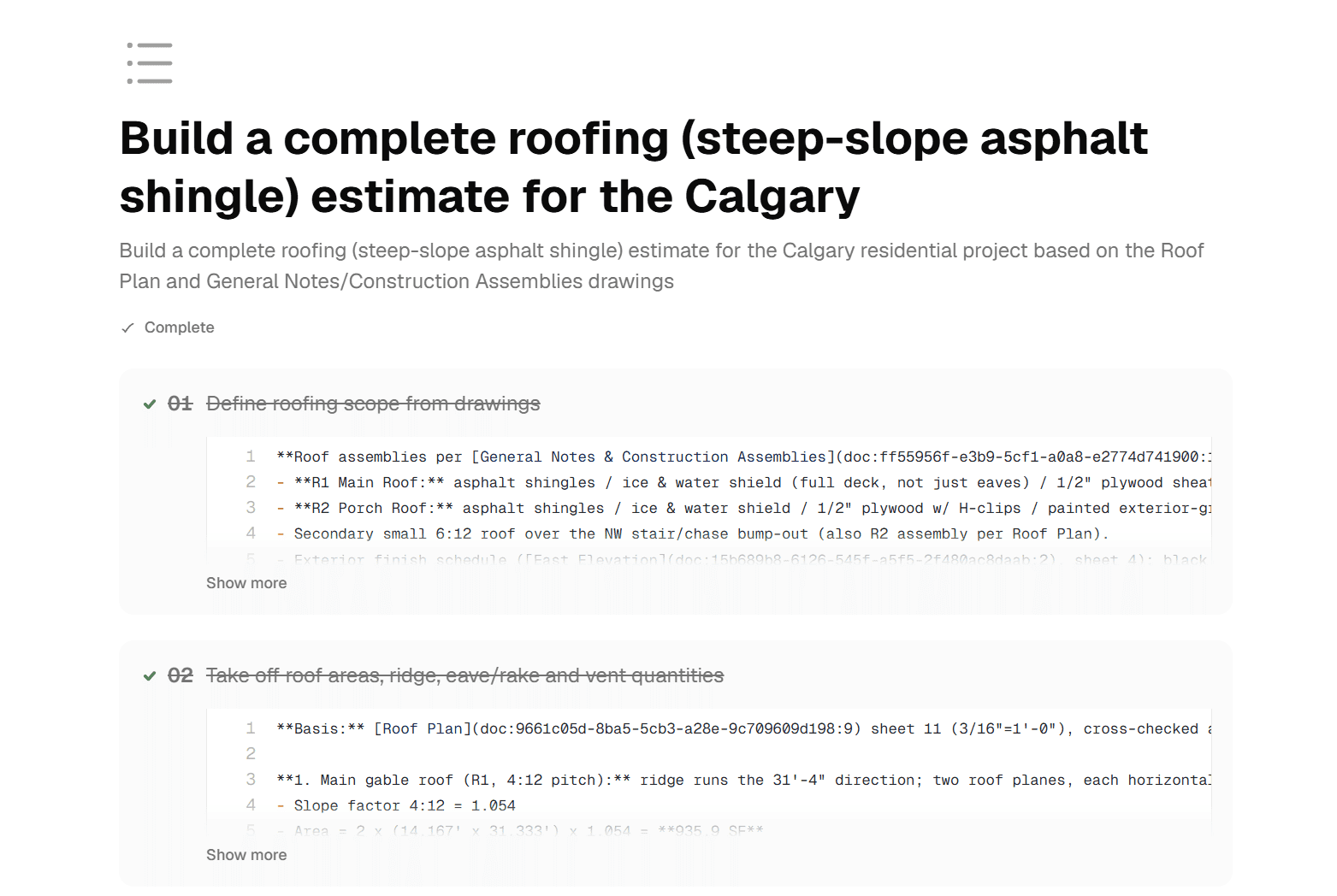
Workspace Skills – Create Consistency Across Teams

July 2, 2026 by Kyle

Many of our users re-use the same prompt over and over again across projects to ensure consistency. In the past … Read more
Categories Announcements, Development
image

Introducing AI Task Planning

July 2, 2026 by Kyle

When you ask the AI to do something real — “put together a preliminary estimate from these drawings,” “review this … Read more
Categories Announcements, Development
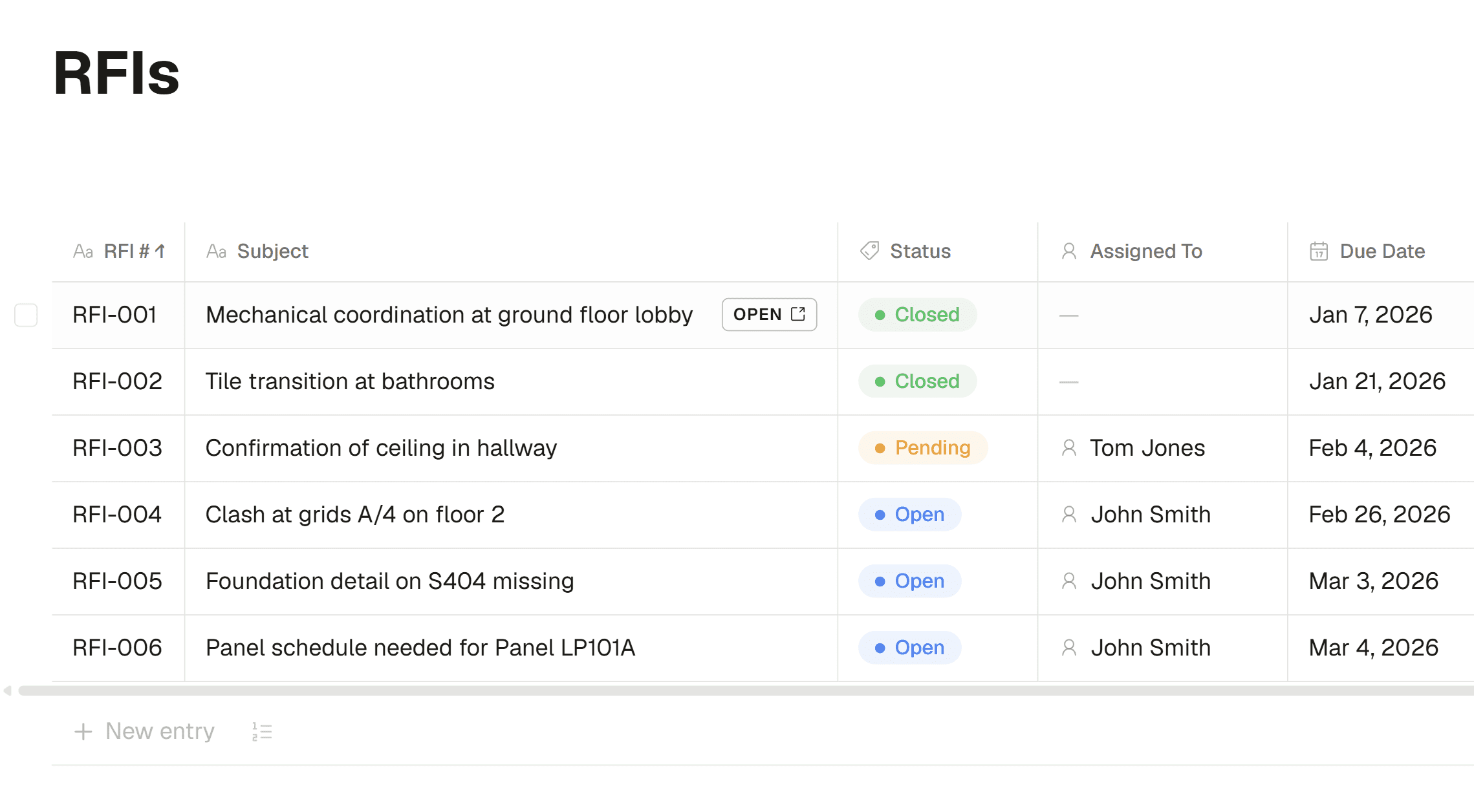
AI construction registries

Manage structured workflows with registries

June 1, 2026 by Kyle

Every project runs on RFIs and submittals — and for most teams they live in a spreadsheet someone updates by … Read more
Categories Development, Announcements
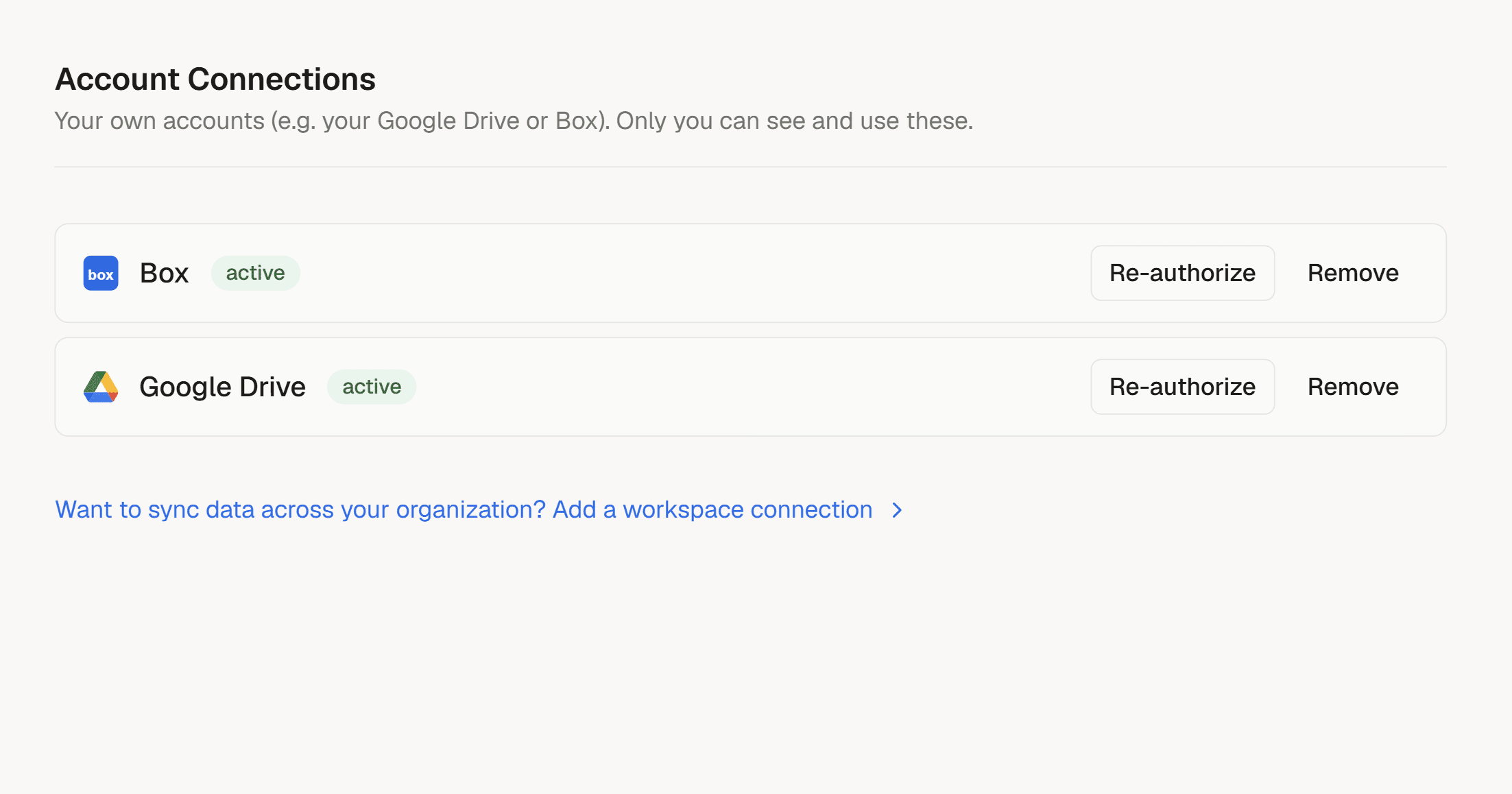
3rd Party Connections

Your files, Already in Framework: Introducing Platform Connections

May 29, 2026 by Kyle

Connect to your favourite document storage and import files quickly into Framework.
Categories Development, Announcements
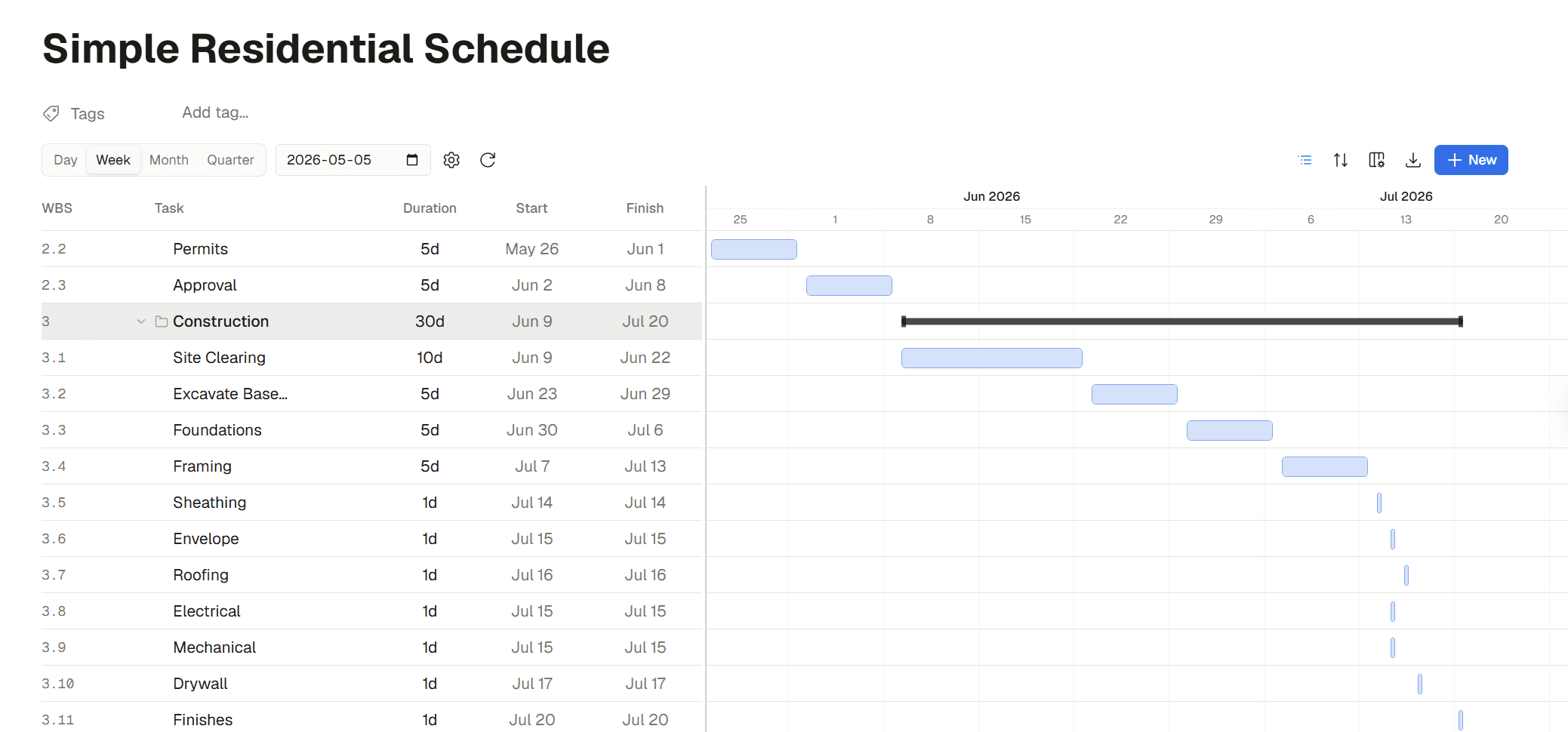
AI Generated Construction Schedules

Build construction project schedules with AI

May 11, 2026 by Kyle

Build project gantt charts directly in Framework – do it manually or with the help from our AI models.
Categories Announcements, Development
Older posts
Page1 Page2 Next →

Product

  • Features
  • Capabilities
  • Pricing
  • Integrations
  • Playbooks

Company

  • About Us
  • Blog

Support

  • Terms and Conditions
  • Privacy Policy

Legal

  • Support
  • Contact Us

Social

  • Twitter
  • Facebook
  • Instagram
  • Linkedin
  • Youtube

Network

  • Essential Construction
  • Construction Files
  • Construction Tutorials
  • Construction Exchange
  • Construction Fails
  • Construction PDF Editor
  • Construction Consulting and Project Advisory
© 2026 Framework Construction Services Inc
Framework
  • Product
    • FeaturesWhat is Framework?
    • CapabilitiesWhat you can do with Framework.
    • PlaybooksStandard deliverables, built by the agent.
    • IntegrationsConnect the tools you already use.
    • Product DemosSee Framework in action.
  • Resources
    • DocumentationLearn how to use Framework.
    • What’s New?Features, enhancements and fixes.
    • Get HelpTalk to our team.
  • Company
    • AboutWho we are.
    • BlogNews and announcements.
    • Contact UsReach out anytime.
  • Pricing
Login Start For Free
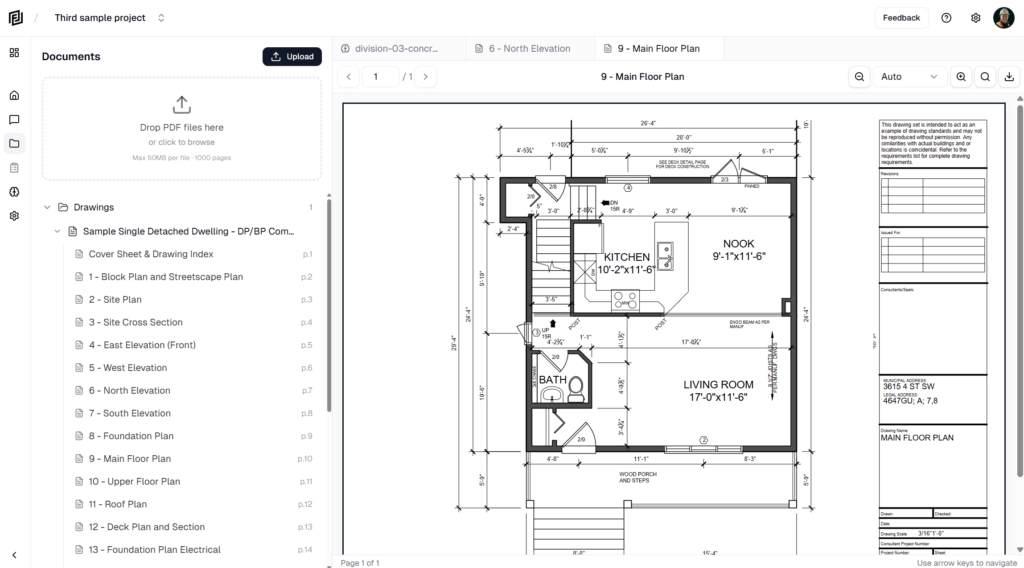
Documents Tab
One of the primary views in the application is the Documents View. From this screen you'll be able to manage and view all of your documents. Clicking a document brings it up in the pdf viewer (right of the screen).
(Click the image to view full screen)
Chat Interface
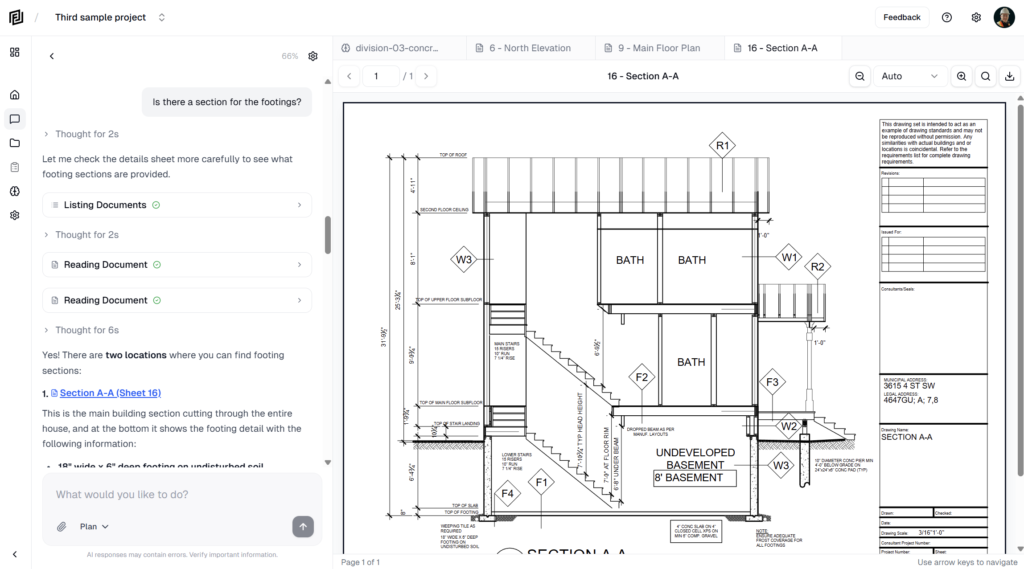
The chat interface is where you'll interact with the AI models. To the left you'll ask your questions and get responses, to the right you can pull up drawings or information that the AI references in the chat.
(Click the image to view full screen)
Memory Module
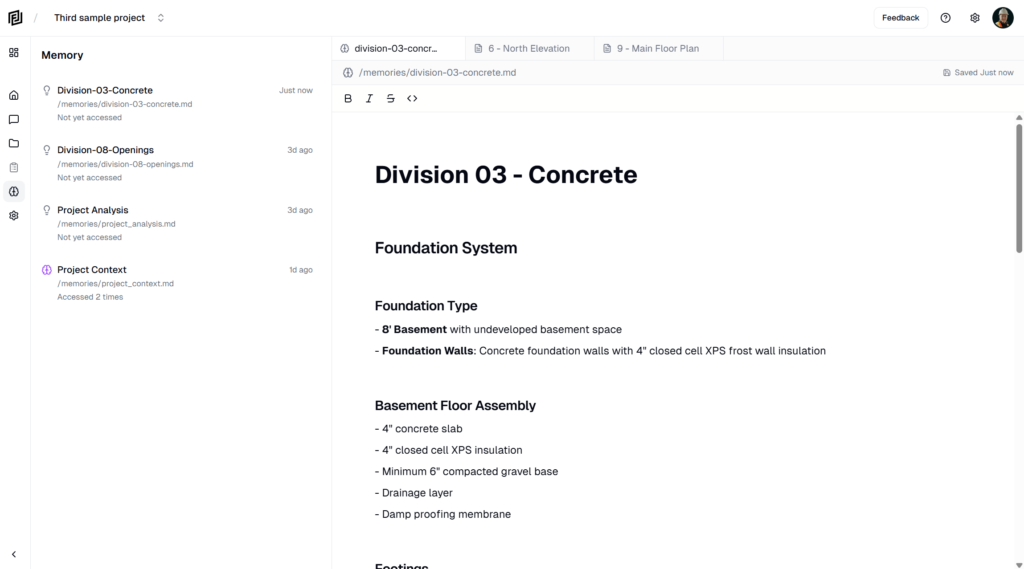
While chatting with the AI models about your documents, they will from time to time create a memory. These memories are used to more quickly retrieve information and form a better understanding of your project. You can edit these memories, incase the AI saves incorrect information or you want to provide hints to help the AI understand better.
(Click the image to view full screen)