Build an estimate the way a seasoned estimator would – define the scope, take off the quantities, set the rates and hand it over for review. Every line shows how the total was reached.
What you get
- Trade or elemental – Organized by CSI MasterFormat division for tenders and pricing, or by UniFormat element for early budgets.
- Measured line items – Every line has a description, a quantity, a unit and a rate. No lump sums for work that can be measured.
- Three sections – Direct costs, general expenses, and overhead & fee, with every total calculated by the sheet.
- Flagged rates – Assumed, budget and sub quote rates are marked in remarks, along with every quantity assumption.
- Summary – The grand total, section subtotals, five biggest cost drivers, assumptions, exclusions and the unknowns that would move the number most.
How it works
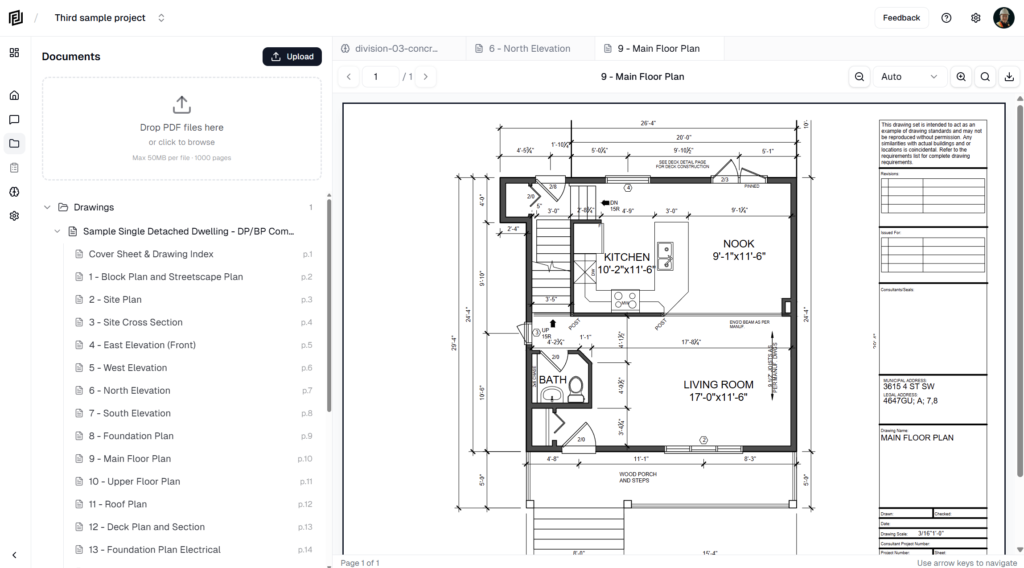
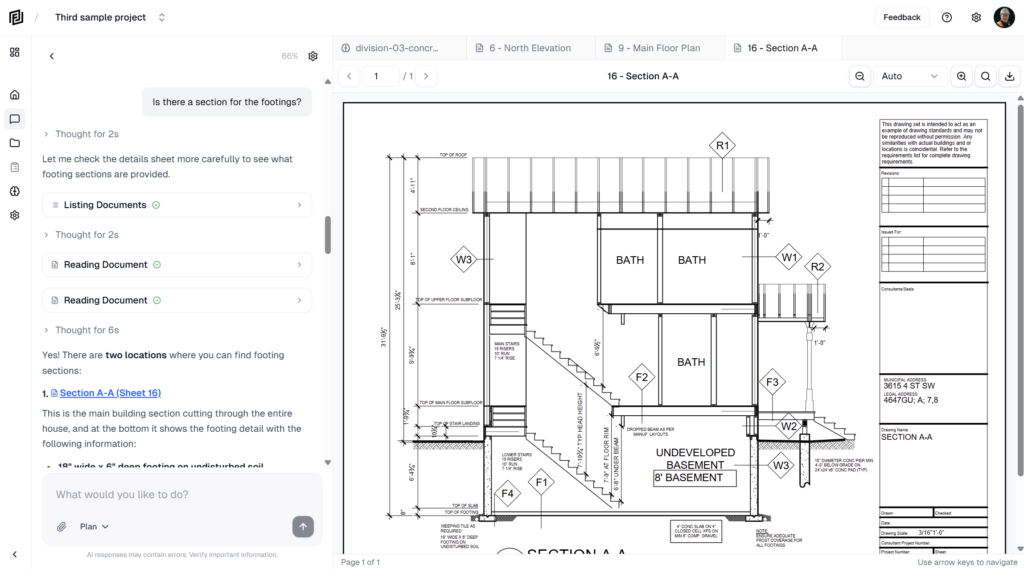
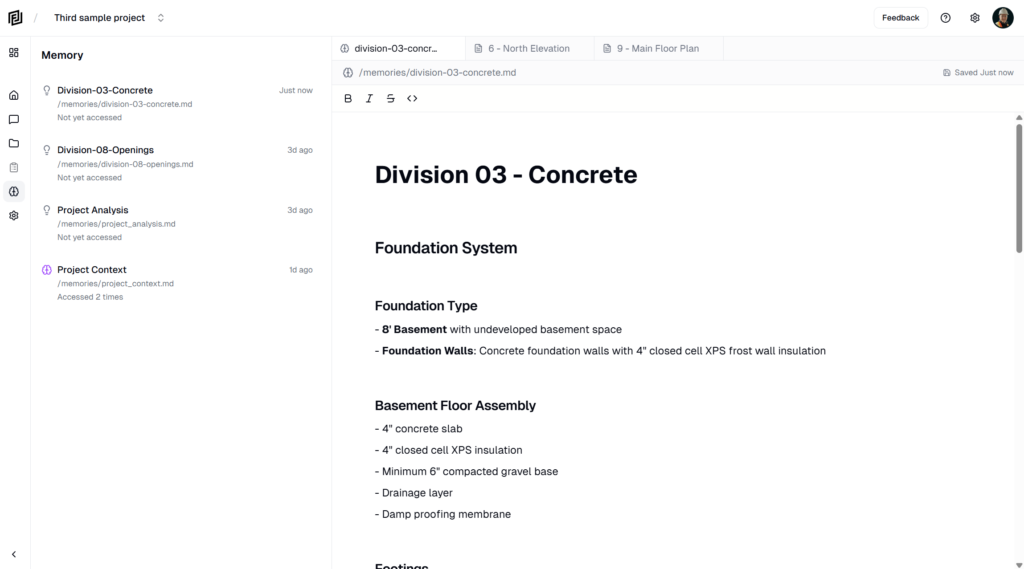
- The agent reviews the project’s drawings, specs and content, then agrees the scope, estimate class and format with you.
- It confirms location, currency, building size and type, and how general expenses and fee are carried, then presents a plan for your approval.
- It builds one section at a time – substructure, then superstructure and envelope – and pauses for your review before moving on.
- Quantities come from the drawings; rates come from your project’s own rates where it has them, otherwise researched regional rates. Tax is excluded unless you ask.
- It checks the sheet for zero-rate, missing and duplicate lines, then reports the total and how firm it is.
Try asking
- Prepare a Class C estimate for divisions 3 to 5. Exclude the parking structure.
- Build an elemental budget for the office tower, show general expenses and fee separately.
- Price the below grade work first, then we’ll move on to the envelope.