Skip to content
Framework
  • Product
    • FeaturesWhat is Framework?
    • CapabilitiesWhat you can do with Framework.
    • Product DemosSee Framework in action.
  • Resources
    • DocumentationLearn how to use Framework.
    • What’s New?Features, enhancements and fixes.
    • Get HelpOur support portal.
  • Company
    • AboutWho we are.
    • BlogNews and announcements.
    • Contact UsReach out anytime.
  • Pricing
Login Start For Free

Development

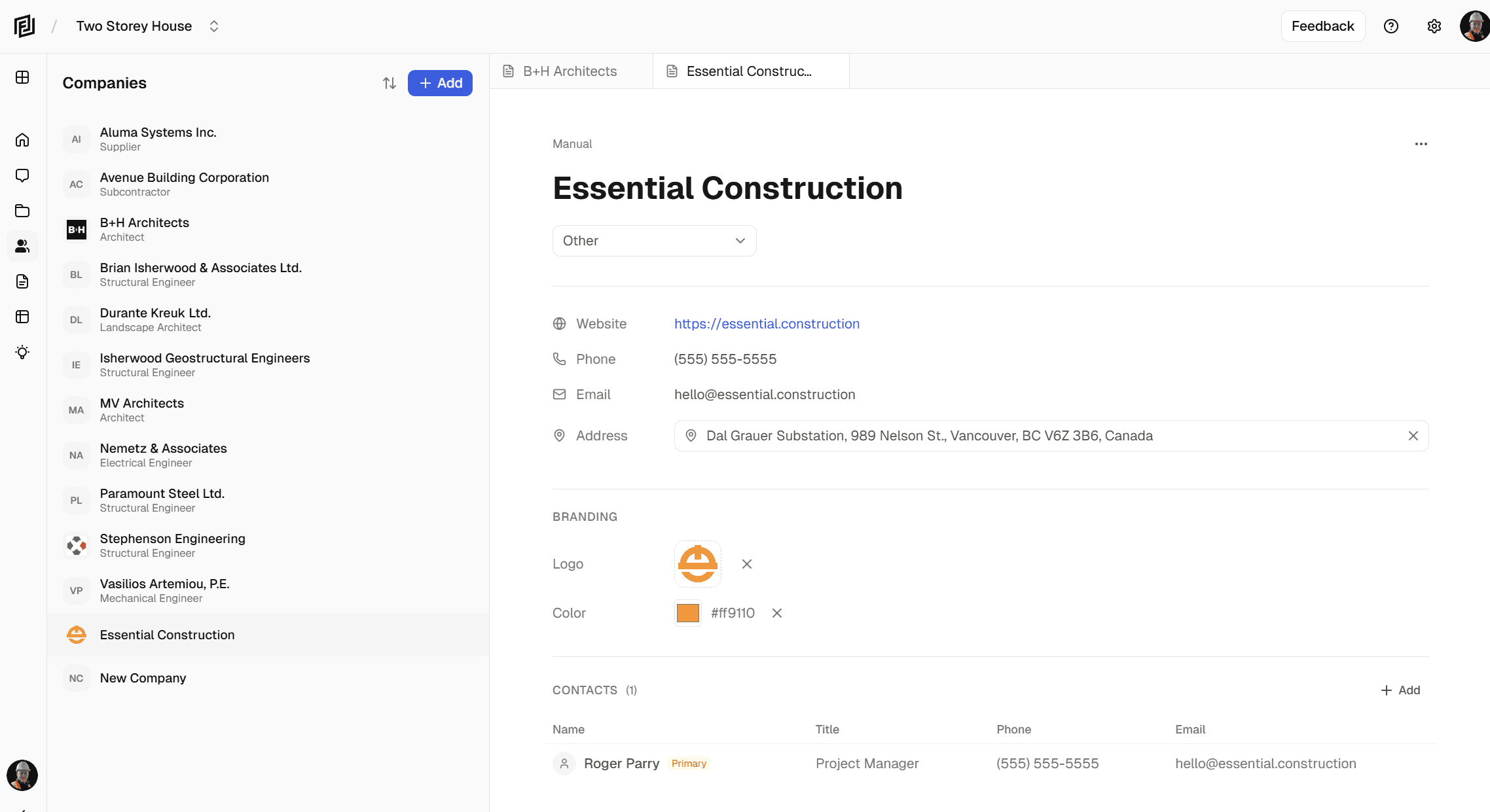
Companies and contacts module

Introducing Companies and Contacts

March 18, 2026March 12, 2026 by Kyle

A critical building block in a true agentic future.

Categories Announcements, Development
image 14

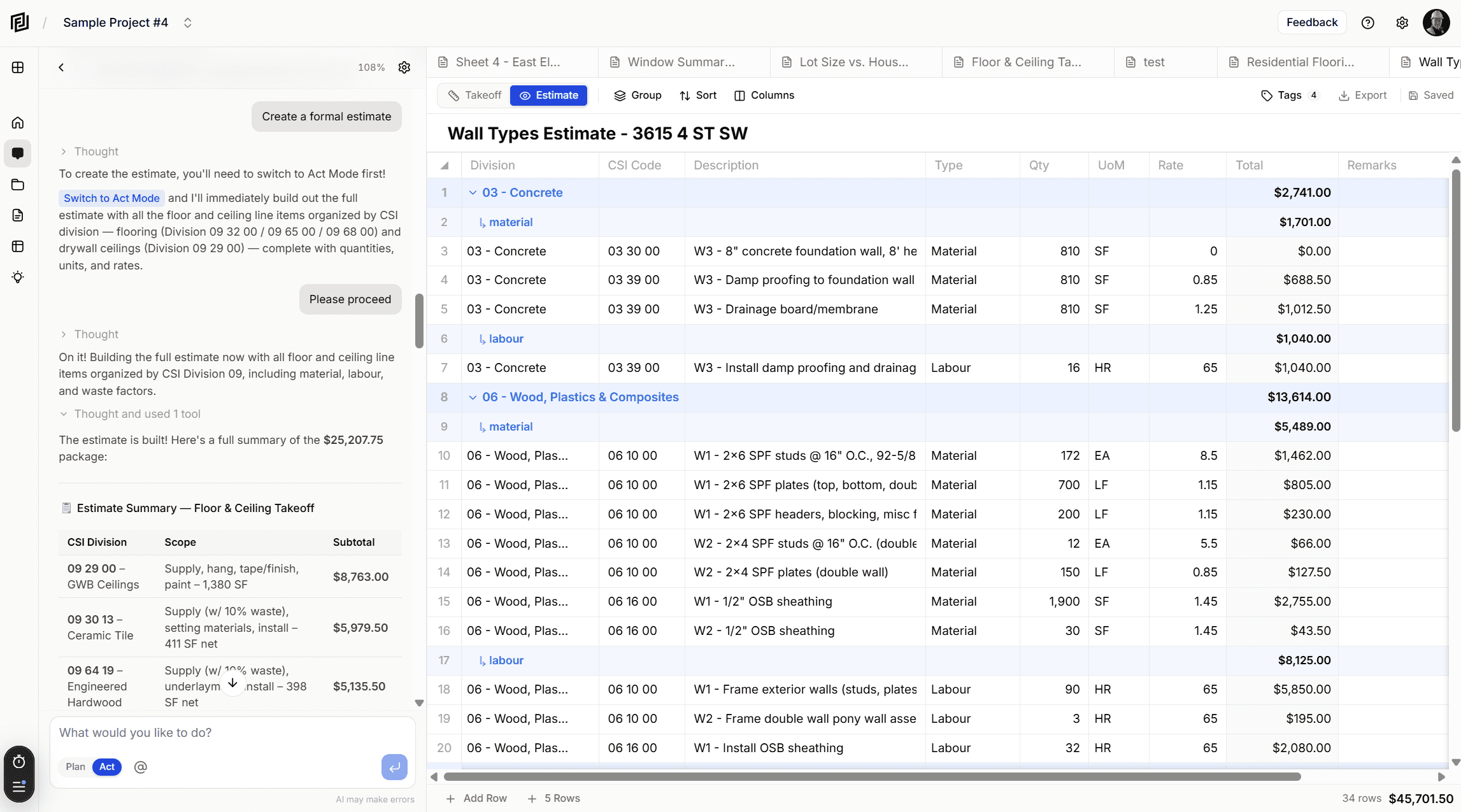
Introducing AI Construction Estimates & Takeoffs

February 23, 2026 by Kyle

Our AI models now have the power to create takeoffs and estimates for you.
Categories Development, Announcements
project notes new feature screenshot

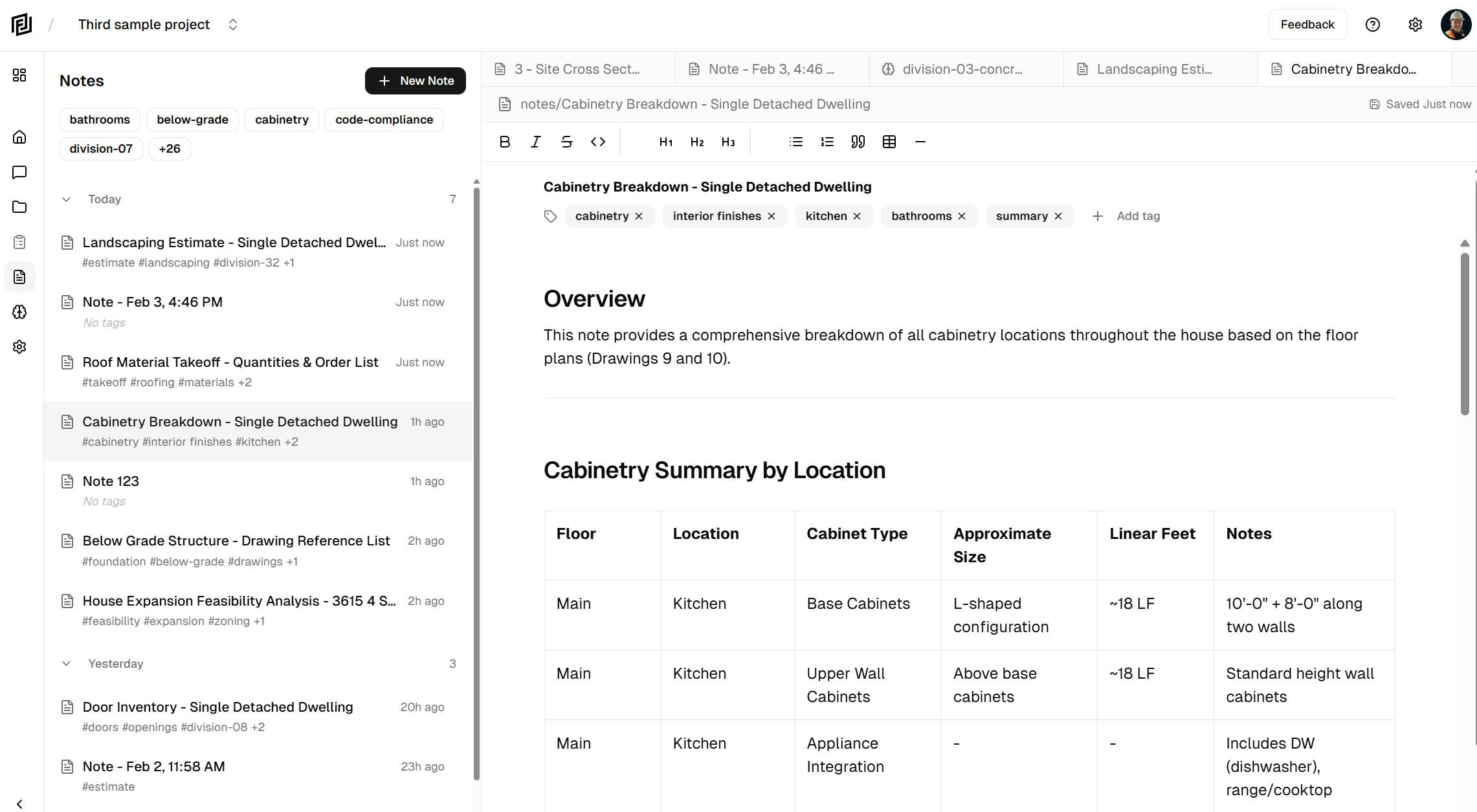
Introducing Project Notes

March 12, 2026February 3, 2026 by Kyle

Create documents you can take with you into the real world.

Categories Development, Announcements
Framework is live

We’re live

February 12, 2026January 29, 2026 by Kyle

Alot of work, and a bit of patience.

Categories Announcements, Development
image 2

Development Update (2026.01.15)

January 15, 2026 by Kyle

The final polish and preparing for launch.

Categories Development
Screenshot 2025 10 10 115225

Development Update (2025.10.10)

October 10, 2025 by Kyle

When I started building Framework in May, my vision was to create a platform that automates the work of construction … Read more

Categories Development
image

Say “Hello” To Framework

July 23, 2025 by Kyle

A word from our founder on progress and things to come.

Categories Announcements, Development

Product

  • Features
  • Pricing

Company

  • About Us
  • Blog

Support

  • Terms and Conditions
  • Privacy Policy

Legal

  • Support
  • Contact Us

Social

  • Twitter
  • Facebook
  • Instagram
  • Linkedin
  • Youtube

Network

  • Essential Construction
  • Construction Files
  • Construction Tutorials
  • Construction Exchange
  • Construction Fails
© 2026 Framework Construction Services Inc
  • Product
    • FeaturesWhat is Framework?
    • CapabilitiesWhat you can do with Framework.
    • Product DemosSee Framework in action.
  • Resources
    • DocumentationLearn how to use Framework.
    • What’s New?Features, enhancements and fixes.
    • Get HelpOur support portal.
  • Company
    • AboutWho we are.
    • BlogNews and announcements.
    • Contact UsReach out anytime.
  • Pricing
Documents Tab
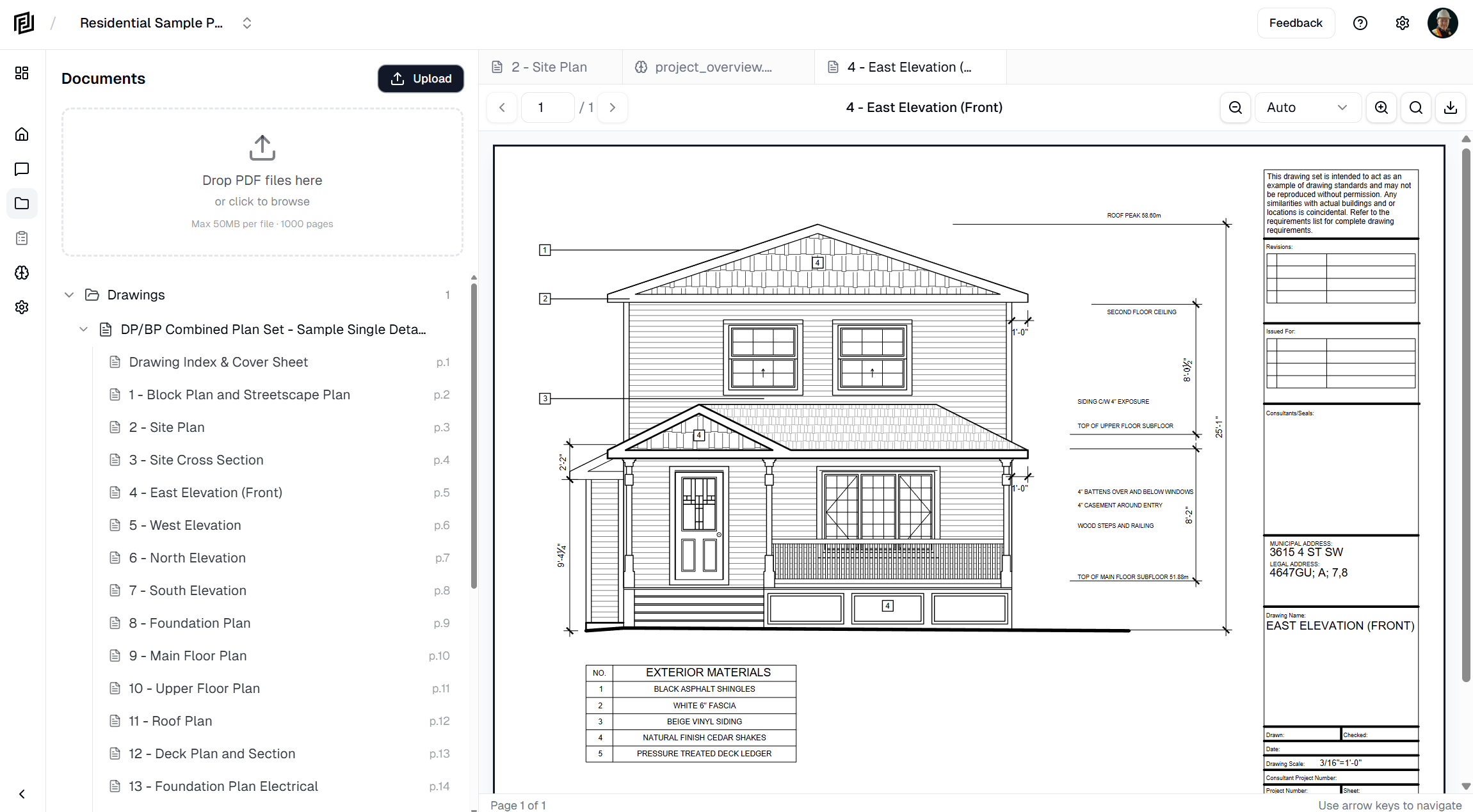
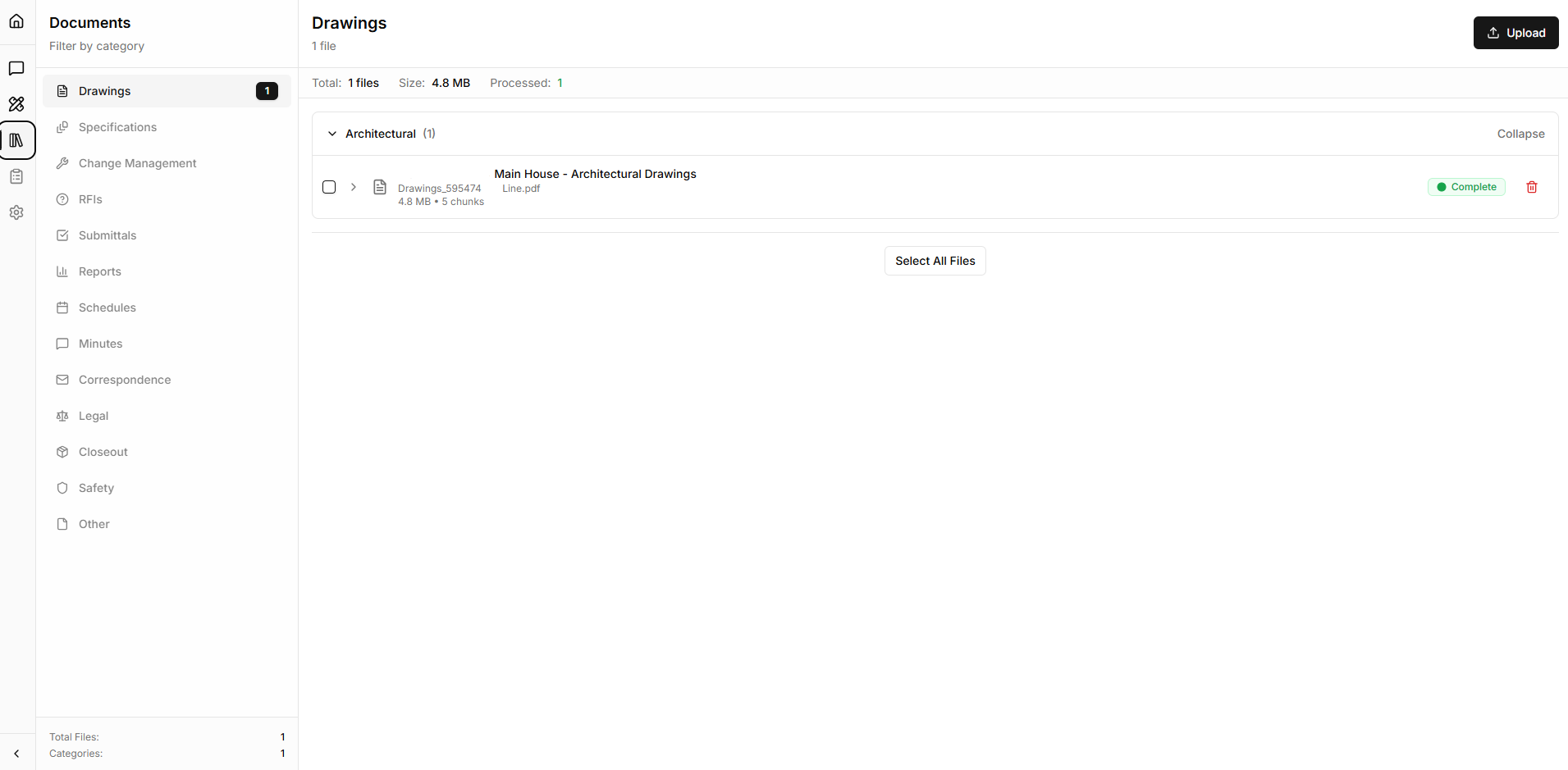
One of the primary views in the application is the Documents View. From this screen you'll be able to manage and view all of your documents. Clicking a document brings it up in the pdf viewer (right of the screen).
(Click the image to view full screen)
Chat Interface
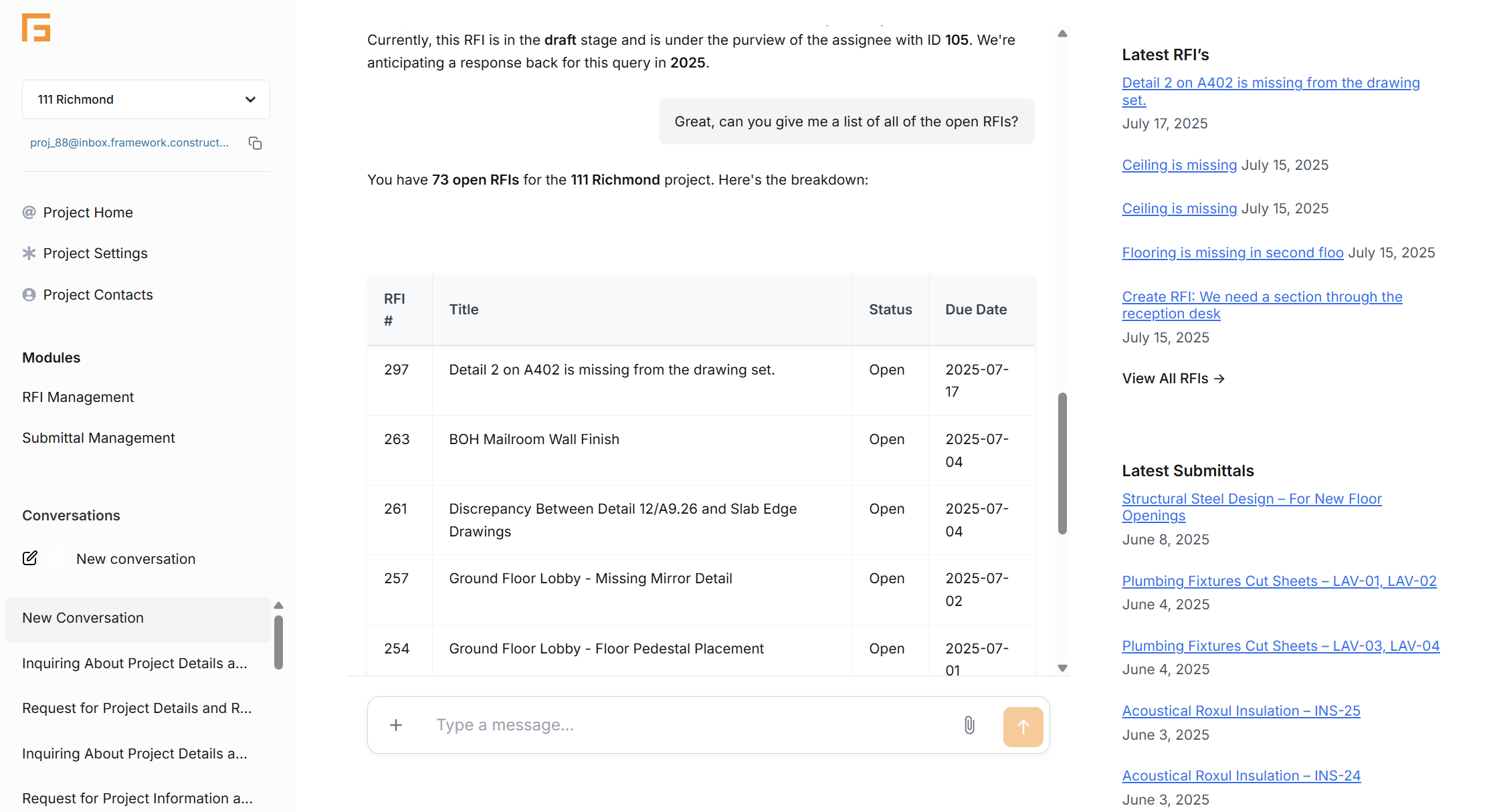
The chat interface is where you'll interact with the AI models. To the left you'll ask your questions and get responses, to the right you can pull up drawings or information that the AI references in the chat.
(Click the image to view full screen)
Memory Module
While chatting with the AI models about your documents, they will from time to time create a memory. These memories are used to more quickly retrieve information and form a better understanding of your project. You can edit these memories, incase the AI saves incorrect information or you want to provide hints to help the AI understand better.
(Click the image to view full screen)