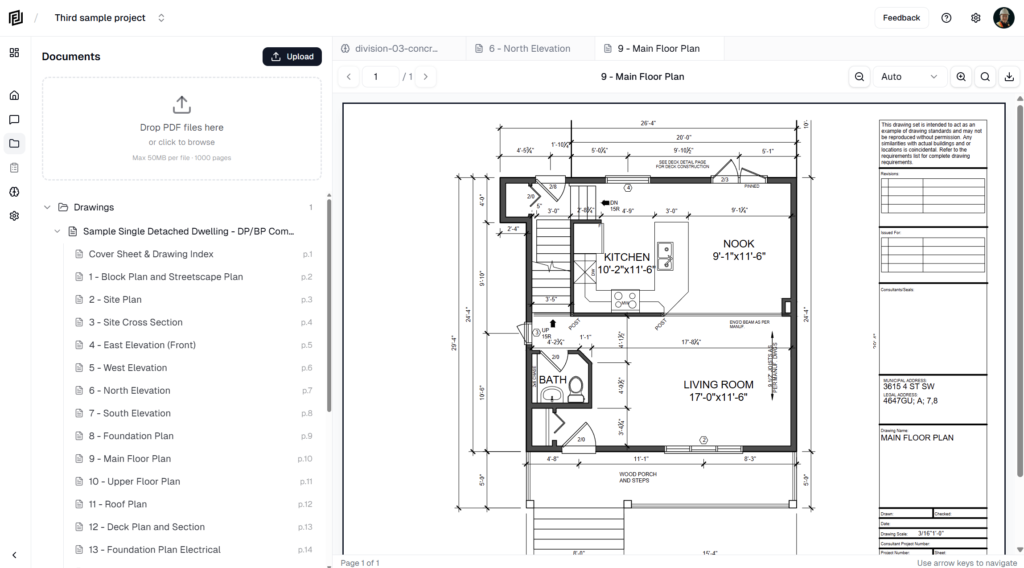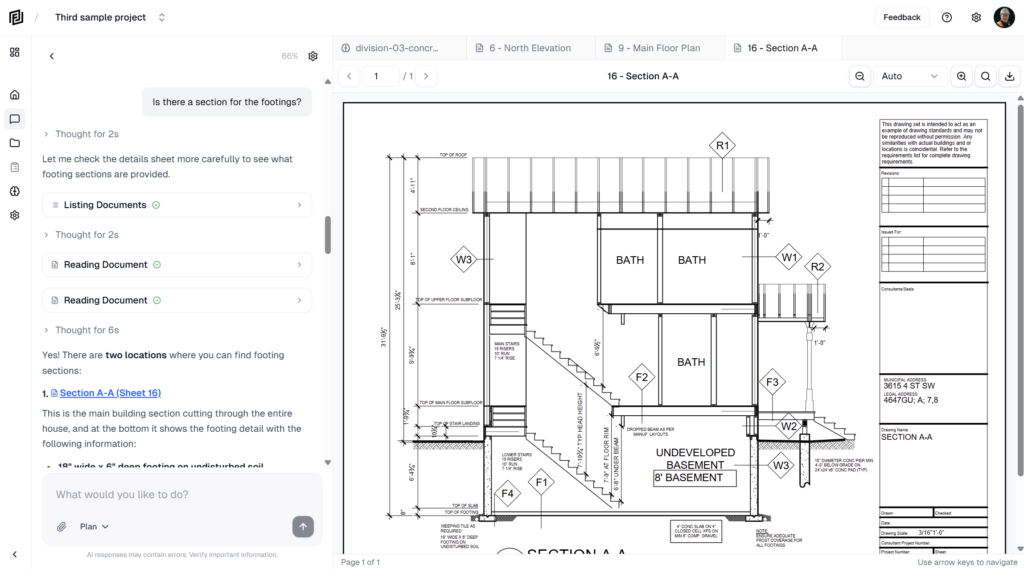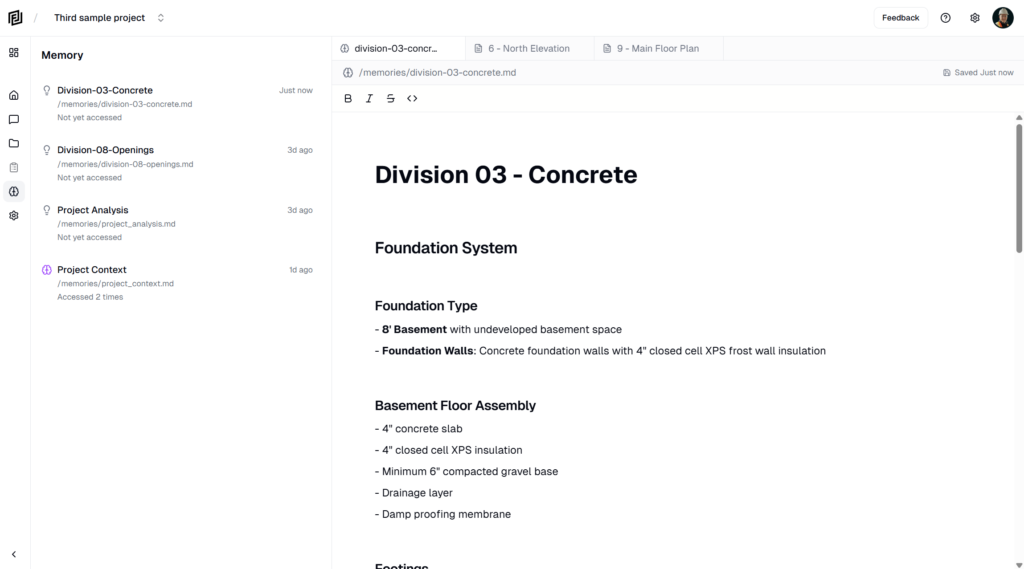
Construction runs on documents — and those documents live everywhere. Drawings in one cloud drive, specs in another, the latest RFI package sitting in a shared folder someone emailed you a link to. Until now, getting any of it into Framework meant downloading a file, finding it again, and dragging it in.
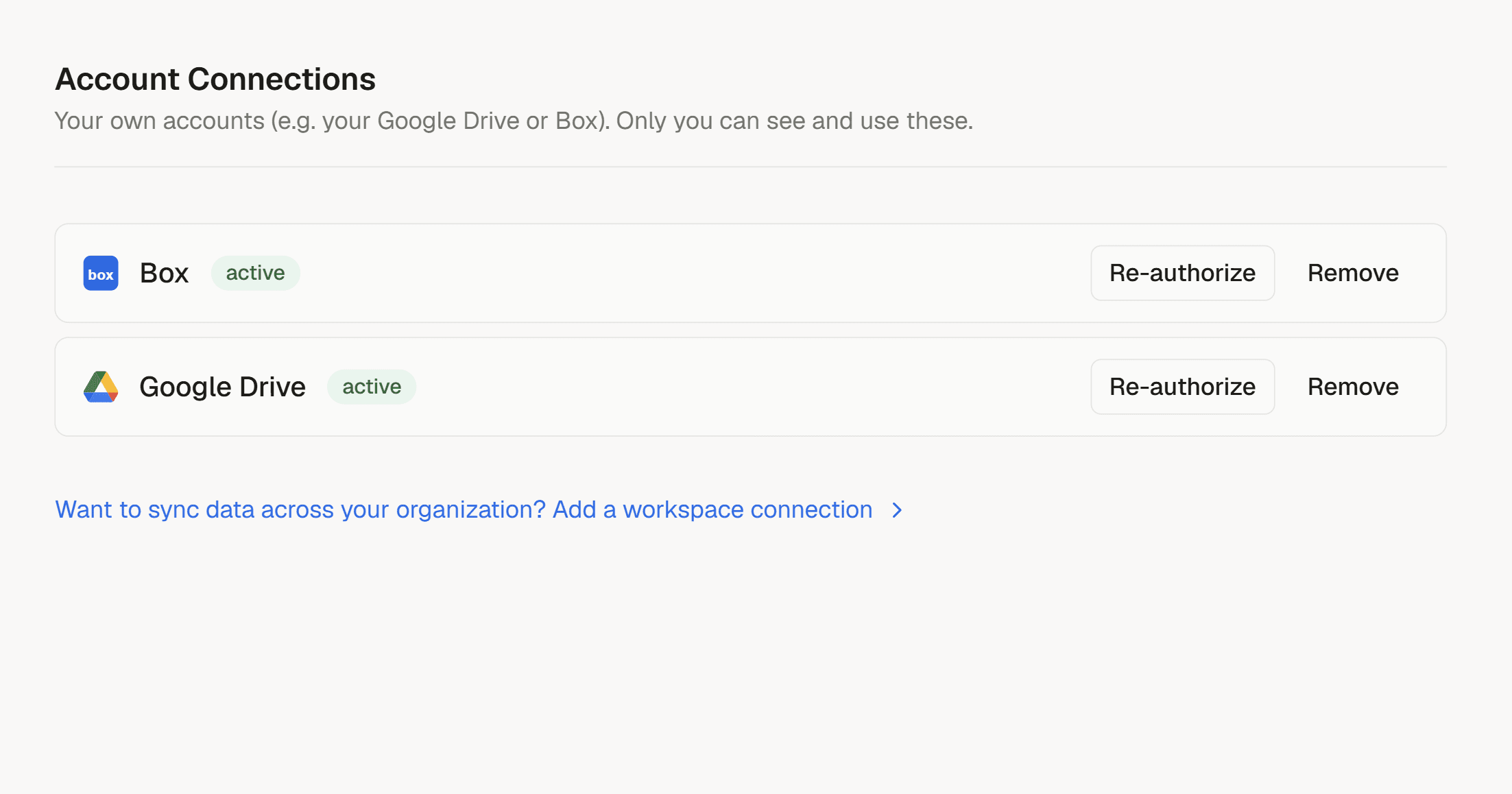
Today we’re changing that. Connections lets you link the tools your team already uses and pull files straight into a project — no downloading, no re-uploading, no hunting through your downloads folder. We’re launching with Google Drive and Box, with more on the way.
Connect once, import anywhere
Link your Google Drive or Box account a single time from your account settings. After that, every project gets an Import option right inside the Document Manager. Click it, browse your files in a familiar picker, choose the PDFs you need, and they land in the project in seconds.
Imported files aren’t second-class. They go through the exact same processing as a file you drag in from your desktop — fully searchable, readable by Framework’s AI, and ready to reference in chat, RFIs, and submittals. The only difference is a small tag showing where the file came from, so you always know its source.
Why this matters on the jobsite
The point of Framework is to keep your project’s information in one place and make it instantly useful. Connections removes the busywork that stands between your files and that goal. Pulling in a set of drawings or a spec book is now a thirty-second task instead of a round trip through three apps.
And because everything still flows through Framework’s single document pipeline, an imported PDF behaves exactly like every other document you’ve ever added — the AI can read it, search can find it, and you can link it to the work it belongs to.
Built on workspaces — so connections belong to your team
Under the hood, Connections sits on a new foundation we shipped first: workspaces. A workspace is your team’s home in Framework, and connections are owned by the workspace rather than by one person’s login. That means a connection set up by an admin is governed at the team level — the right people manage it, and it doesn’t walk out the door when one person does. It’s the groundwork that lets us add deeper, team-wide integrations safely over time.
What’s next
Google Drive and Box are just the start. We’re actively building more connections — additional cloud storage providers and, importantly, the construction platforms you’ve asked for most. The connector platform we built is designed to add new integrations quickly, so expect this list to grow.
Connections is available now. Open any project’s Document Manager to link your first account and bring your files home.