A good RFI asks one thing, points at exactly where the gap is and proposes an answer. That’s what gets a fast response.
What you get
- Subject – Specific, under twelve words, naming the element and the location.
- Question – What the documents show, what conflicts or is missing, and what needs deciding, with sheets, details, spec sections and revision dates.
- Proposed answer – What you recommend and why, so the design team has something to say yes to.
- Impact – The schedule and cost effect of waiting.
- Fields set – Status open, ball in court with the responder, and the due date from your contract.
How it works
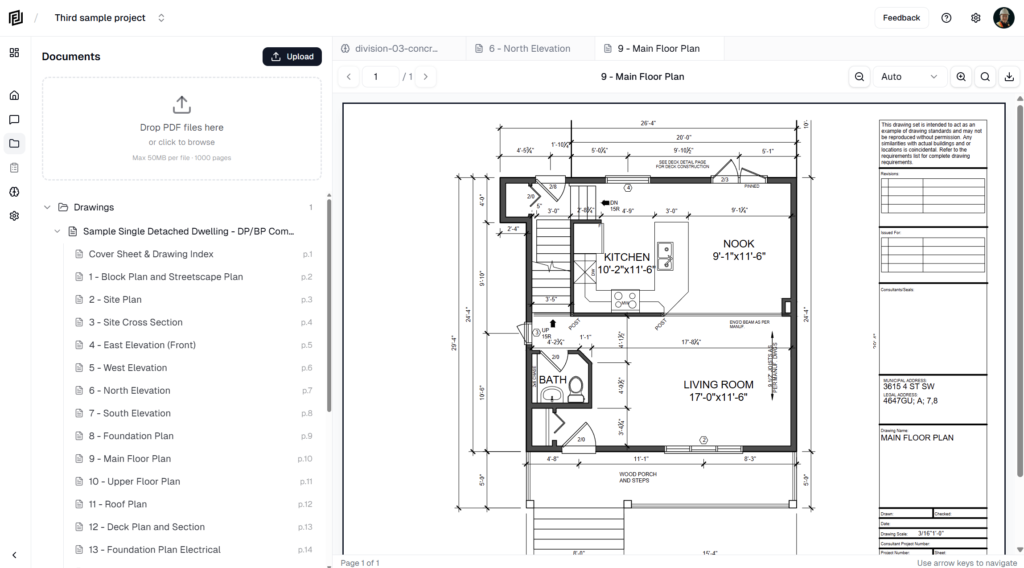
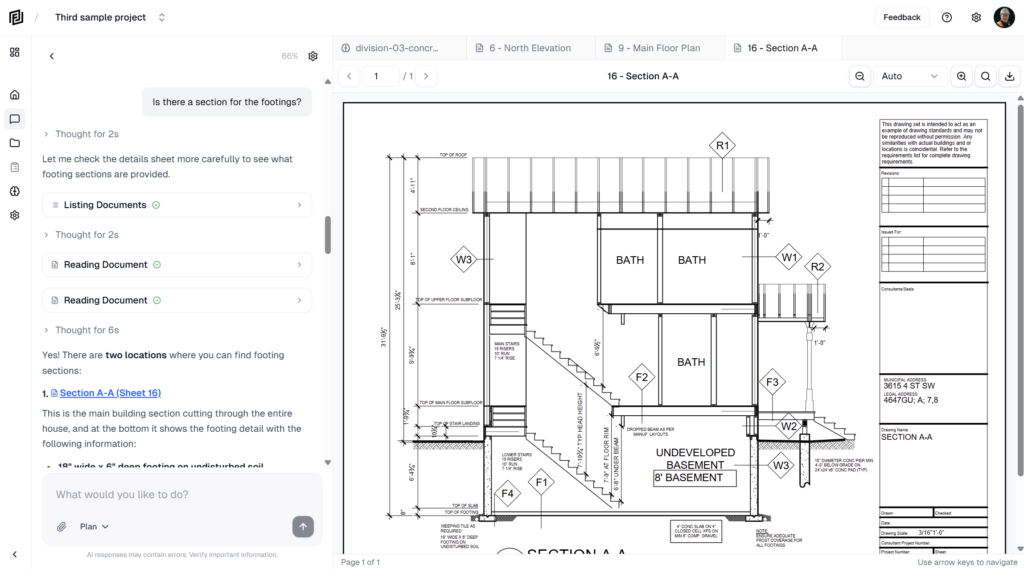
- The agent reads the relevant sheets and spec sections to confirm the gap is real. If the documents answer it, it tells you instead.
- It checks the RFI log so it doesn’t duplicate an existing RFI.
- It confirms who the RFI goes to and the required response date – ten working days by default.
- It drafts the RFI, adds it to the register – creating one if the project doesn’t have it – and offers to draft the transmittal.
Try asking
- Draft an RFI on the lintel size at door 104, the structural and architectural don’t match.
- Footings pour on the 12th. Write an RFI to the structural engineer on the missing rebar at grid C.
- Is the stair guard height shown anywhere? If not, RFI it to the architect.