
Google Drive, connected to your own account. Pick files with Google’s own picker; nothing else in your Drive is shared.
What it brings in
- Drawings, specs and other PDFs
- One file or many, from any folder you can open
- Each file is read and indexed, so search and the AI can use it
How to connect
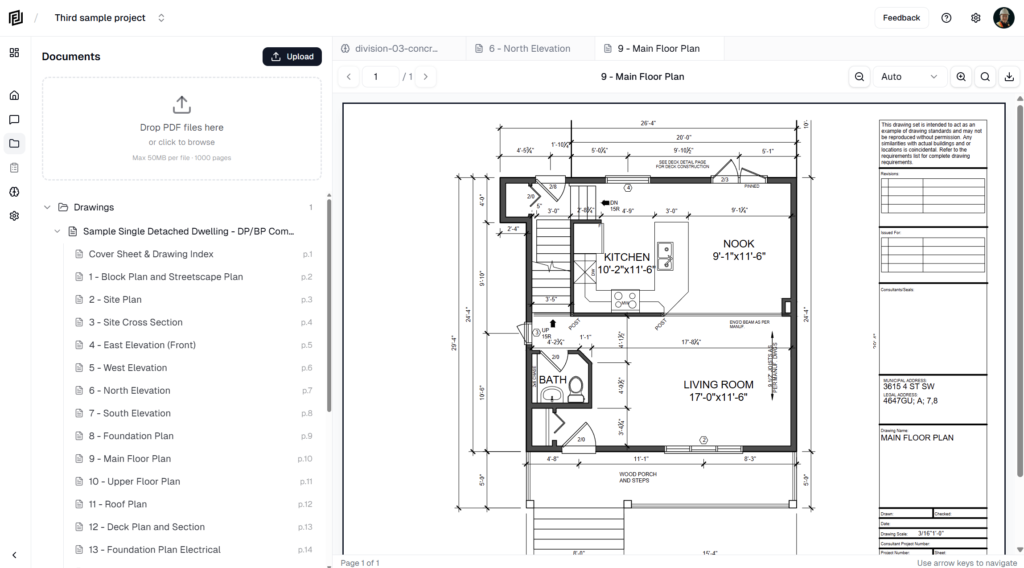
- In a project, open Files and click Import.
- Choose Google Drive. The first time, click Connect and sign in with your Google account.
- Pick the PDFs you need. They’re added to the project and read for search and the AI.