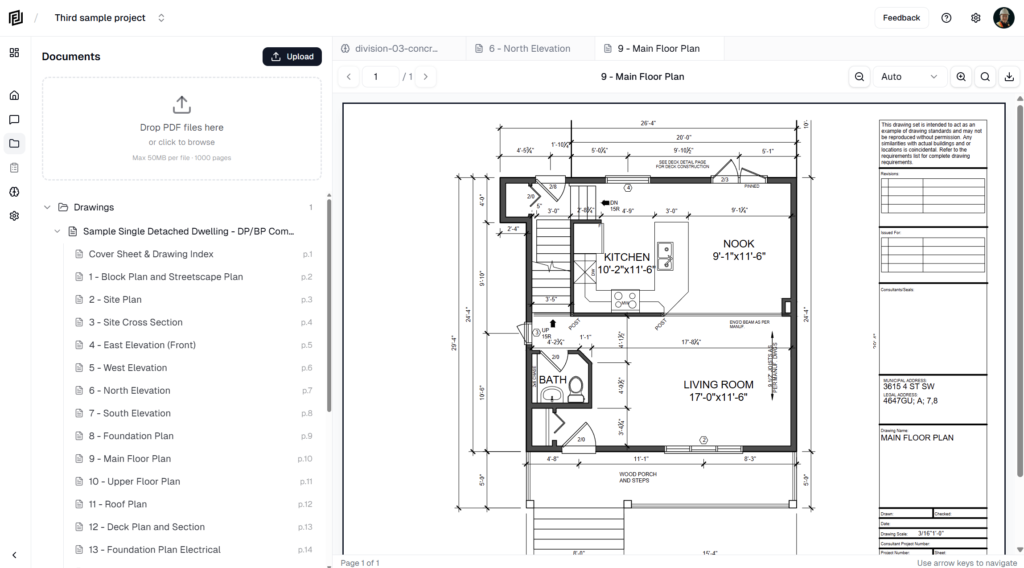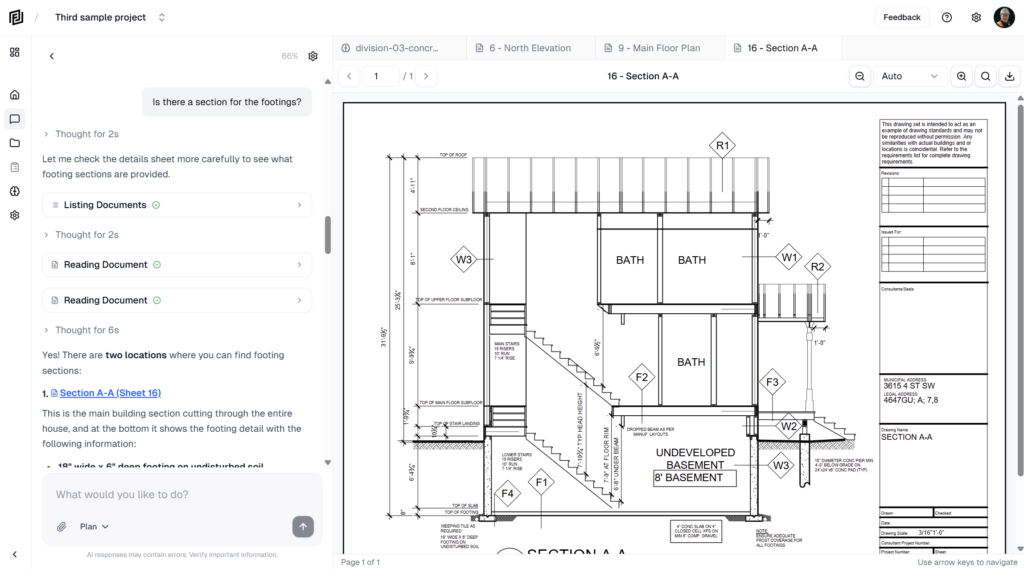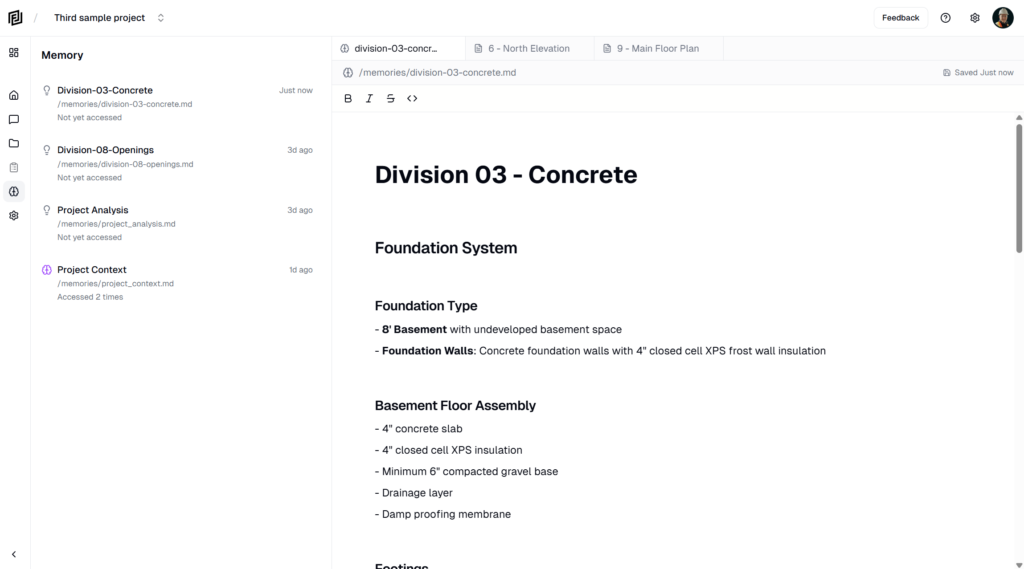
In this weeks update we’re sharing a number of new features and revisions to existing ones that will help us deploy new more advanced features quickly in the coming weeks.
Added
- Drawing Markups — Draw directly on any PDF with arrows, rectangles, ellipses, clouds, freehand, polylines, highlights, and text boxes, organized into markup groups. Includes ten built-in stamps (Approved, Approved as Noted, Reviewed, Revise & Resubmit, Rejected, Draft, Confidential, Void, Received, For Review), per-markup styling for color, line width, fill, and text, and a live preview as you draw.
- Download with Markups — Export any drawing as a flattened PDF with your markups baked in, ready to email or file. The original page text stays selectable in Acrobat and Preview.
- RFI & Submittal Registries — Dedicated RFI and Submittal logs with detail views, auto-numbering (RFI-001, SUB-001), file attachments, and a built-in CSI MasterFormat spec-section picker. RFIs track responses; submittals track review decisions (Approved, Approved as Noted, Revise & Resubmit, Rejected). A reusable person picker lets you assign contacts and create new ones inline, and the responsible contractor auto-fills from the selected contact’s company.
- Connections (Google Drive & Box) — Link your Google Drive or Box account and import PDFs straight into any project from the Document Manager — no downloading and re-uploading. Imported files are processed exactly like a desktop upload and tagged with their source.
- Notification System — A new in-app notification center, alongside on-screen toasts, that tells you when documents finish processing (or fail) and when the AI creates a note, sheet, or schedule for you. Notifications arrive in real time and link straight to the item.
- Notes: Inline Images — Add images to notes by drag-and-drop, paste, the
/imagecommand, or the toolbar. Resize, align, caption, and add alt text. - Notes: Weather Widget — Insert a weather block with
/weatherfor any location and date — useful for daily reports and delay documentation. - Sheets: Computed Columns — Add columns whose value is driven by a formula referencing other columns, built with a chip-based editor with autocomplete. Computed values feed sorting, grouping, and totals, and export as live Excel formulas.
- Bulk Row Duplication — Select rows in a sheet or tasks in a schedule and duplicate them in one click. Sheet copies respect auto-numbering; schedule copies insert directly after the original.
- New Templates — Five field-operations sheets (Manpower Tracker, Equipment Inspection Log, Prepour Checklist, Punch List, Procurement Log) and six formal letters (Memo, Transmittal, Notice of Delay, Notice of Backcharge, Warranty Letter, Stop Work Notice).
- AI Clarifying Questions — When a request could go more than one way, the assistant now pauses and asks a short multiple-choice question instead of guessing.
Changed
- Workspaces — A new team layer that powers Connections and billing. Connections and subscriptions belong to your workspace rather than a single login, with a redesigned Workspace screen (recent conversations, recent documents, usage) and a workspace settings page.
- Template Picker Redesign — Templates are now organized by construction workflow phase (Legal, Preconstruction, Reporting, HSE, Quality, Schedule, Cost Management, Closeout, and more) in a cleaner single-column list.
- AI Registry Support — The assistant can now create and manage RFI and submittal registries from chat — build a log, add entries, and record responses, then open the result as a clickable card.
- Smarter Estimates — The AI now produces more complete estimates: full CSI-division coverage, paired material and labour line items, and unit rates drawn from credible professional sources rather than consumer retail pricing.
- Upgrade & Plan Switching — The upgrade dialog now shows your current plan and lets paid users switch tiers directly — upgrades apply immediately, downgrades take effect at period end.
- Cancellation Feedback — Cancelling a subscription now asks for a reason so we can keep improving.
Fixed
- Overage Billing — Metered usage charges were still not firing after an earlier partial fix. Usage tracking and overage billing are now fully restored.
- Date Picker — Fixed a timezone bug where sheet dates could display one day early, and fixed the calendar closing when navigating between months.
- Status Dropdowns — Fixed status selectors in detail views that wouldn’t open or respond to clicks.