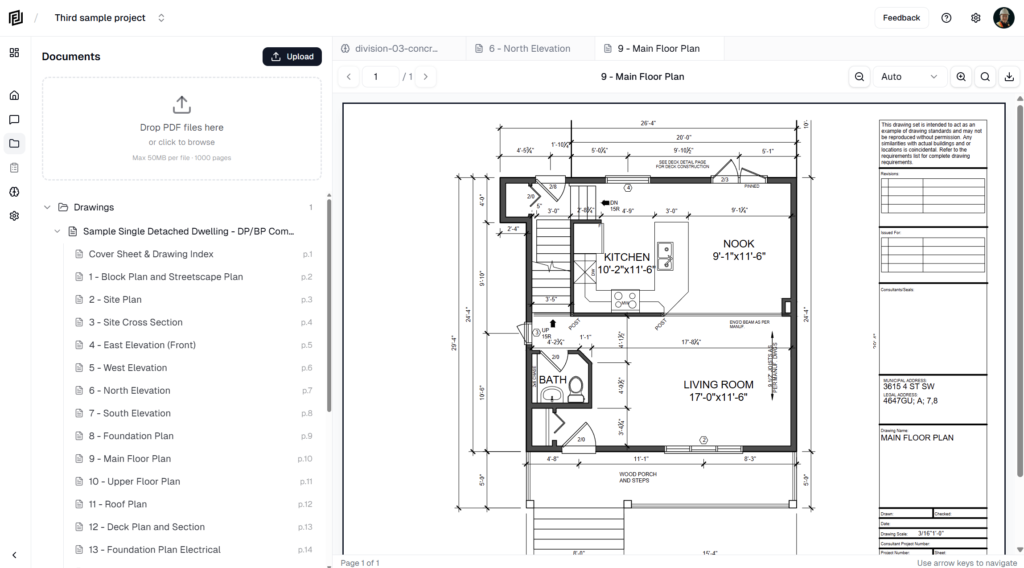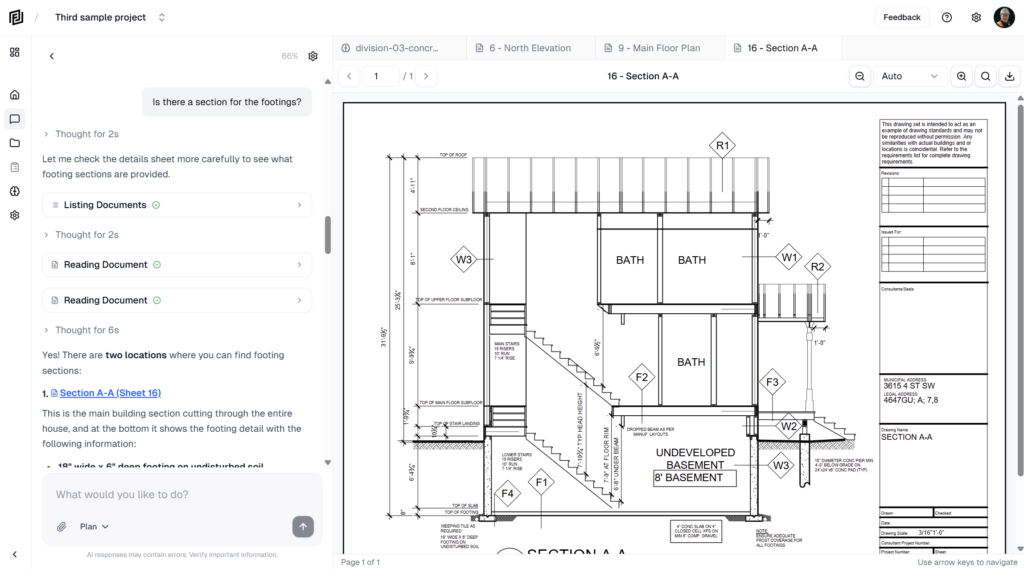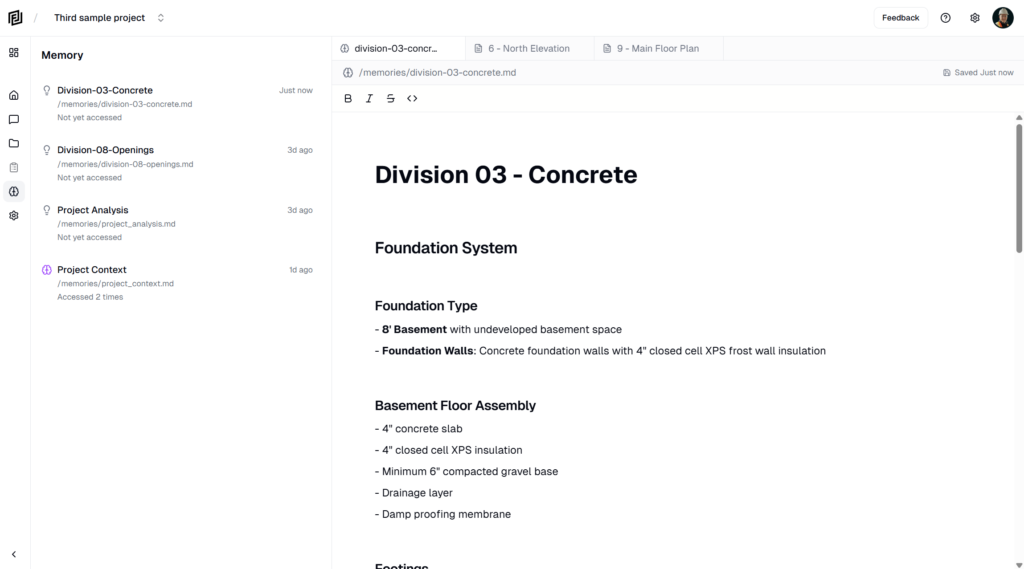
Added
- Schedule & Gantt Charts — Build construction schedules directly inside your project. Grid editor on the left, interactive Gantt timeline on the right. Add activities, set durations, drag bars to reschedule, and draw dependencies between tasks. A critical path engine calculates your dates and float automatically. Zoom from day to quarter view.
- AI Routines — Set up recurring AI tasks that run on a schedule. Describe what you want done in plain language, pick a frequency (manual, hourly, daily, weekdays, weekly), and the AI handles it. Each run creates a reviewable conversation so you can see exactly what it did.
- Multi-User Live Chat — Team members viewing the same conversation now see the AI response stream in real time. A lock prevents concurrent sends, and author chips show who said what.
- Notification Preferences — Control document-ready and document-failed email notifications from your account settings.
Changed
- Smarter Context Management — Long conversations now compact gracefully instead of hitting the context limit. A structured summary preserves your project knowledge across extended sessions, and a real-time indicator shows when compaction is happening.
- UI/UX Polish — Unified loading indicators, click feedback on project cards and conversations, route progress bar, loading skeletons, iOS-style drawer easing, and haptic feedback on mobile.
- Lower AI Costs — Optimized caching and context thresholds to reduce per-conversation API spend.
Fixed
- Overage Billing — Metered usage charges were silently broken for two weeks. Usage tracking is now restored and working correctly.
- Past-Due Subscriptions — Past-due accounts were still able to use the platform. They’re now gated with a banner linking directly to the open invoice.
- Mobile Navigation — Fixed several issues where tapping a conversation on mobile did nothing, opened the wrong chat, or double-loaded.
- Chat Lock Recovery — If the AI crashed mid-response in a multi-user conversation, other users could get stuck seeing “someone is chatting” permanently. Stale locks now self-heal.
Security
- Chat Stream Authorization — The live stream endpoint now verifies the caller is a project member before allowing access.
- Multi-User Chat Policies — Row-level security policies aligned so team members can properly read and write in shared conversations.